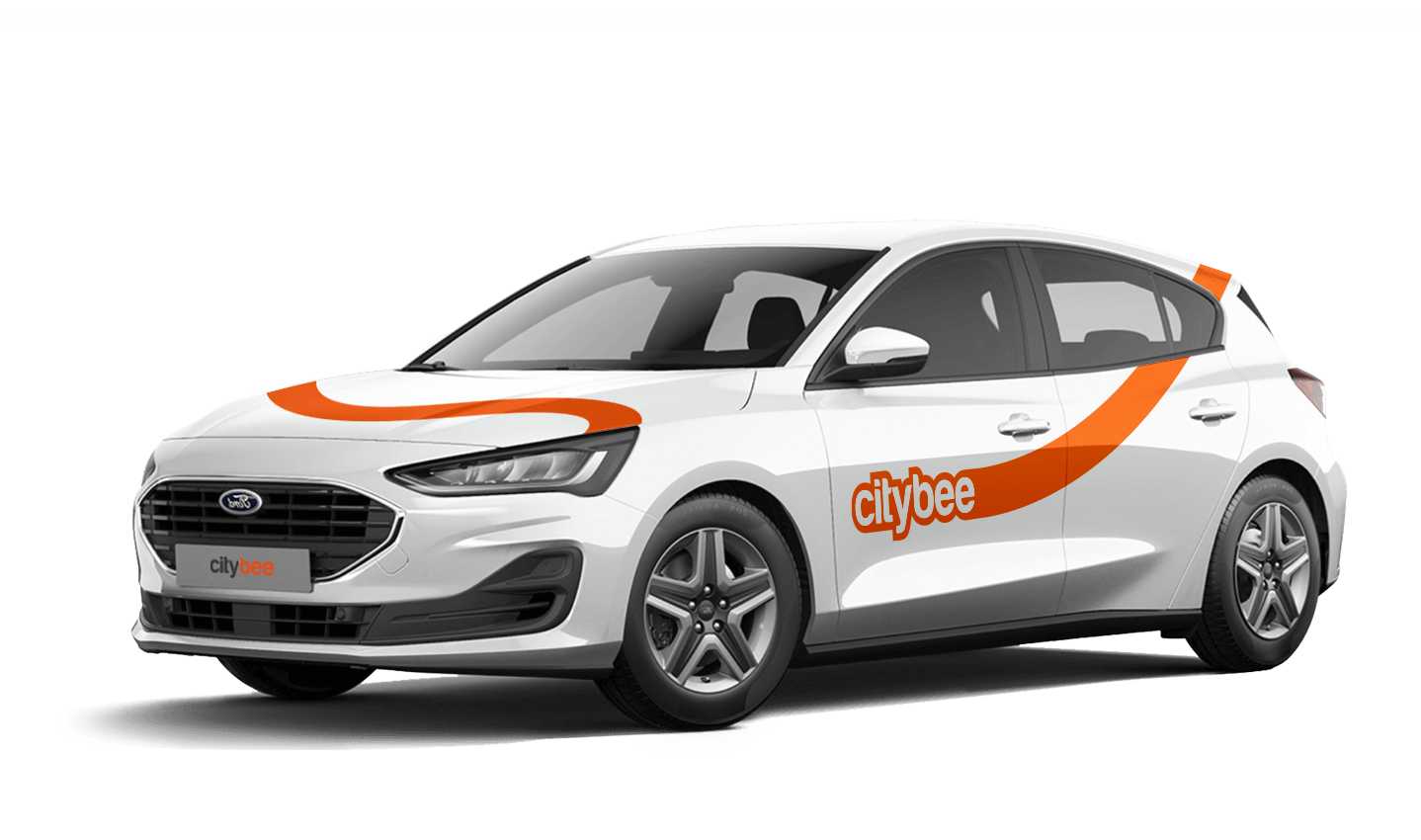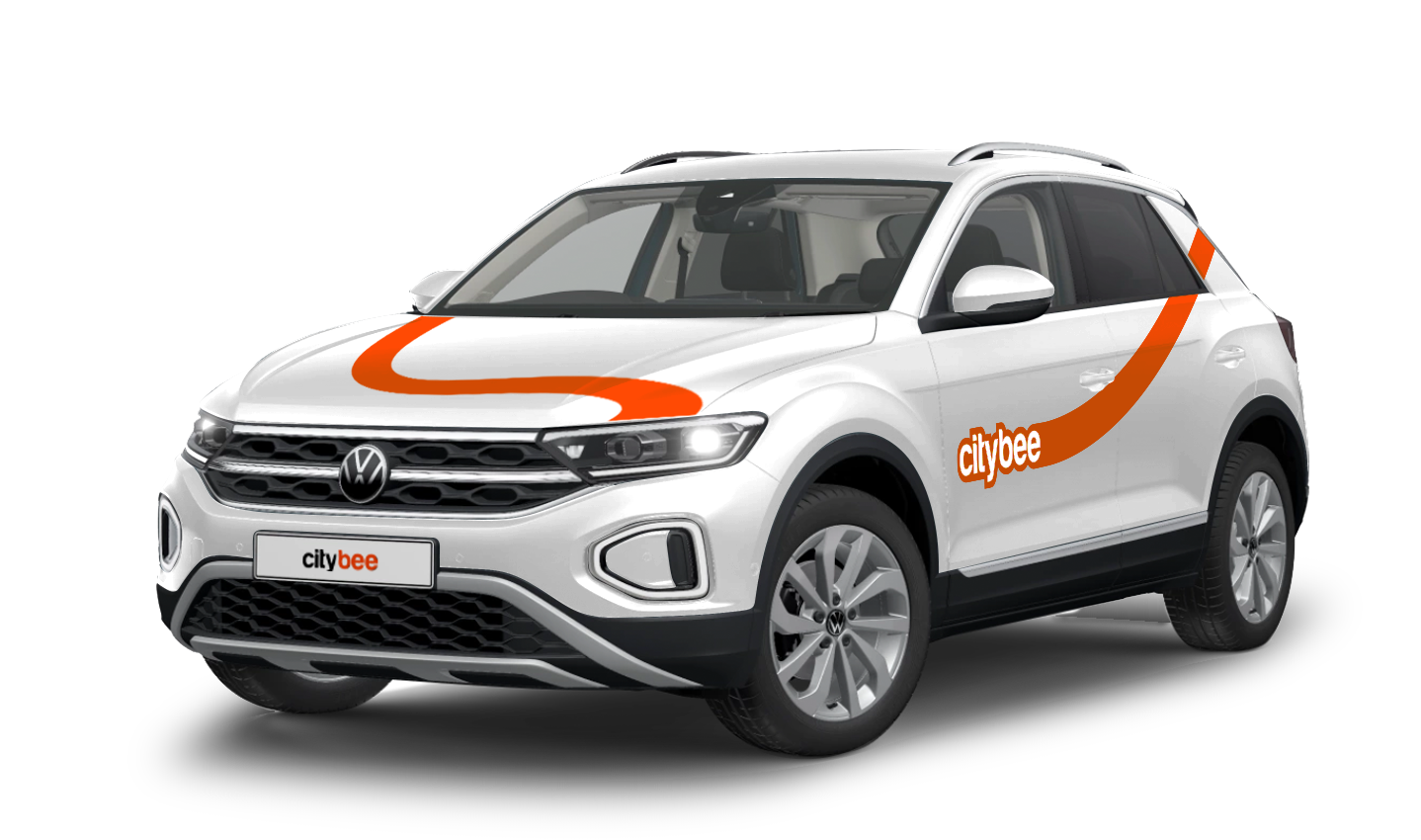
Price Calculator
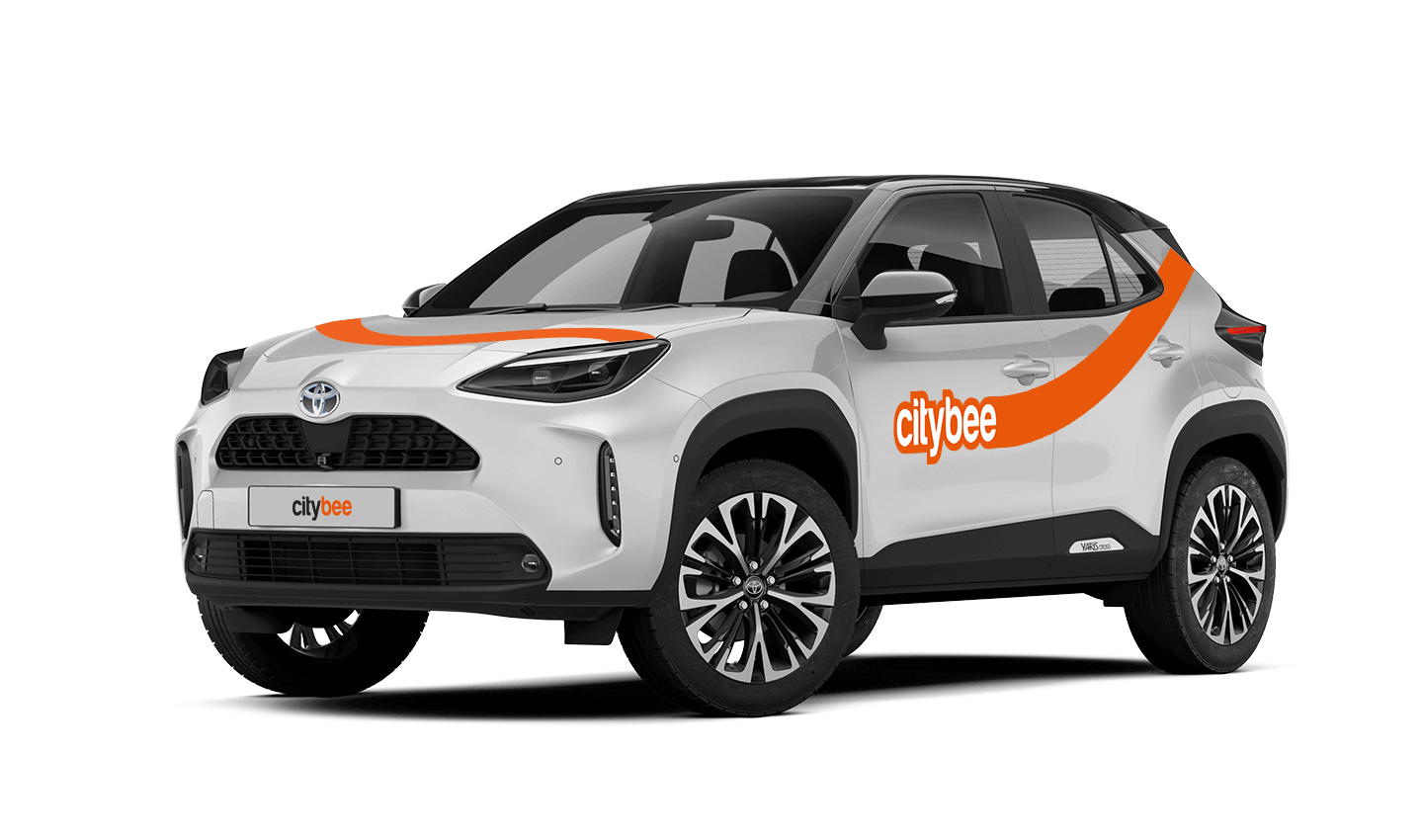
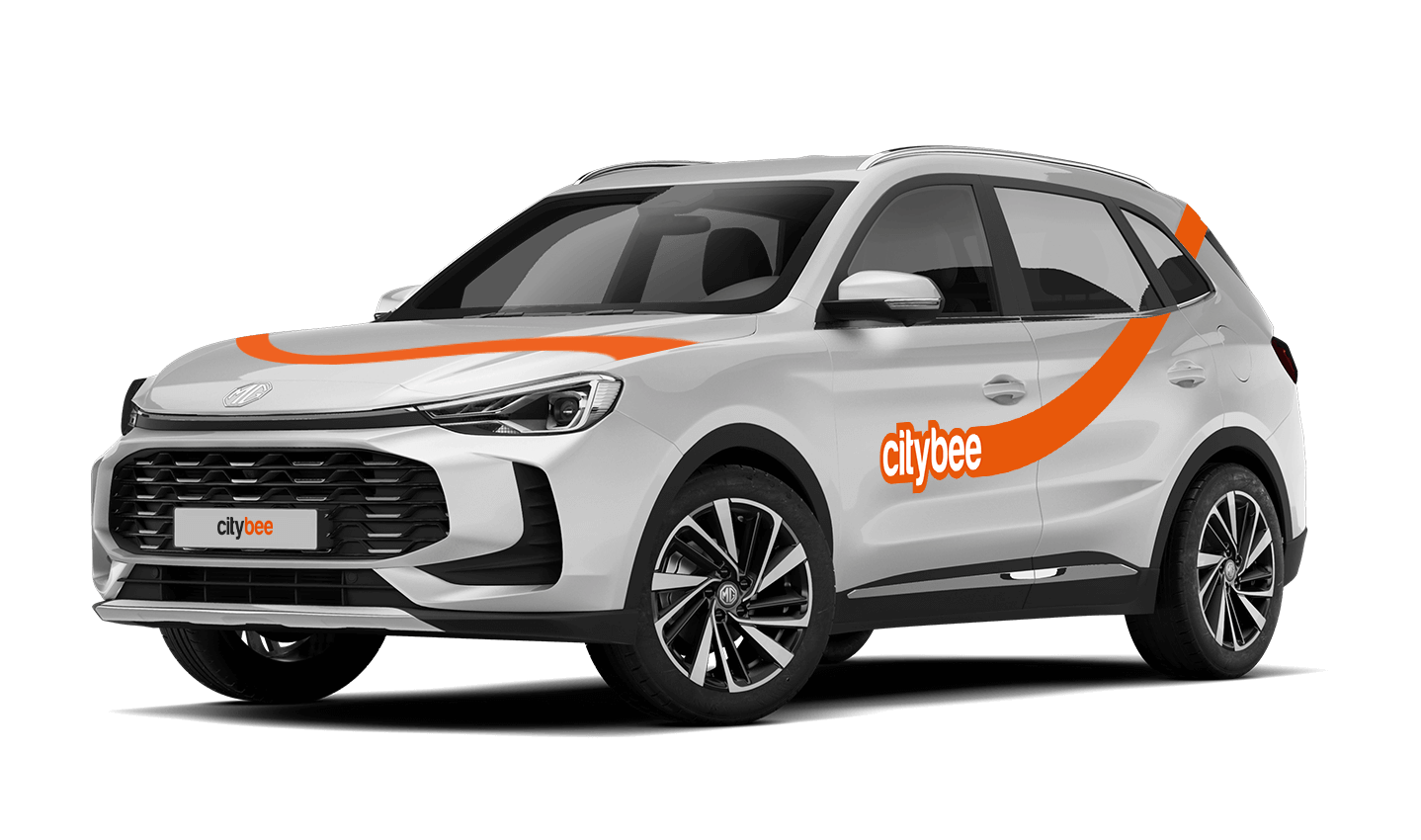
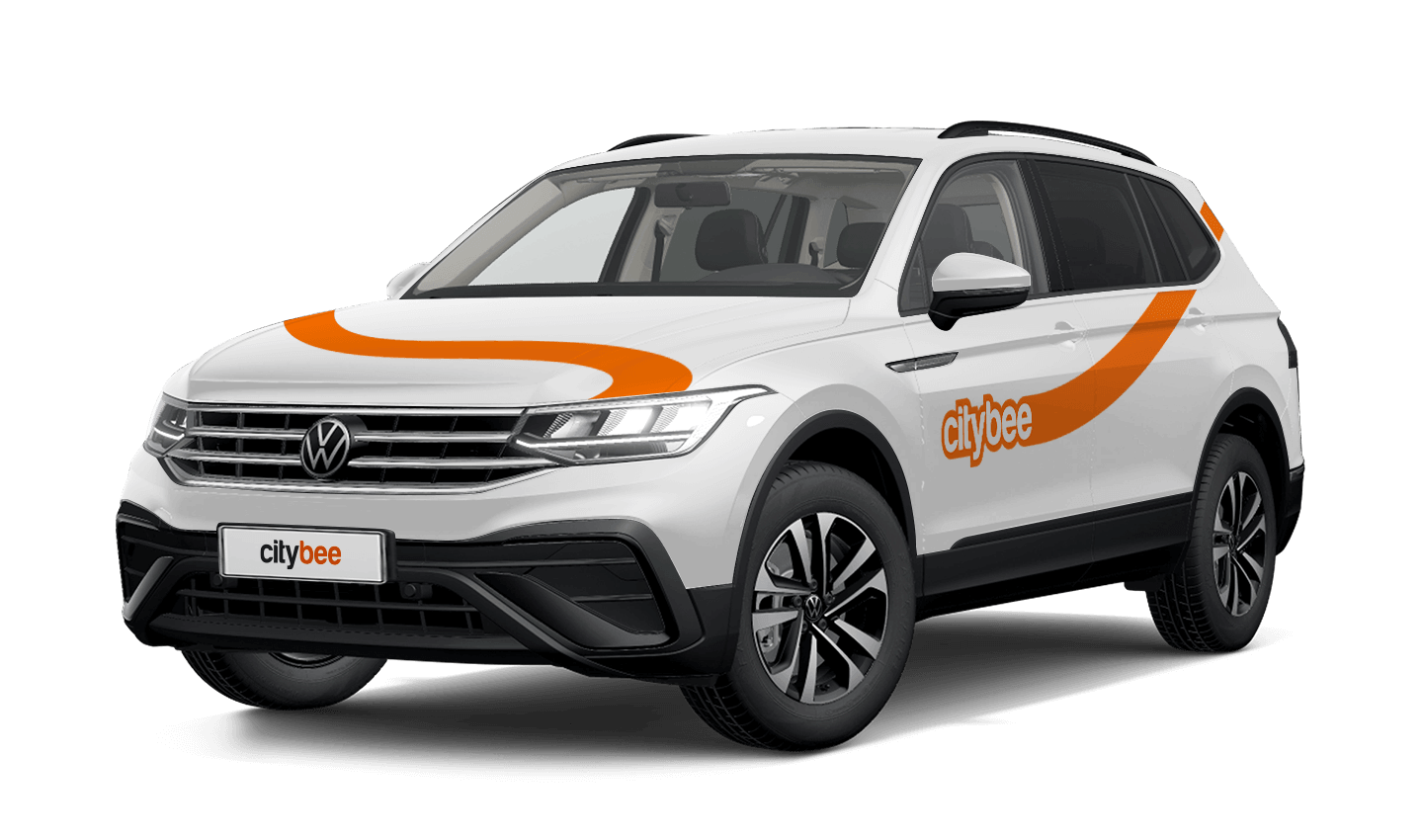
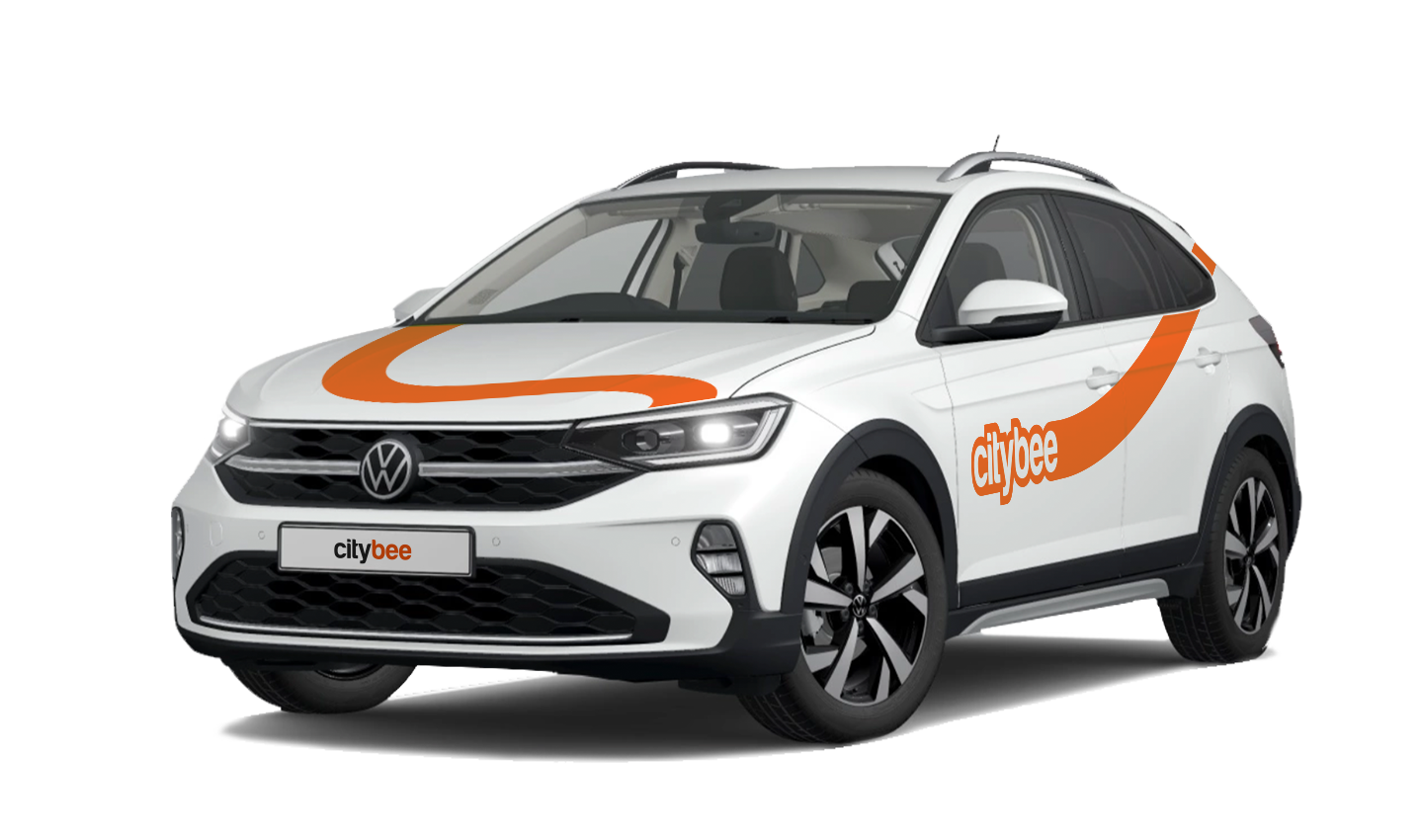
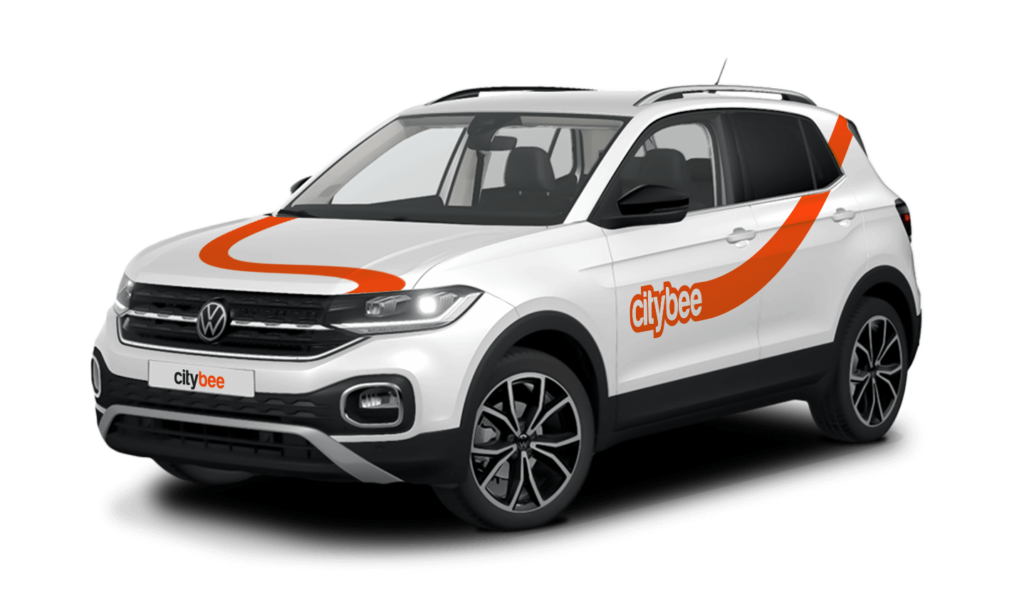
Volkswagen T-Cross
The price of this journey would be
0€
Trip start fee of 0.44€ is included in the price calculation.
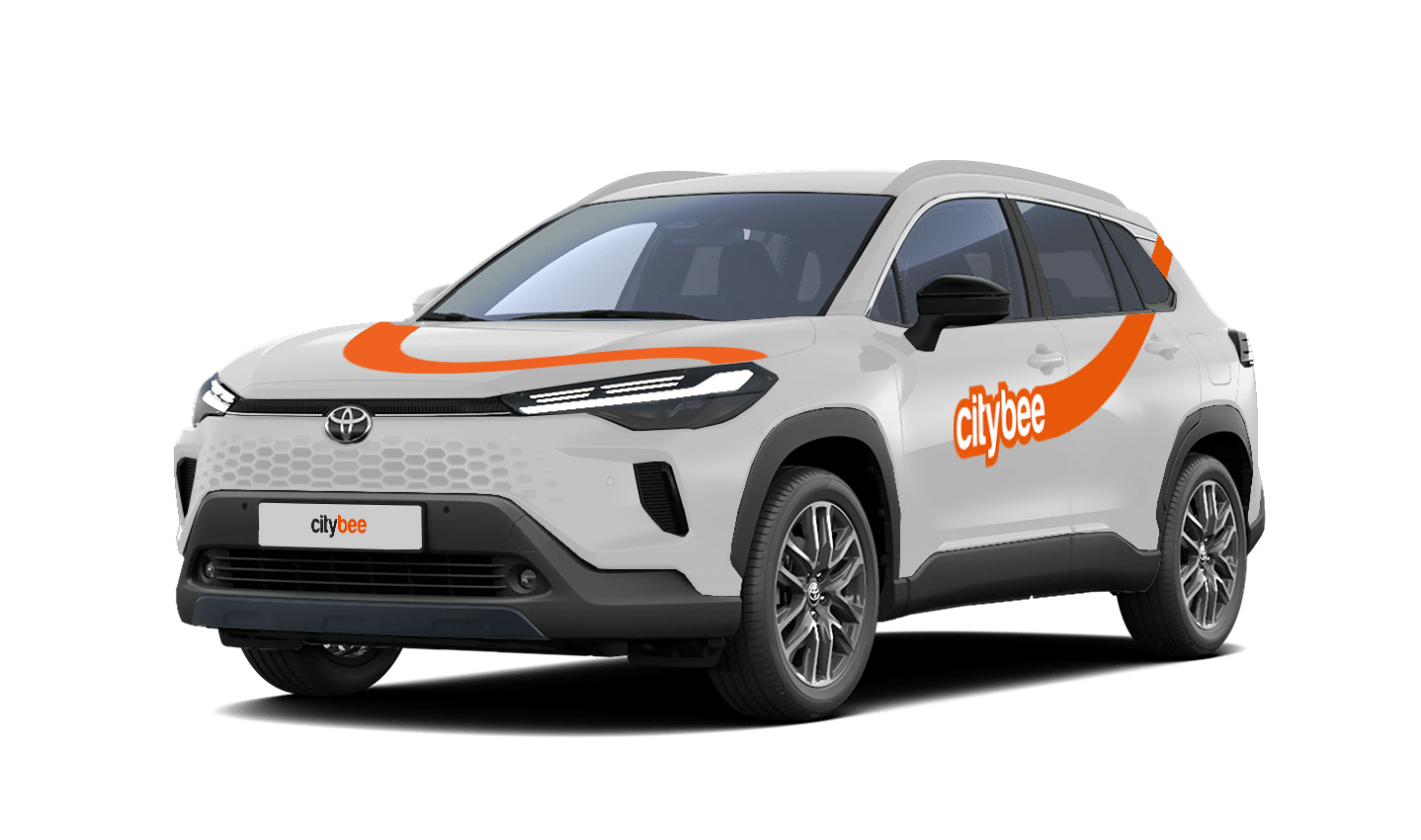
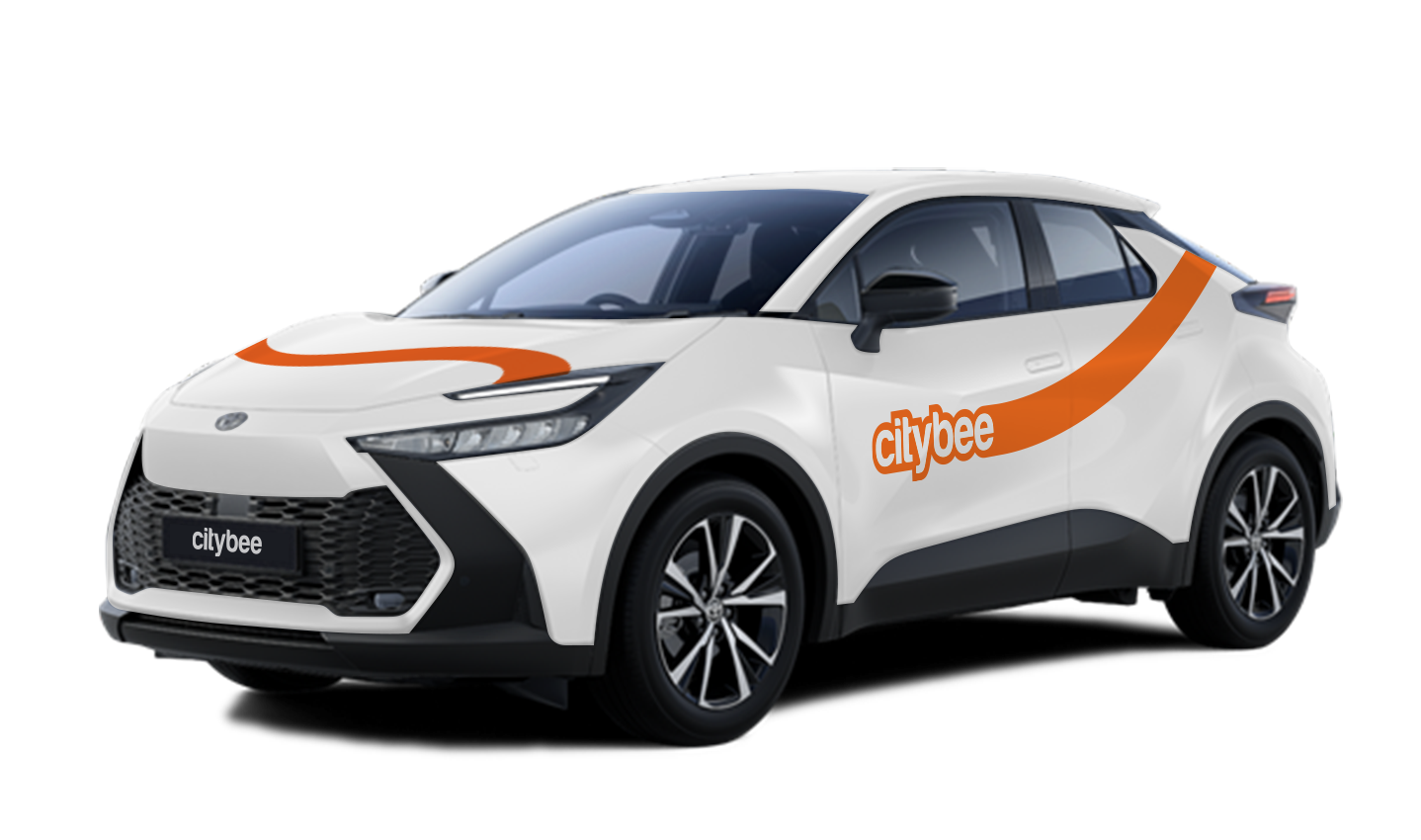
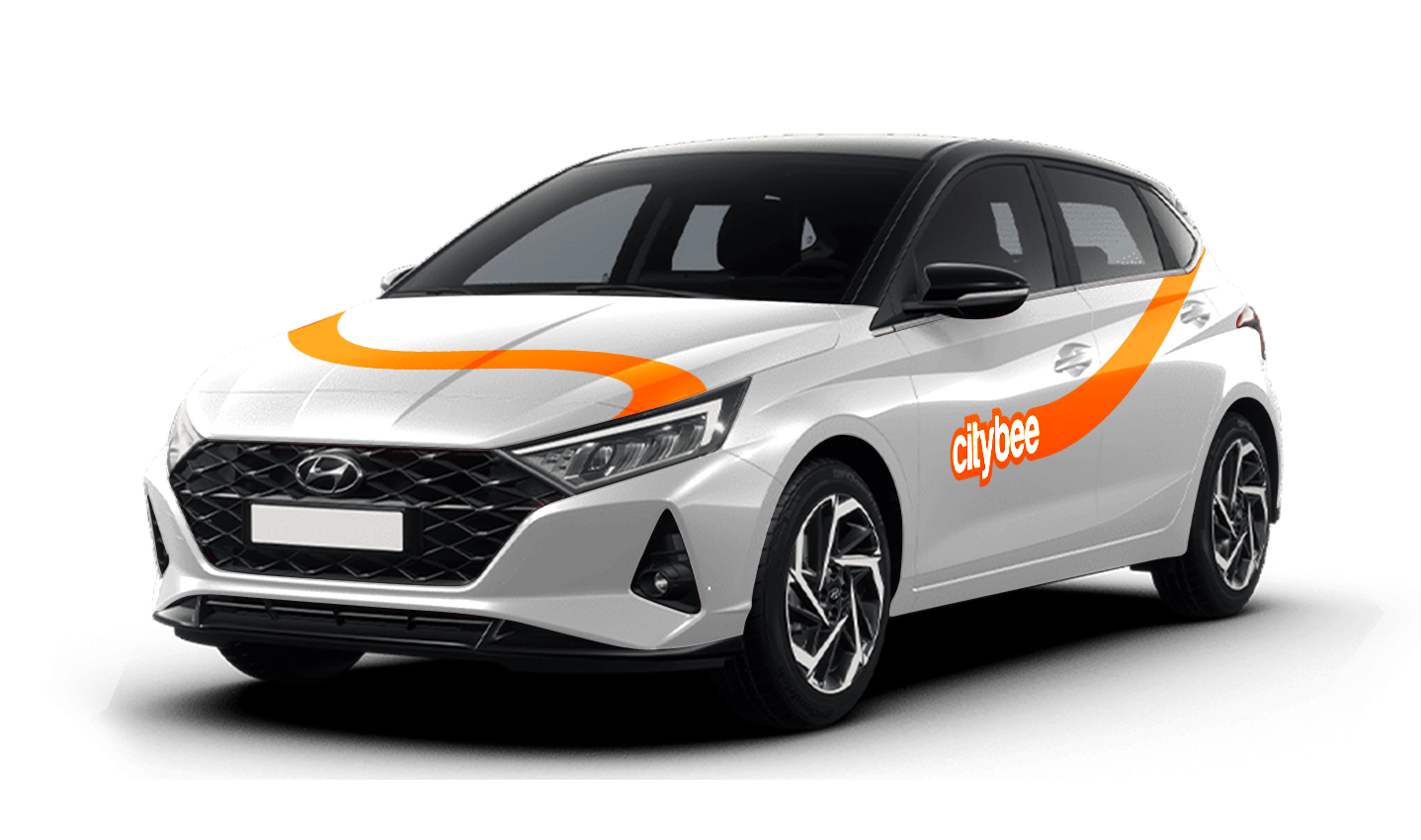
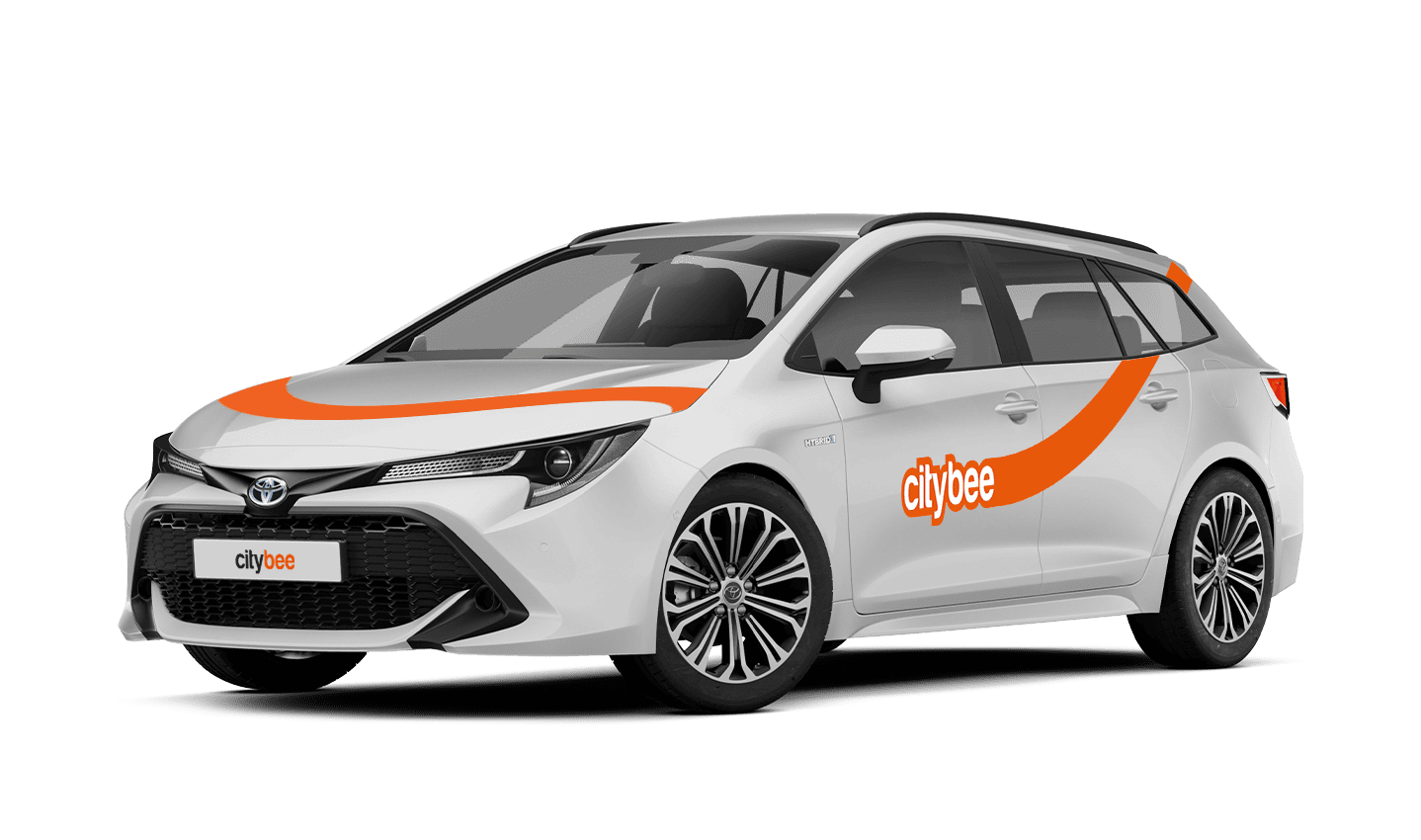
Car gallery




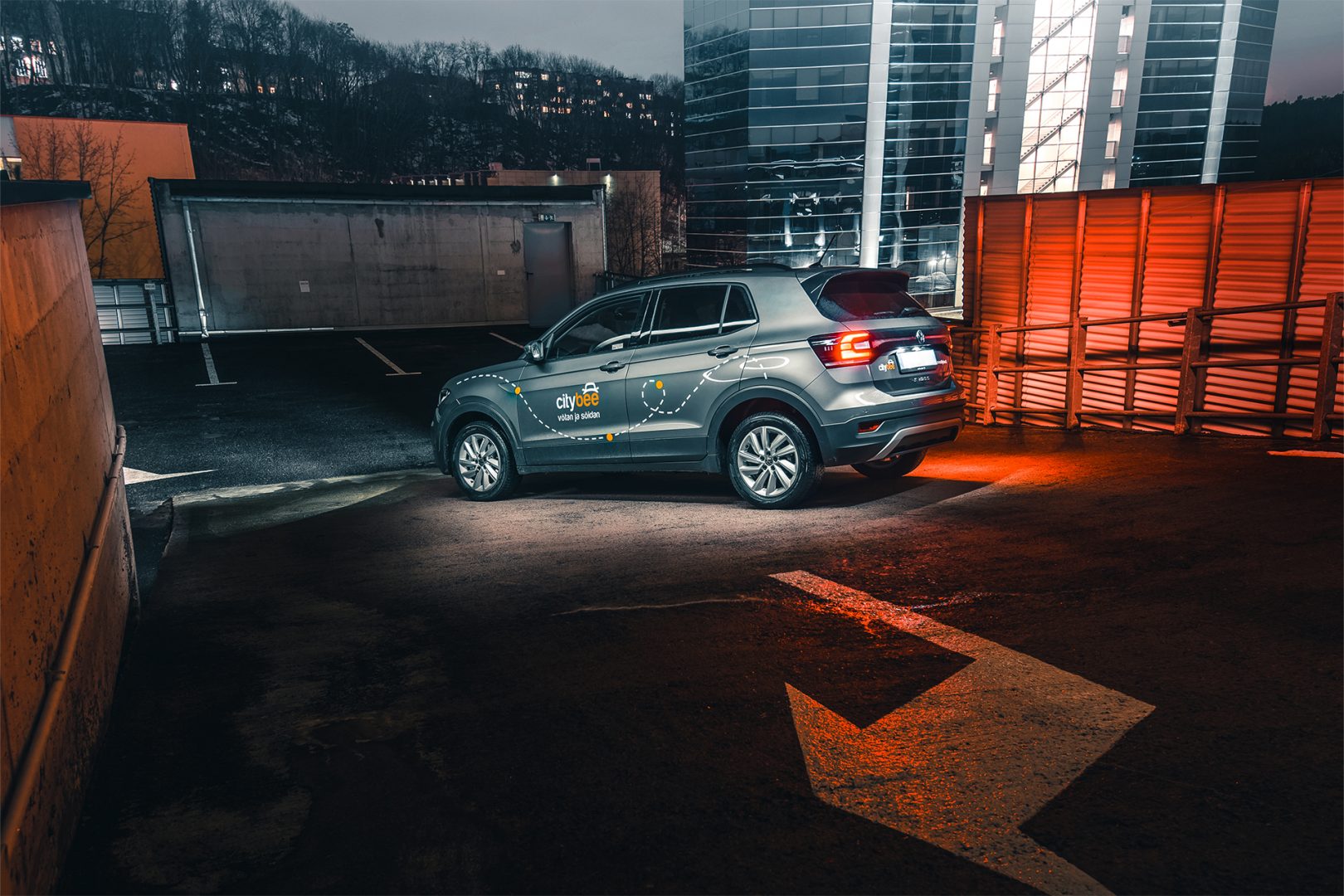
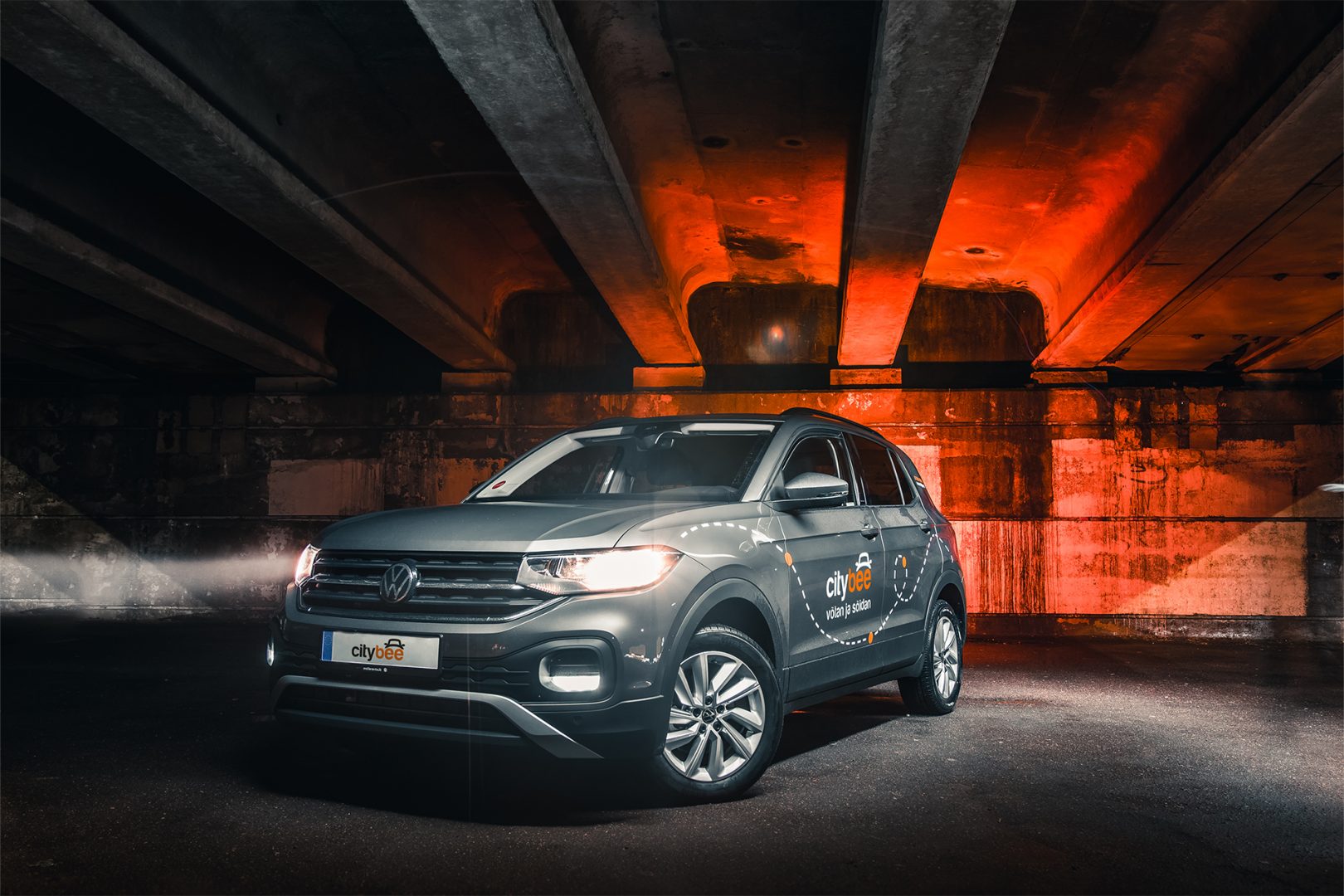

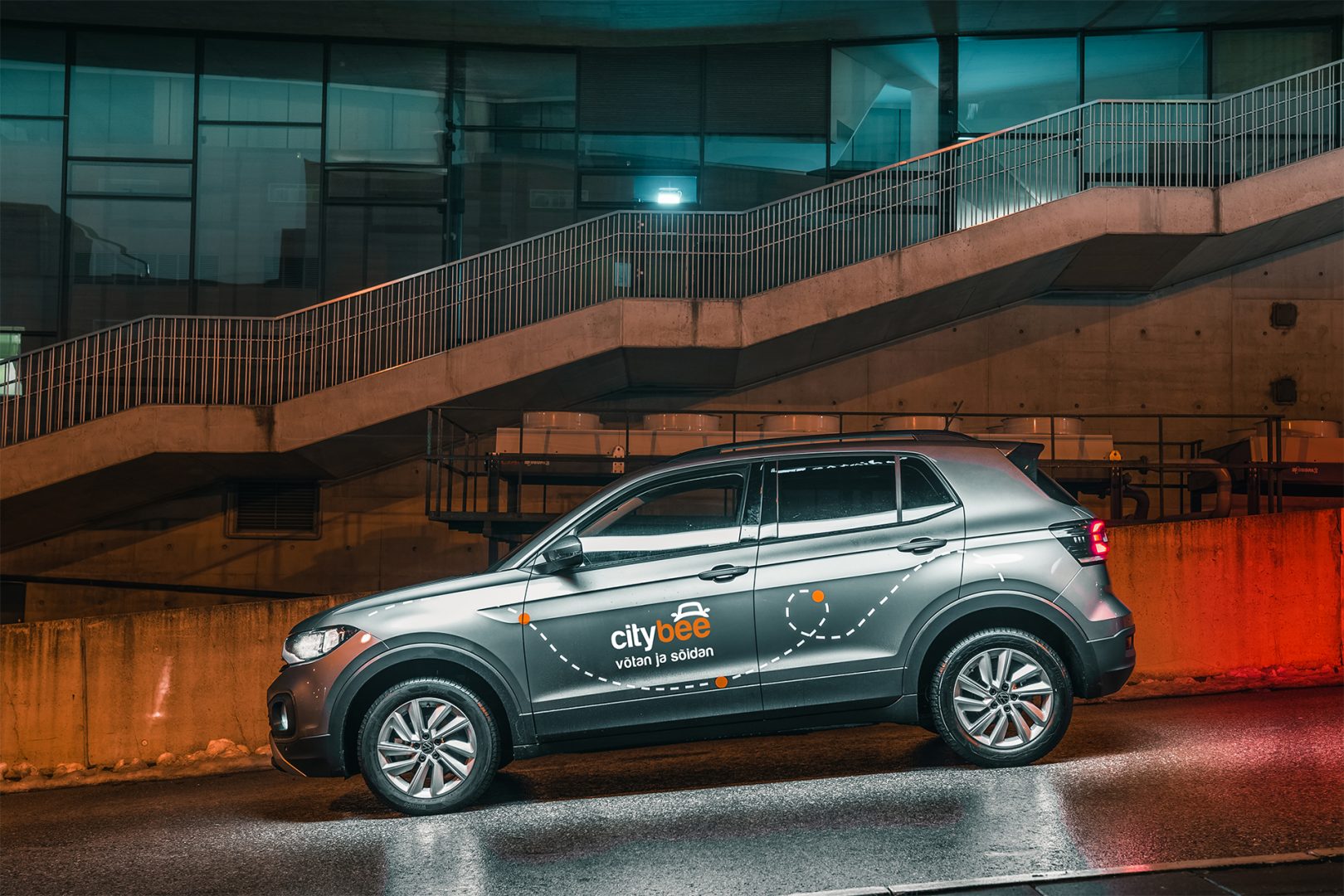


Bee Chill – we’ve got your back! If you happen to have an accident and accidentally damage the vehicle, don’t stress – we’ve got you covered. Just be sure to notify us right away, and we’ll take care of the rest.
The BeeChill is a financial responsibility fee is applied to all ‘Flexible’ trips, and it’s already included in the price of trip packages or trips made with a subscription plan. You can see the fee in the app before you start your trip.
This fee is intended to cover any damage caused to the vehicle as a result of an accident for which you are responsible.
However, BeeChill does not apply in any of the cases listed in Section 7.17 of our Terms of Use. Below are some of the most common examples:
• if the accident is not reported;
• if the accident occurred while driving under the influence of alcohol or drugs;
• if the accident resulted from a serious violation of traffic regulations;
• or in any other cases specified in Section 7.17 of the Terms of Use.
For complete information about the application of BeeChill and all applicable exceptions, please refer to Section 7.17 of our Terms of Use.
You probably already have a CityBee account linked to this email but it has a different phone number. Contact us by e-mail or by phone and we will help you solve this issue.
You can contact Lithuania team via info@citybee.lt or by phone +37070077084;
You can contact Latvia team via info@citybee.lv or by phone +371 27265460;
You can contact Estonia team via info@citybee.ee or by phone +372 600 0160.
If you don’t use all the kilometers and minutes allocated for a trip under the subscription plan, the unused distance and time will not be carried over to another trip.
The CityBee subscription plan does not automatically renew when it expires. However, if needed, you can purchase a new plan to continue your subscription.
From now on, before starting the trip, we will ask you to check the car and inform us only if there are any obvious defects that make the car unsuitable for its intended purpose (5.3.19, 5.15).
1. Make a short inspection of the car;
2. Check whether there is any damage that could make the car unsafe or unsuitable for driving (for example flat tires, moderate or severe body damage, etc.) if there is any – please report it using the CityBee app;
3. If the damage is minor (e.g. small scratches or dents) – You do not have to report it and you can safely start the trip!
If the damage impacts your ability to drive safely or you’re uncertain, please reach out to us via email, in-app chat, or phone. Please include a photo to help us assess the situation more accurately.
If the car is dirty – you can select the “report” function in the reservation and the technical team will clean the car at the first opportunity.
You can contact us here:
LT- info@citybee.lt
LV- info@citybee.lv
EE- info@citybee.ee
If you contact us by phone, calling from a phone number that you haven’t registered in your CityBee profile, we will verify your identity by asking you to provide your profile or other information known only by you.
As part of this check, we can send a verification code (SMS or e-mail) to the registered phone number or e-mail address, asking you to provide the verification code.
If the verification doesn’t work, we cannot continue providing assistance.
Please note that when calling from the registered phone number some additional identification questions may be asked.
All publicly available information will be provided to any caller without verification.
At least one payment card must be linked to a CityBee account. You can link more than one payment card and choose from which card you will be billed for services before each trip. It is important that the card type is VISA or MasterCard and that the secure internet shopping function is activated.
How do I activate the secure internet shopping function?
1. SEB: Log in to your internet bank and look for “Accounts and Cards” -> “Card List” in the menu bar at the top. You’ll see all of your cards that can be registered with the secure internet shopping programme. Next to the desired card in the options below, click on “Online Billing” and click “Enable”.
2. Swedbank: Log in to your internet bank and look for “Cards” -> “Secure internet shopping” in the menu bar on the left. You’ll see all of your cards that can be registered with the secure internet shopping programme. Select the desired card next to the note “Online Billing” and click “Enable”.
3. Šiaulių Bankas: Log in to your Internet bank and in the menu on the left, select “Cards” -> “Secure payment” -> select the payment card for which you want to activate the secure internet shopping and click “Register” -> enter the requested data and confirm it by pressing the “Enter and Sign” button -> soon the status of the card will change to “Registered”.
4. Luminor bank: Log in to your Internet bank and in the menu, select the item “Payment cards” -> select the payment card for which you want to activate the secure internet shopping and in the opened window click “Secure shopping service settings” -> select the “Order service” button -> enter the requested data, which the bank will show you later during the purchase -> click “Order service”.
5. Citadele bank: No additional activation of the secure internet shopping is required.
The Night Reservation package lets you reserve a car in the evening, and it will be waiting for you until the morning – perfect if you need a car early the next day or just want peace of mind.
The package is available from Sunday to Thursday, and can only be purchased between 9:00 PM and 11:00 PM. You’ll still see the package in the app during the day, but it will not be available for purchase outside of these hours.
❗If you already have an active reservation, you will still be able to purchase this package.
You can purchase only one Night Reservation package at a time.
To make sure you don’t miss it, you can set a reminder in the app – you’ll receive a push notification as soon as the Night package becomes available.
Here’s how it works:
Choose any car between 9 PM and 11 PM and select the Night Reservation package for just €4.99.
The car will be reserved for you overnight.
If you’re not planning to drive right away, you can come to the car when it suits you. Reservation will extend automatically.
During the 9-hour night reservation, you only pay for the kilometers driven – no minute charges apply.
After the 9 hours, regular minute and kilometer rates will apply
The price of this journey would be
0€
Trip start fee of 0.44€ is included in the price calculation.