Price Calculator
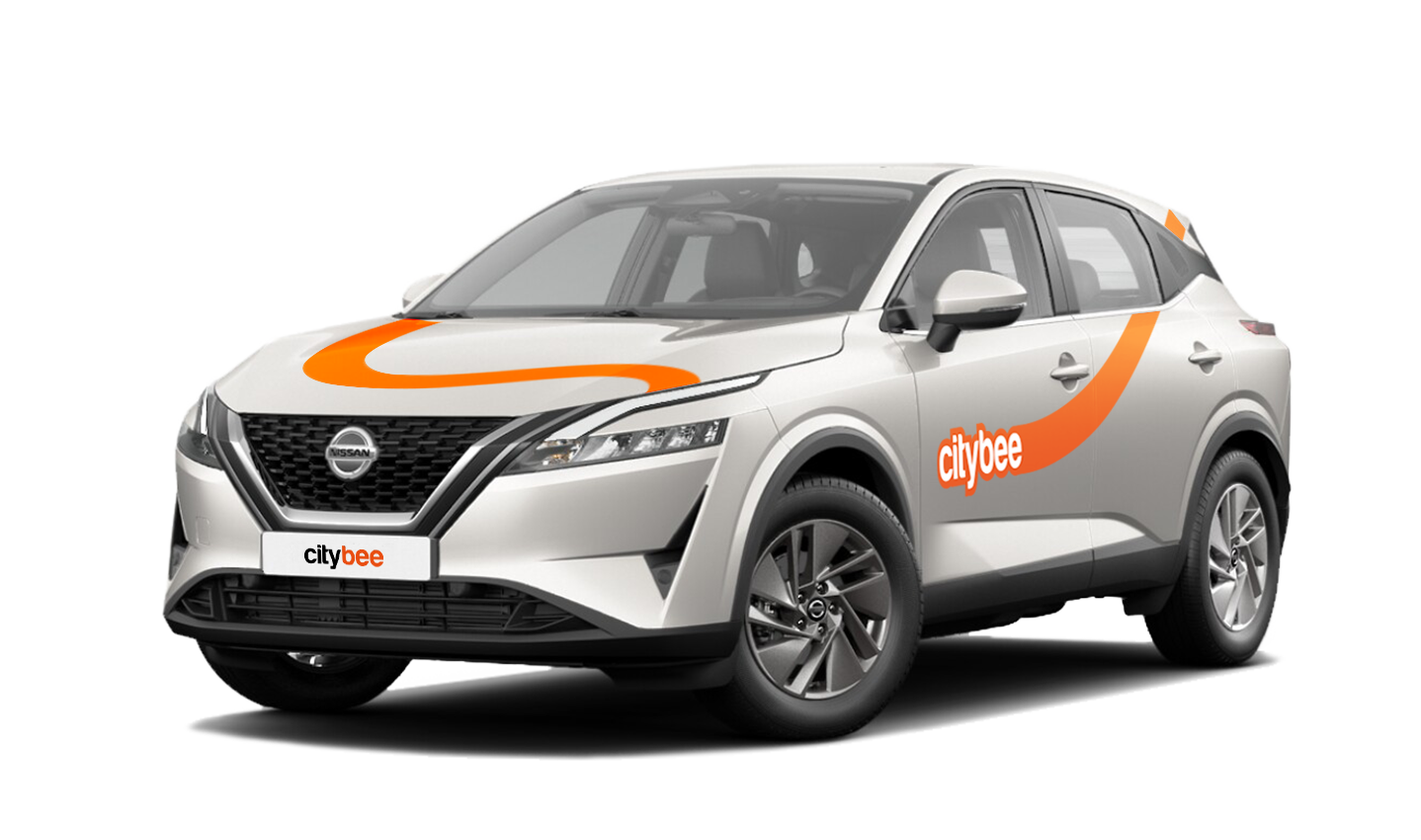
Nissan Qashqai
The price of this journey would be
0€
Trip start fee of 0.49€ is included in the price calculation.
If you’d like to use the car-sharing service, you’ll need to confirm the validity of your driver’s license.
You can do this in just a few minutes by following the steps in the ‘CityBee’ app. Open the app, choose Add driver’s license and enter your driver license number.
We now offer several ways to confirm your license:
Smart-ID or Mobile-ID
Available for users whose driver’s license can be verified through these electronic identification methods.
Uploading photos
If you prefer pictures, you can complete the process by taking a few photos directly in the app. You’ll be asked to:
1) Take a selfie;
2) Take a selfie while holding your driver’s license;
3) Take a photo of the front side of the document.
Whichever method you choose, please make sure your document is valid and undamaged. When taking photos ensure good lighting and that document is removed from any cover or case so your document number, personal identification number, and personal photo can be clearly seen.
Note: We accept only photocard driver’s licenses.
The minimum trip price is the smallest amount payable for our services, deducted from your payment account once you unlock the car or extend your reservation. If your trip cost exceeds the minimum, the remaining amount will be charged by the end of the trip. However, if the total is less than the minimum, the difference won’t be refunded.
You’ll find the minimum trip price for each car listed in the app.
Please note that discounts do not apply to the minimum trip price.
To subscribe to CityBee, open the CityBee app and go to the ‘Subscription’ section. Choose the plan that best suits you from the available options. The plan cost will be automatically charged to the payment card linked to your CityBee account. Once the payment is successful, you’ll receive a confirmation email. The purchased plan will be activated immediately and will be valid for 30 days.
You can refuel your CityBee at any Circle K station. Just open the app, check the map for the nearest station, and tap it for directions. When you get there, open the app, hit Refuel, and follow the simple steps. Want more info? See the full guide here.
If you exceed the maximum allotted time or distance during a trip, standard CityBee per-minute and per-kilometer rates will apply according to the ‘Flexible’ pricing for the selected car model. Immediately after your trip, you will receive an invoice via email detailing the additional charges for extra kilometers and/or minutes. This amount will be charged to the payment card linked to your CityBee account.
If, for any reason, the additional charges cannot be deducted from your payment card and a debt is incurred, you will not be able to start a new trip until the outstanding balance is settled.
Vans have their own parking zones, which are different from the ones for cars. Just tap the van icon in the app to see where you can go. The color-coding works the same way you’re used to:
– Clear zones – Park or end your trip here anytime, as long as you follow regular parking rules
– Yellow zones – These might add a small fee or give you a discount when you start or finish a trip. Tap the € symbol to check the exact amount for that zone
– Grey zones – No ending trips here, sorry!
The good news? You don’t have to bring the van back to where you picked it up. Any allowed van zone works.
One thing to keep in mind: Electric vans have their own special zones. If you plan to drive an electric van, make sure to select it in the app, that way you’ll only see their specific zones.
For more details on parking zones, see our guide here.
If you experience a flat tire during your trip, don’t worry—we’re here to help! Here’s what you should do:
Pull over safely: First and foremost, make sure you stop the car in a safe location.
Contact us immediately: Let us know about the flat tire as soon as possible by reaching out through the CityBee app or our customer service. We’ll guide you on the next steps and assist with any necessary arrangements.
Don’t attempt repairs on your own: We’ll take care of everything, so there’s no need to replace the tire yourself. Just follow the instructions provided by our team.
The good news is that the BeeChill fee is designed to cover tire repairs, provided that you follow our Terms of Service and adhere to traffic laws. You’ll be covered as long as the flat tire isn’t caused by actions like driving on it while it’s flat, causing more damage, or failing to report the incident.
For more details, please take a moment to review our Terms of Service. We’re here to support you and ensure your experience is as smooth as possible!
Bee Chill – we’ve got your back! If you happen to have an accident and accidentally damage the vehicle, don’t stress – we’ve got you covered. Just be sure to notify us right away, and we’ll take care of the rest.
The BeeChill is a financial responsibility fee is applied to all ‘Flexible’ trips, and it’s already included in the price of trip packages or trips made with a subscription plan. You can see the fee in the app before you start your trip.
This fee is intended to cover any damage caused to the vehicle as a result of an accident for which you are responsible.
However, BeeChill does not apply in any of the cases listed in Section 7.17 of our Terms of Use. Below are some of the most common examples:
• if the accident is not reported;
• if the accident occurred while driving under the influence of alcohol or drugs;
• if the accident resulted from a serious violation of traffic regulations;
• or in any other cases specified in Section 7.17 of the Terms of Use.
For complete information about the application of BeeChill and all applicable exceptions, please refer to Section 7.17 of our Terms of Use.
The price of this journey would be
0€
Trip start fee of 0.49€ is included in the price calculation.