Price Calculator
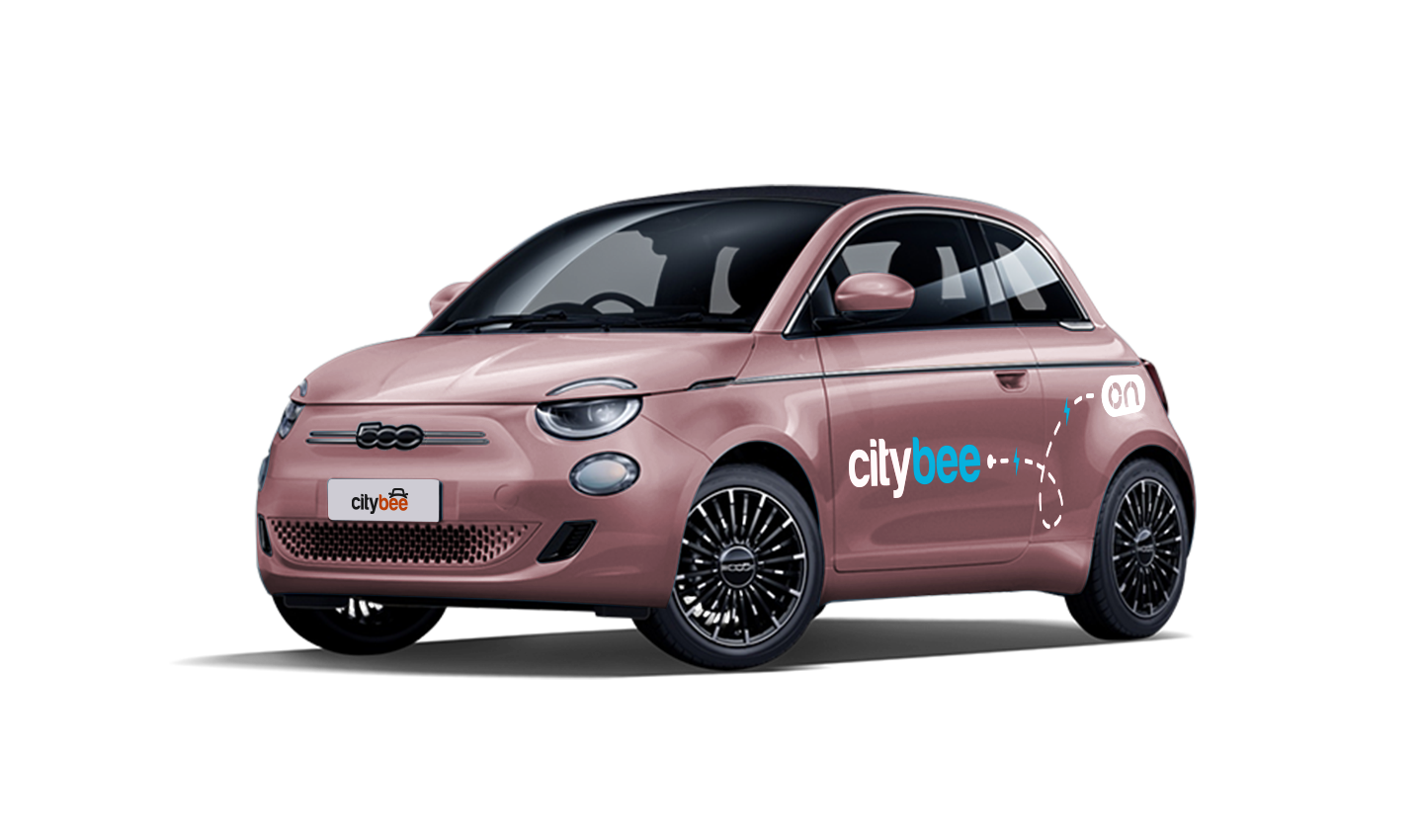
Fiat e-500
The price of this journey would be
0€
Trip start fee of 0.44€ is included in the price calculation.
If you want to change your phone number in the CityBee app, please follow these steps:
Menu > My profile > Phone number. Specify the new phone number and enter the verification code, which you will receive as an SMS to the new phone number.
If you want to change the phone number registered in the CityBee app, but cannot access your profile in the app, please send us a request by e-mail, using the e-mail address you specified in your CityBee profile, and indicate your new phone number. We will change it upon request.
If you are unable to access the email inbox associated with your account, kindly get in touch with our customer support team for further assistance.
Attention! To protect Your account and to prevent fraud, while changing the phone number, we will remove Your driver‘s license and all Your attached payment cards. Add Your driver‘s license and payment card and You will be able to use the services again.
Email for contacting (for Citybee Lithuania customers): info@citybee.lt;
Email for contacting (for Citybee Latvia customers): info@citybee.lv;
Email for contacting (for Citybee Estonia customers): info@citybee.ee.
CityBee subscription plan is valid for 30 days from the date of purchase. Unused trips do not carry over to a new plan.
‘CityBee’ cars can be used to travel within the European Union (or where ‘CityBee’ car insurance is valid). However, you need to get our prior permission first.
The permission request must be sent to the general email addresses:
You can contact the LT team via info@citybee.lt;
You can contact the LV team via info@citybee.lv;
You can contact the EE team via info@citybee.ee.
Before deciding whether to allow to transport ‘CityBee’ car outside of LT, LV or EE, we will assess our technical and organizational capabilities and your history of using ‘CityBee’ services.
You’re welcome to take a CityBee car across the Baltics (Lithuania, Latvia, Estonia) and finish your trip in any permitted CityBee zone shown in the app. Just keep in mind that a €69 cross-border fee applies when a trip starts in Latvia or Estonia and ends in Lithuania.
To sign an agreement with CityBee, fill the application form:
https://citybee.lt/lt/verslo-klientai/ (For companies operating in Lithuania);
https://citybee.lv/lv/business-clients/ (For companies operating in Latvia);
https://www.citybee.ee/ee/arikliendile (For companies operating in Estonia).
You will receive an email notification after each trip made with your CityBee subscription plan, informing you of the remaining trips. You can also view your remaining trips in the CityBee app by selecting the desired car for your trip.
If you don’t use all the kilometers and minutes allocated for a trip under the subscription plan, the unused distance and time will not be carried over to another trip.
We process your personal data in accordance with the General Data Protection Regulation (BDAR) and other legal requirements.
In order to provide you with services and administer them, we process your name, contact details, other data required for the use and provision of the services. The CityBee Privacy Policy provides detailed information on the purpose of processing your personal data and the duration of storage thereof.
We rely on other legal entities in the provision of our services (data centres, document, photo verification, administration, payment, audit, accounting, legal and advisory services, debt collection, mobile app usage analysis and statistics monitoring, direct marketing, email, SMS, payment intermediaries, etc.)
In all cases, we ensure that third parties providing services comply with our obligations of confidentiality and proper protection of personal data.
If necessary, your personal data may be provided to state and municipal authorities in accordance with applicable legislation and / or our legitimate interests.
After an accident involving a CityBee car used on your behalf, your data is transferred to insurance companies and, if necessary, to other parties involved in the accident.
CityBee also has the right and, in certain cases, the obligation to pass on information about road traffic offences committed by customers (e.g., speeding, drunk-driving) to the responsible authorities (e.g., the Police).
The CityBee Privacy Policy provides detailed information on the purpose of processing your personal data and the duration of storage thereof.
The price of this journey would be
0€
Trip start fee of 0.44€ is included in the price calculation.