Price Calculator
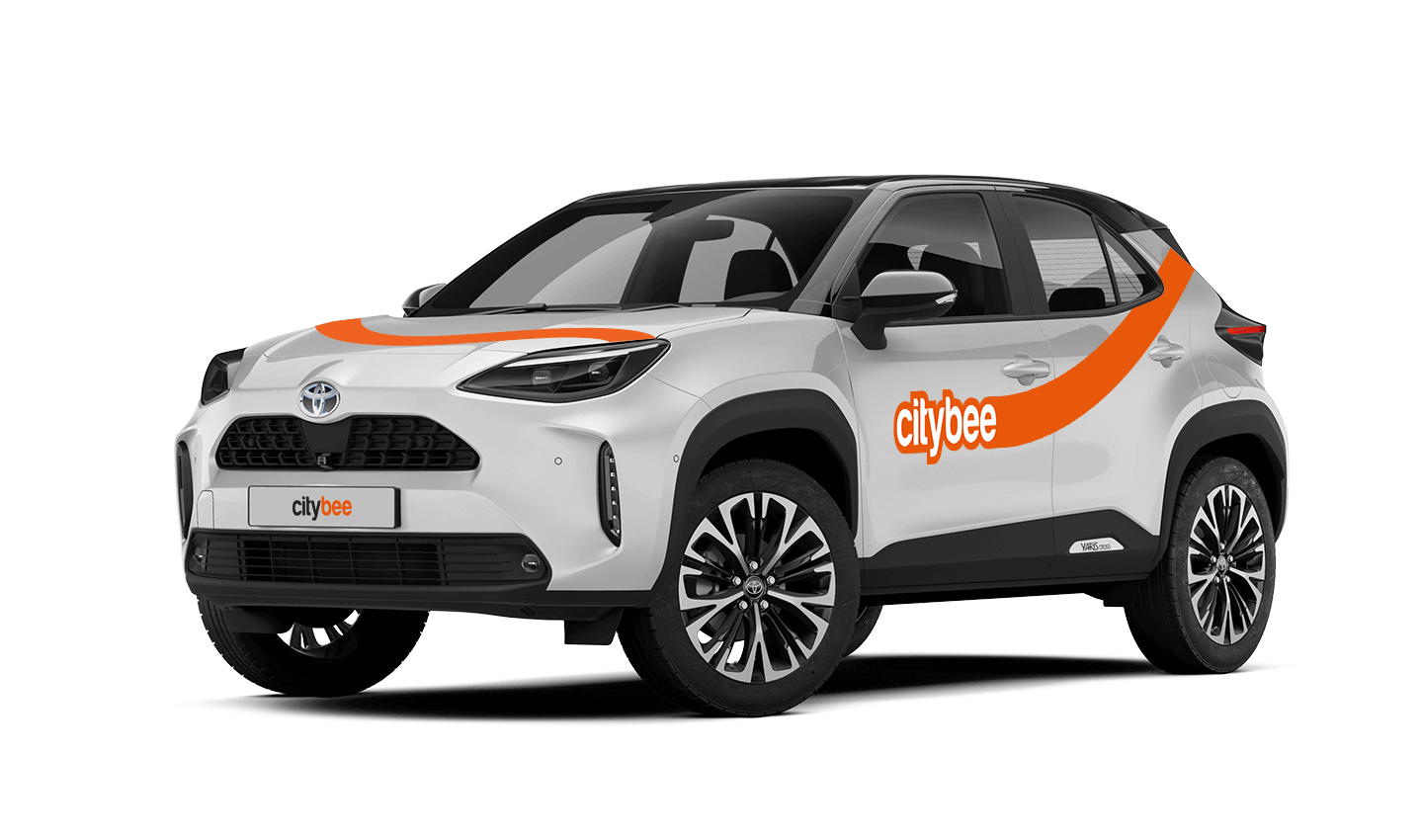
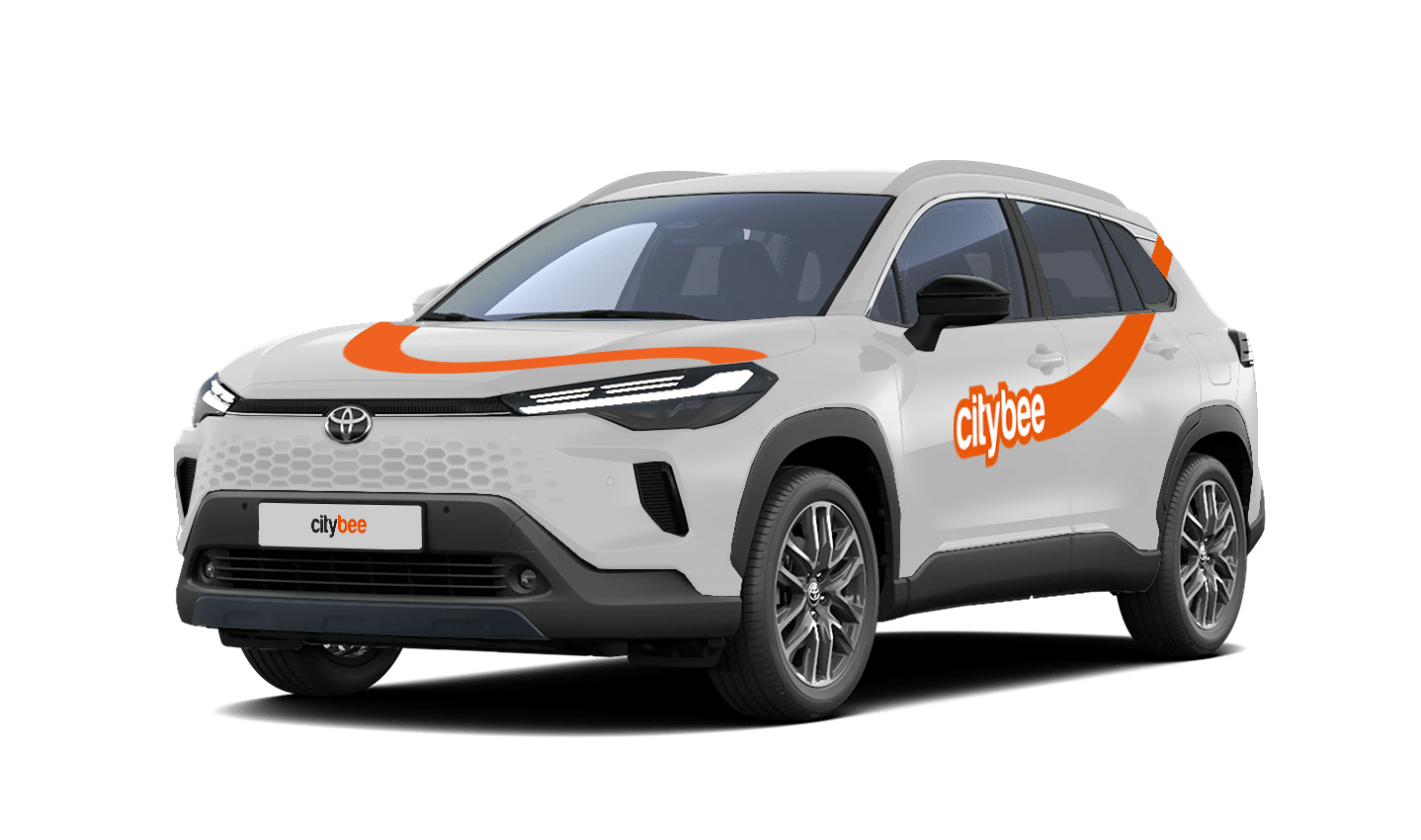
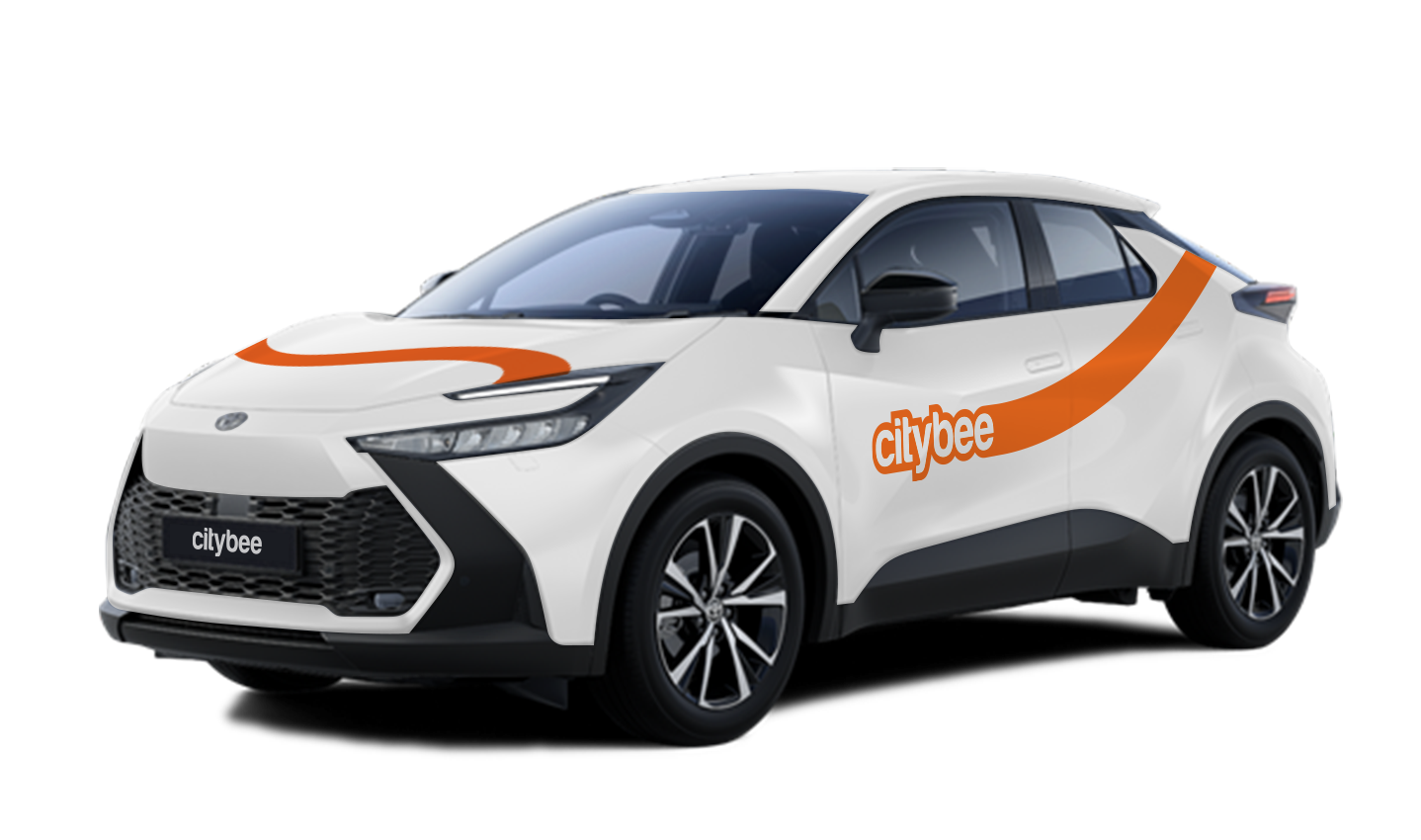
Toyota C-HR New
The price of this journey would be
0€
Trip start fee of 0.49€ is included in the price calculation.
You can change your email address in the mobile app.
Select Menu – My profile – E-mail address – Replace the previous e-mail address with a new one.
You will receive an email at the new address with a confirmation link. You will need to click it to confirm the new email address.
It’s important to report damages, and here’s when:
Before starting your trip: No need to worry about minor scratches or dents—we’ll take care of those. However, if you notice anything that could make the car unsafe or unfit to drive, such as a flat tire, broken window, loose or missing trim, or a non-functioning light, please report it through the CityBee app.
During your trip: Report any damage to the vehicle that occurs, no matter how small. This includes accidents or collisions, regardless of who is at fault. By reporting promptly, you’ll ensure you’re covered by the BeeChill fee, and we’ll handle the rest. If you fail to report, you could be held responsible for damages. It’s always better to let us know right away!
The CityBee subscription is only available to private customers. Invoices for the CityBee subscription cannot be issued in the name of a legal entity.
If you’d like to use the car-sharing service, you’ll need to confirm the validity of your driver’s license.
You can do this in just a few minutes by following the steps in the ‘CityBee’ app. Open the app, choose Add driver’s license and enter your driver license number.
We now offer several ways to confirm your license:
Smart-ID or Mobile-ID
Available for users whose driver’s license can be verified through these electronic identification methods.
Uploading photos
If you prefer pictures, you can complete the process by taking a few photos directly in the app. You’ll be asked to:
1) Take a selfie;
2) Take a selfie while holding your driver’s license;
3) Take a photo of the front side of the document.
Whichever method you choose, please make sure your document is valid and undamaged. When taking photos ensure good lighting and that document is removed from any cover or case so your document number, personal identification number, and personal photo can be clearly seen.
Note: We accept only photocard driver’s licenses.
Registration at CityBee is quick and easy. You don’t need to come anywhere – register with the mobile CityBee app and start using it! Registration will take just a few minutes.
You will receive an email notification after each trip made with your CityBee subscription plan, informing you of the remaining trips. You can also view your remaining trips in the CityBee app by selecting the desired car for your trip.
In the CityBee app, parking zones marked in yellow usually have a drop-off and/or pick-up fee for CityBee cars. This fee does not apply to trips made under the CityBee subscription. The drop-off fee in the yellow CityBee zone is not charged even if the trip starts under the subscription plan but ends with the ‘Flexible’ pricing due to exceeding the allocated kilometers and/or minutes in the subscription plan.
When purchasing additional trips, i.e., trip packages, during the subscription period, the CityBee drop-off and/or pick-up fee waiver in the yellow zone does not apply for the package trips.
For more information on CityBee parking zones, click here.
If you want to change your phone number in the CityBee app, please follow these steps:
Menu > My profile > Phone number. Specify the new phone number and enter the verification code, which you will receive as an SMS to the new phone number.
If you want to change the phone number registered in the CityBee app, but cannot access your profile in the app, please send us a request by e-mail, using the e-mail address you specified in your CityBee profile, and indicate your new phone number. We will change it upon request.
If you are unable to access the email inbox associated with your account, kindly get in touch with our customer support team for further assistance.
Attention! To protect Your account and to prevent fraud, while changing the phone number, we will remove Your driver‘s license and all Your attached payment cards. Add Your driver‘s license and payment card and You will be able to use the services again.
Email for contacting (for Citybee Lithuania customers): info@citybee.lt;
Email for contacting (for Citybee Latvia customers): info@citybee.lv;
Email for contacting (for Citybee Estonia customers): info@citybee.ee.
The price of this journey would be
0€
Trip start fee of 0.49€ is included in the price calculation.