Price Calculator
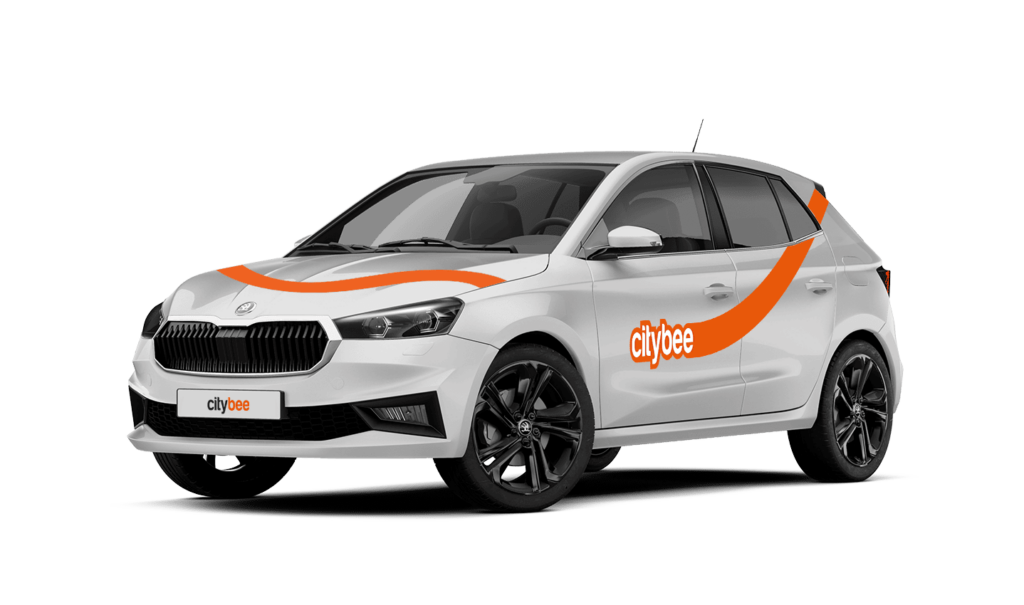
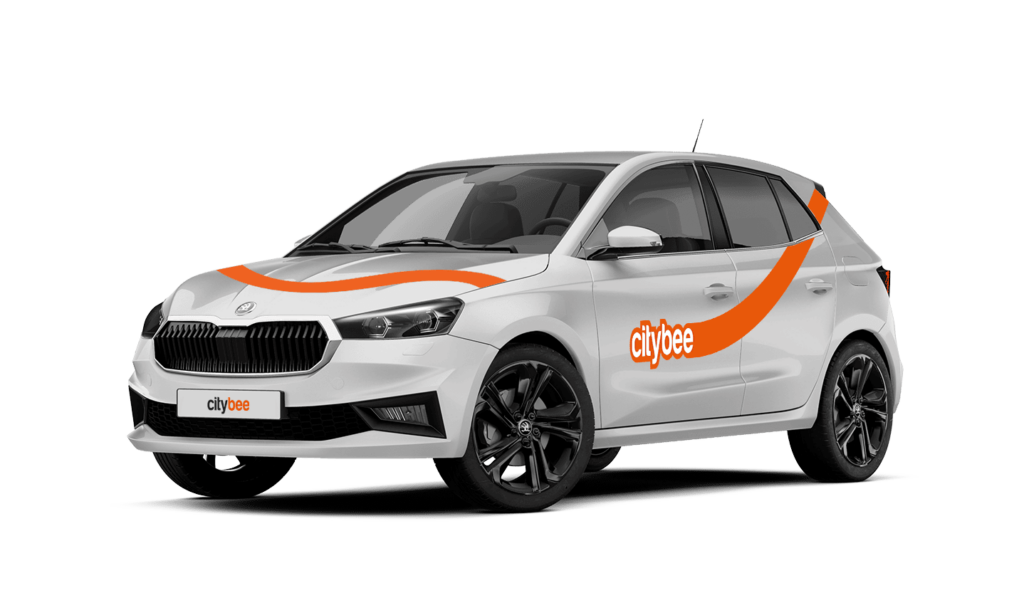
Skoda Fabia
The price of this journey would be
0€
Trip start fee of 0.44€ is included in the price calculation.
Please note that this service is provided in Lithuania and Estonia.
Lithuania:
Make sure the car is unlocked.
Take the car keys and find the charging coin (RFID key) attached (there are two coins: one for “IgnitisON” and one for “ElintaCharge”).

In case of charging at the “IgnitisON” charging station or “ElintaCharge” fast charging station:
Approach the charging station, scan the charging token, and choose “Stop Charging” (“Sustabdyti”).


Wait a few seconds until the charging process is fully stopped.
Gently unplug the cable from the vehicle and leave it at the charging station.

In case of charging the vehicle at a 2-slot “ElintaCharge” station:
Scan the charging token and wait for a few seconds until the word “Charging” on the station stops lightning.

Wait a few seconds until the charging process is fully stopped.
Gently unplug the cable from the charging station first and then unplug it from the CityBee vehicle.


Don’t leave the cable at the charging station, put the cable back in the car:
• In the case of the VW e-Crafter electric van – under the front center seat


• In the case of a passenger car – to the spare wheel space in the trunk.

If you cannot unplug the cable from the car easily, take the car keys and press the “Unlock” button twice again.
Estonia:
Make sure the car is unlocked
Take the ‘Eleport’ charging card from sun visor

To disconnect the charger in Eleport charging station:
Take the Eleport charging card and tap it on the reader

Press ”Stop Charging” (”Lõpeta laadimine”) – this process may take up to 30 seconds

Disconnect the charging cable from the car and put it back to the charger

If you experience a flat tire during your trip, don’t worry—we’re here to help! Here’s what you should do:
Pull over safely: First and foremost, make sure you stop the car in a safe location.
Contact us immediately: Let us know about the flat tire as soon as possible by reaching out through the CityBee app or our customer service. We’ll guide you on the next steps and assist with any necessary arrangements.
Don’t attempt repairs on your own: We’ll take care of everything, so there’s no need to replace the tire yourself. Just follow the instructions provided by our team.
The good news is that the BeeChill fee is designed to cover tire repairs, provided that you follow our Terms of Service and adhere to traffic laws. You’ll be covered as long as the flat tire isn’t caused by actions like driving on it while it’s flat, causing more damage, or failing to report the incident.
For more details, please take a moment to review our Terms of Service. We’re here to support you and ensure your experience is as smooth as possible!
If you want to change your phone number in the CityBee app, please follow these steps:
Menu > My profile > Phone number. Specify the new phone number and enter the verification code, which you will receive as an SMS to the new phone number.
If you want to change the phone number registered in the CityBee app, but cannot access your profile in the app, please send us a request by e-mail, using the e-mail address you specified in your CityBee profile, and indicate your new phone number. We will change it upon request.
If you are unable to access the email inbox associated with your account, kindly get in touch with our customer support team for further assistance.
Attention! To protect Your account and to prevent fraud, while changing the phone number, we will remove Your driver‘s license and all Your attached payment cards. Add Your driver‘s license and payment card and You will be able to use the services again.
Email for contacting (for Citybee Lithuania customers): info@citybee.lt;
Email for contacting (for Citybee Latvia customers): info@citybee.lv;
Email for contacting (for Citybee Estonia customers): info@citybee.ee.
The plan is activated on the day of purchase. You will receive an email notification confirming the activation immediately after the purchase.
Please note that this service is provided in Lithuania only.
As this vehicle is intended for city use, it is not equipped with a high-mileage battery. Therefore, if you are planning to go outside the city, a speed limited at 90 km/h ensures that the car does not use too much energy while driving. This way, You will safely reach the nearest electric charging station.
The Night Reservation package lets you reserve a car in the evening, and it will be waiting for you until the morning – perfect if you need a car early the next day or just want peace of mind.
The package is available from Sunday to Thursday, and can only be purchased between 9:00 PM and 11:00 PM. You’ll still see the package in the app during the day, but it will not be available for purchase outside of these hours.
❗If you already have an active reservation, you will still be able to purchase this package.
You can purchase only one Night Reservation package at a time.
To make sure you don’t miss it, you can set a reminder in the app – you’ll receive a push notification as soon as the Night package becomes available.
Here’s how it works:
Choose any car between 9 PM and 11 PM and select the Night Reservation package for just €4.99.
The car will be reserved for you overnight.
If you’re not planning to drive right away, you can come to the car when it suits you. Reservation will extend automatically.
During the 9-hour night reservation, you only pay for the kilometers driven – no minute charges apply.
After the 9 hours, regular minute and kilometer rates will apply
You can submit your request for the exercise of your rights (as far as your Account is concerned) to us in the following ways:
submitting a request at e-mail info@citybee.lt; info@citybee.lv; info@citybee.ee, from email that is registered in your CityBee account that you want to delete;
submitting a request by e-mail at info@citybee.lt; info@citybee.lv; info@citybee.ee, signed with qualified e-signature (e.g. by use of Smart-ID or M-signature);
In the CityBee app, by selecting Menu -> My profile -> Delete my account.
The BeeChill fee has your back by covering damages in the event of an accident where you’re at fault. Just remember, it’s essential to report the incident to us immediately.
However, there are certain situations where the BeeChill fee won’t cover the damages. These exceptions are outlined in our Terms of Service (section 7.17) and include cases such as:
Failing to report the incident to us;
Driving under the influence of alcohol or drugs;
Violating traffic regulations;
Engaging in intentional or grossly negligent actions.
To make sure you’re protected, the BeeChill fee is applied to each trip as outlined in our our Pricelist. For full details, we encourage you to check out the Terms of Service.
The price of this journey would be
0€
Trip start fee of 0.44€ is included in the price calculation.