Price Calculator
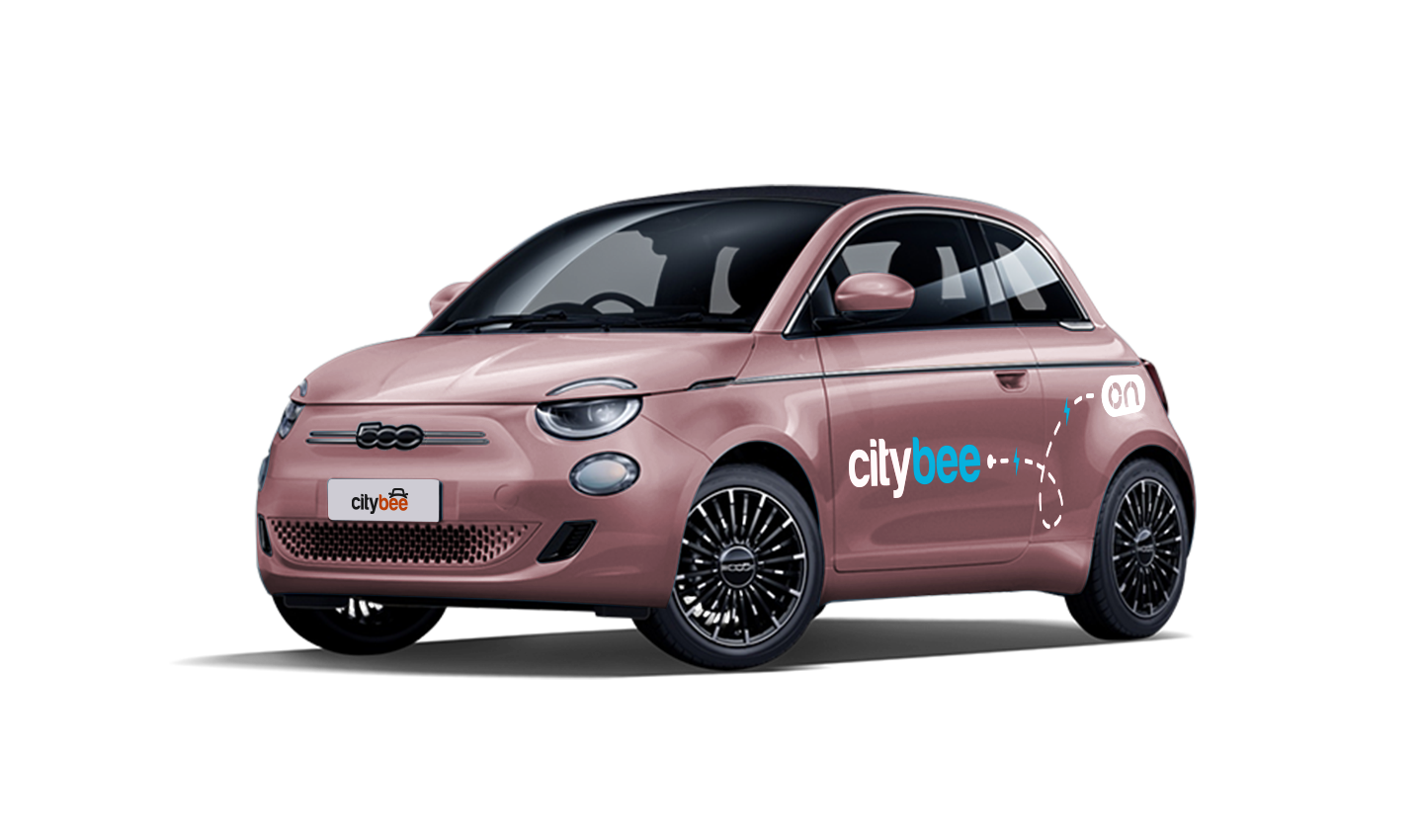
Fiat e-500
The price of this journey would be
0€
Trip start fee of 0.44€ is included in the price calculation.
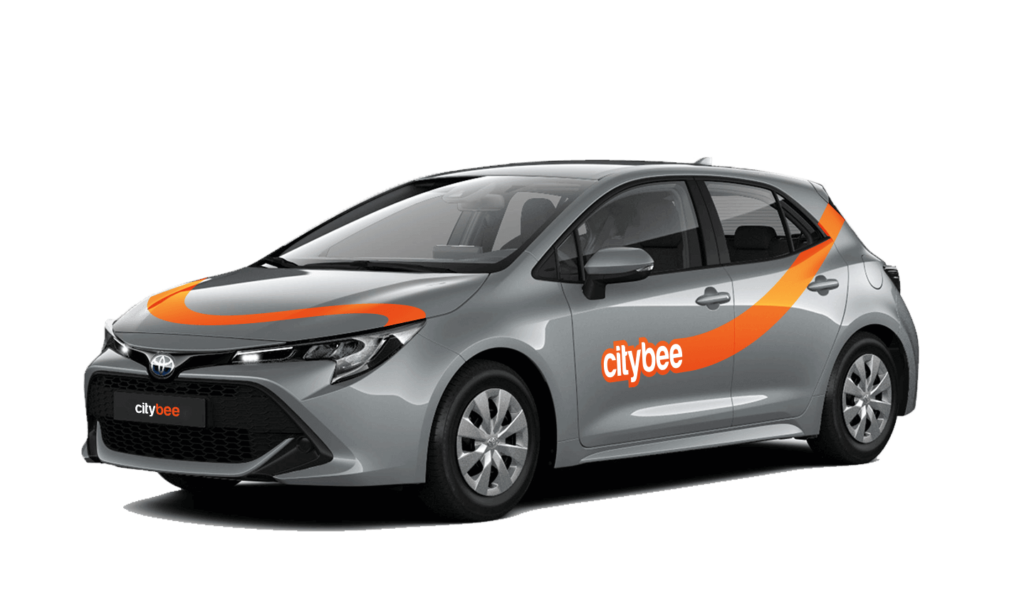
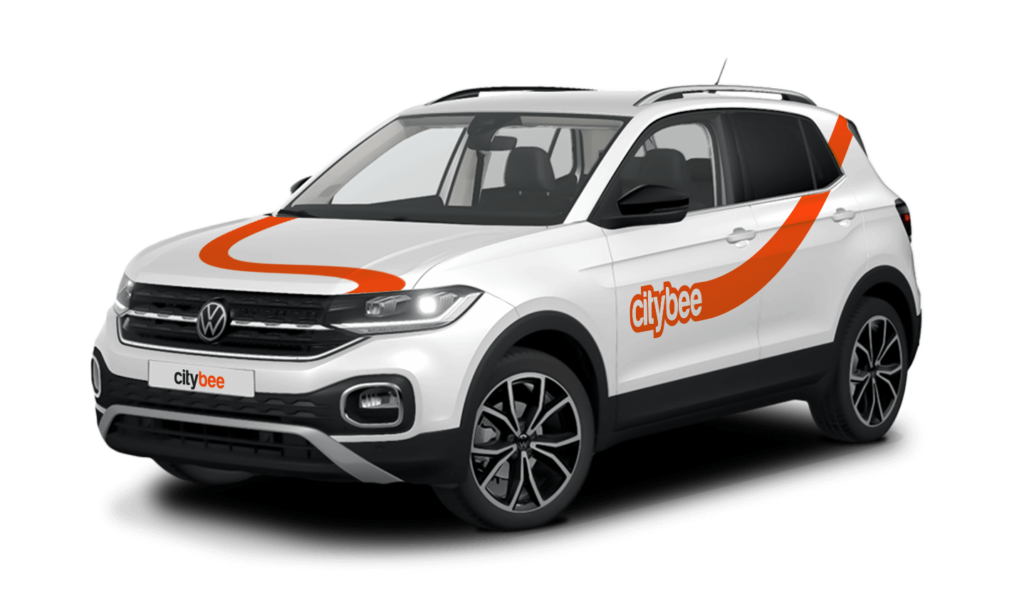
Currently, CityBee offers a long-term car rental, and any car from the CityBee car park can be rented. Usage is no different from short-term CityBee rent service, and all the offered benefits (insurance, fuel, washing) remain.
How long can a person use a car?
The maximum length of a reservation is 28 days. If you wish to continue using CityBee service longer, just purchase another package or continue the trip with the “pay as you go” option and we will take the necessary steps to issue a monthly invoice for your ongoing trip.
What is the amount of time you will be charged for a trip when an individual uses the car?
During long-term reservation (trip package), the sum is charged before the start of the trip and if additional time and/or km is required after the prepayment package ends, the sum for the actual accumulated amount will be deducted during or at the end of the trip.
The money will be deducted from your selected card. If you have money in your CityBee wallet or have accumulated credit, for example for refueling, the funds will be deducted from this amount first. If the amount cannot be deducted, we will ask you to pay it or leave the car.
Left something behind? You’ve got 24 hours to grab it for free.
Just reserve and unlock the same car like you normally would. You’ll have 5 free minutes to collect your stuff. Important: don’t turn on the ignition unless you’re planning to drive. If you stay longer than 5 minutes, you’ll automatically start a paid reservation.
After 24 hours, you can still find the car on our live map. If you don’t see your vehicle on the map, it may be in use by another customer at the moment. You can find available vehicles here:
Lithuania: https://map.citybee.lt/#/main-map
Estonia: https://map.citybee.ee/#/main-map
Latvia: https://map.citybee.lv/#/main-map
Need a hand? Reach out at info@citybee.lt, info@citybee.lv, info@citybee.ee, or through the in-app chat.
CityBee users do not need to purchase a Jūrmala entry pass.
The amount of the BeeChill fee for each car is indicated in the App.
Please note that this service is provided in Lithuania and Estonia.
Lithuania:
Make sure the car is unlocked.
Take the car keys and find the charging coin (RFID key) attached (there are two coins: one for “IgnitisON” and one for “ElintaCharge”).

In case of charging at the “IgnitisON” charging station or “ElintaCharge” fast charging station:
Approach the charging station, scan the charging token, and choose “Stop Charging” (“Sustabdyti”).


Wait a few seconds until the charging process is fully stopped.
Gently unplug the cable from the vehicle and leave it at the charging station.

In case of charging the vehicle at a 2-slot “ElintaCharge” station:
Scan the charging token and wait for a few seconds until the word “Charging” on the station stops lightning.

Wait a few seconds until the charging process is fully stopped.
Gently unplug the cable from the charging station first and then unplug it from the CityBee vehicle.

Don’t leave the cable at the charging station, put the cable back in the car:
• In the case of the VW e-Crafter electric van – under the front center seat


• In the case of a passenger car – to the spare wheel space in the trunk.

If you cannot unplug the cable from the car easily, take the car keys and press the “Unlock” button twice again.
Estonia:
Make sure the car is unlocked
Take the ‘Eleport’ charging card from sun visor

To disconnect the charger in Eleport charging station:
Take the Eleport charging card and tap it on the reader

Press ”Stop Charging” (”Lõpeta laadimine”) – this process may take up to 30 seconds

Disconnect the charging cable from the car and put it back to the charger

With a CityBee subscription, you can drive any CityBee passenger car in Lithuania, except for cargo vehicles.
If the car gets dirty during a long-term rental in Lithuania, we offer several options:
Go to the PRO BRO tunnel car wash and wash your car for free;
Contact us by +37070044844, Facebook or via email info@citybee.lt.
If the car gets dirty during a long-term rental in Latvia, please contact us by calling +371 27265460 and we will provide you further details.
If the car gets dirty during a long-term rental in Estonia, please contact us by +372 600 0160, Facebook or via email info@citybee.ee and we will provide you further details.
The maximum length of a reservation is 28 days if you wish to continue using CityBee service longer, just purchase another package or continue the trip with the “pay as you go” option and we will take the necessary steps to issue a monthly invoice for your ongoing trip.
The price of this journey would be
0€
Trip start fee of 0.44€ is included in the price calculation.