Price Calculator
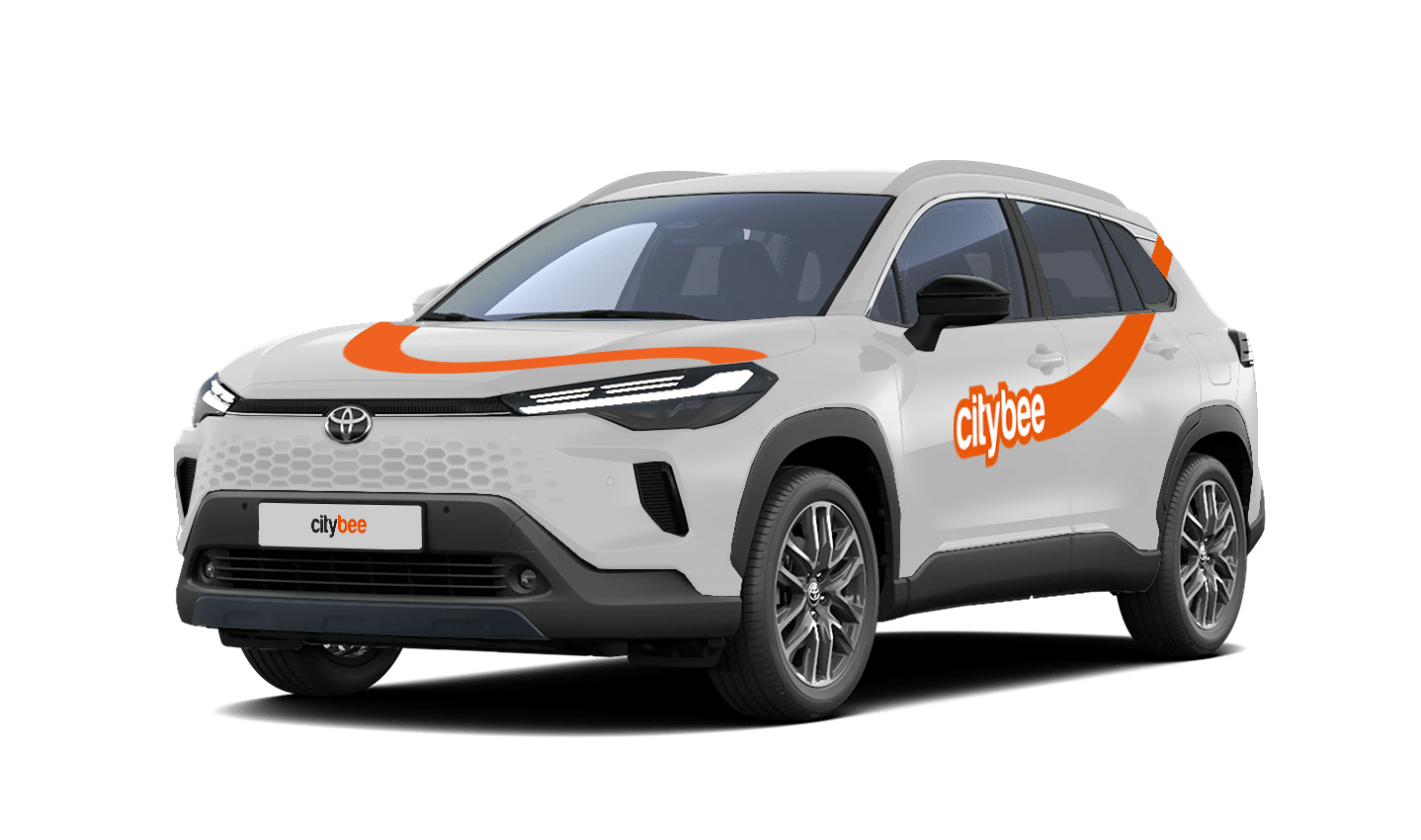
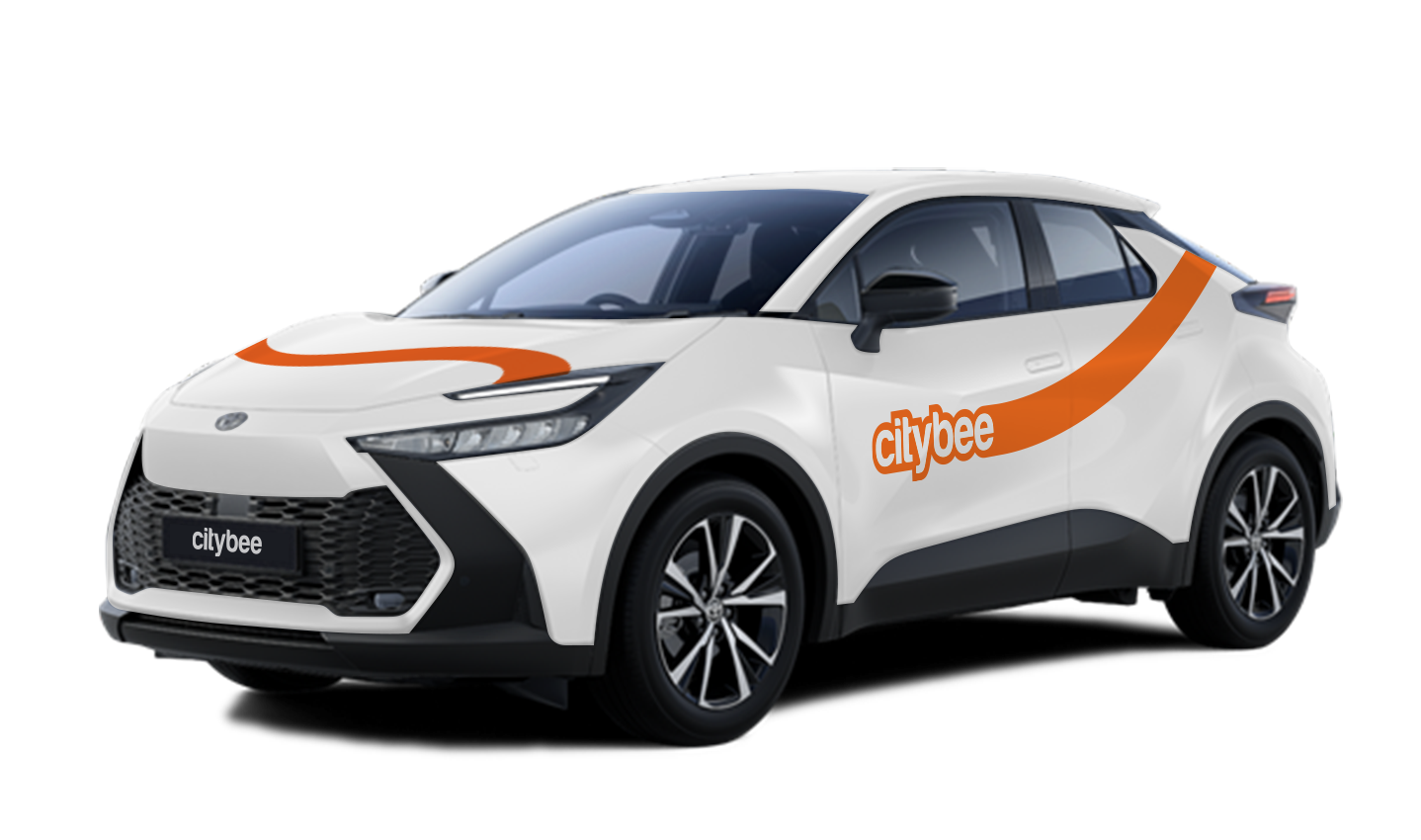
Toyota C-HR New
The price of this journey would be
0€
Trip start fee of 0.44€ is included in the price calculation.
IN LITHUANIA:
During the MyBee car rental period, a subscription to PRO BRO Tunnel Car Wash Midi program is provided twice a month.
IN ESTONIA:
During the Mybee subscription period, you can wash your car 2 times a month at the “Jazz pesulad” car washes listed below.
NB! At the moment, the service is only available in Tallinn, Viimsi and Tartu.
Tallinn
• Kadaka Jazz Pesutänav – Kadaka tee 60, Tallinn
• Peterburi tee Jazz Pesutänav – Peterburi tee 77, Tallinn
• Sõle Jazz Pesutänav – Sõle 25A/1, Tallinn
• Laagri Jazz Pesutänav – Pärnu mnt 453E, Tallinn
• Smuuli Jazz Pesutänav – Punane 43, Tallinn
• Tondi Jazz Pesutänav – A.H. Tammsaare tee 64, Tallinn
• Mustakivi Jazz Pesutänav – Mustakivi tee 15, Tallinn
Viimsi
• Viimsi Jazz Pesutänav – Paadi tee 7, Viimsi
Tartu
• Lõunakeskuse Jazz Pesutänav – Optika tn 22, Tartu
• Kalda Jazz Pesutänav – Kalda tee 43a, Tartu
• Ringtee Jazz Pesutänav – Ringtee 28A, Tartu
The washing service is used on the basis of the car’s registration number, which is identified by the number recognition system in Jazz Pesulad.
To enter the car wash you need to wait operators signal.
NB! Make sure your vehicle’s number plate is readable.
We process your personal data on the basis of your consent in order to conclude, execute, and administer the agreement concluded with you, to comply with the requirements of legal acts, and for the legitimate interest.
The CityBee Privacy Policy (https://citybee.lt/en/privacy-policy/) provides detailed information on the purpose of processing your personal data and the duration of storage thereof.
We offer prepaid trip packages that include fixed time with fixed kilometers.
By choosing prepaid packages, you will pay less than the usual fare with the same distance and time in the “pay as you go” option.
If you happen to exceed the kilometers and /or time included in the price of the package, you will be able to continue the journey safely.
After the prepaid package ends (mileage and time included are finished), you will be paying for additional minutes and/or kilometers as specified in the chosen package deal.
You can also continue your trip by purchasing one more additional prepaid package without completing the active reservation.
If you decide to end the trip before using the time and /or kilometers indicated on the prepaid package, this balance will not be refunded.
The price of the fixed prepaid package will be charged at the beginning of the trip and the price for the extra kilometers and/or time will be charged during or at the end of the journey, depending on the length of your trip.
A day mentioned in the trip packages is 24 hours.
You can find the packages and prices in the CityBee app, also, the prices of prepaid packages can be viewed here: https://citybee.lv/en/packages/.
Now you are able to customize the pre-paid packages yourself by selecting time and kilometers in the app. Choose the preferred duration of the package, then, select the number of kilometers you anticipate driving during that time. This way, you can tailor the pre-paid package to fit your specific needs and budget. Enjoy the flexibility and convenience of customizing your own package!


When using CityBee, you don’t have to pay for fuel yourself – you only pay for the time and kilometers you drive.
Refueling is easy!
Go to any of our partner Circle K gas stations. Open the CityBee app and start the refueling. Follow the simple instructions, fill up, and hit the road!
If the fuel is below 1/4 of the tank, you’ll receive a €2 discount for topping up.
Step by Step refueling guide
Check the Reservation map in the app to see nearby fuel stations. Tap a station for details and directions, then drive there.
When you arrive, tap the notification or open the CityBee app, go to Reservation, and select Refuel.
The app shows available pumps. Pick your pump, activate it, and wait for confirmation.
When it says, “Ready to fuel,” pick up the nozzle and start fueling. Return the nozzle when finished. The app will update the fueling status automatically.
If you decide not to refuel, you can cancel in two ways:
Manual cancel: Pick up the nozzle and immediately return it – the refueling is canceled.
Automatic cancel: If the nozzle is never picked up, the app will automatically cancel the refueling after 2 minutes of inactivity.
In rare cases, you may need to use the fuel card inside the car. This happens if the pump doesn’t work via the app or if you’re refueling outside the Baltic States. The CityBee app shows the PIN code and fuel type under your active reservation.
If the car gets dirty during a long-term rental in Lithuania, we offer several options:
Go to the PRO BRO tunnel car wash and wash your car for free;
Contact us by +37070044844, Facebook or via email info@citybee.lt.
If the car gets dirty during a long-term rental in Latvia, please contact us by calling +371 27265460 and we will provide you further details.
If the car gets dirty during a long-term rental in Estonia, please contact us by +372 600 0160, Facebook or via email info@citybee.ee and we will provide you further details.
At least one payment card must be linked to a CityBee account. You can link more than one payment card and choose from which card you will be billed for services before each trip. It is important that the card type is VISA or MasterCard and that the secure internet shopping function is activated.
How do I activate the secure internet shopping function?
1. SEB: Log in to your internet bank and look for “Accounts and Cards” -> “Card List” in the menu bar at the top. You’ll see all of your cards that can be registered with the secure internet shopping programme. Next to the desired card in the options below, click on “Online Billing” and click “Enable”.
2. Swedbank: Log in to your internet bank and look for “Cards” -> “Secure internet shopping” in the menu bar on the left. You’ll see all of your cards that can be registered with the secure internet shopping programme. Select the desired card next to the note “Online Billing” and click “Enable”.
3. Šiaulių Bankas: Log in to your Internet bank and in the menu on the left, select “Cards” -> “Secure payment” -> select the payment card for which you want to activate the secure internet shopping and click “Register” -> enter the requested data and confirm it by pressing the “Enter and Sign” button -> soon the status of the card will change to “Registered”.
4. Luminor bank: Log in to your Internet bank and in the menu, select the item “Payment cards” -> select the payment card for which you want to activate the secure internet shopping and in the opened window click “Secure shopping service settings” -> select the “Order service” button -> enter the requested data, which the bank will show you later during the purchase -> click “Order service”.
5. Danske bank: No additional activation of the secure internet shopping is required.
6. Citadele bank: No additional activation of the secure internet shopping is required.
The minimum trip price is the smallest amount payable for our services, deducted from your payment account once you unlock the car or extend your reservation. If your trip cost exceeds the minimum, the remaining amount will be charged by the end of the trip. However, if the total is less than the minimum, the difference won’t be refunded.
You’ll find the minimum trip price for each car listed in the app.
Please note that discounts do not apply to the minimum trip price.
If you want to use the car for longer than travelling from point A to point B, lock the car with a key at intermediate stops and take the keys with you. Do not mark the trip as complete in the app. If needed, you can continue your trip using the same car at any time. Only mark the trip as complete in the app when you no longer wish to use the car. Please note that if you lock the car with the key, if it has not been used for some time, but you have not completed the reservation via the app, the price of the travel time will continue to be calculated.
The price of this journey would be
0€
Trip start fee of 0.44€ is included in the price calculation.