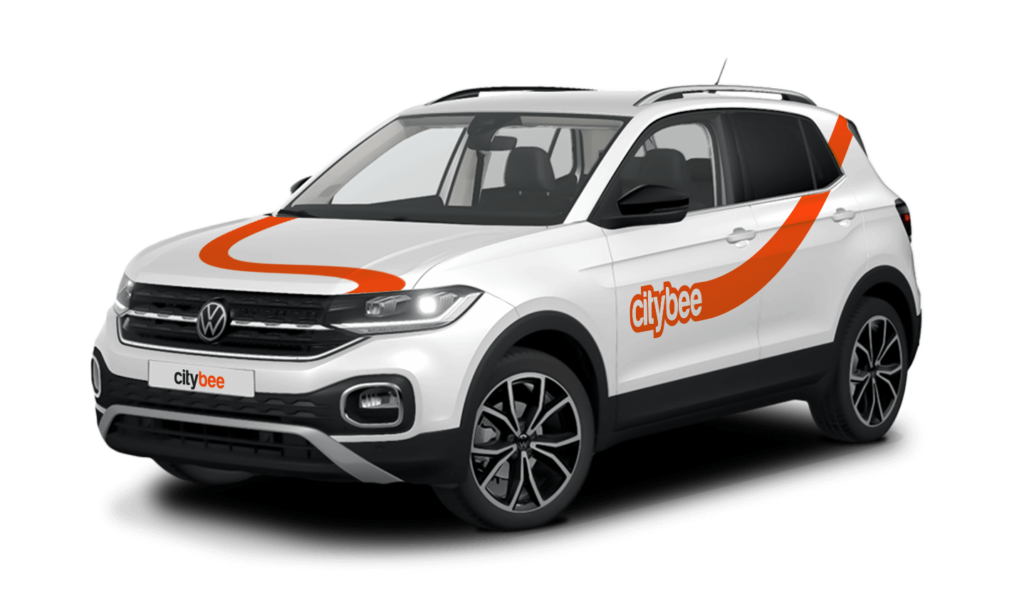
Price Calculator
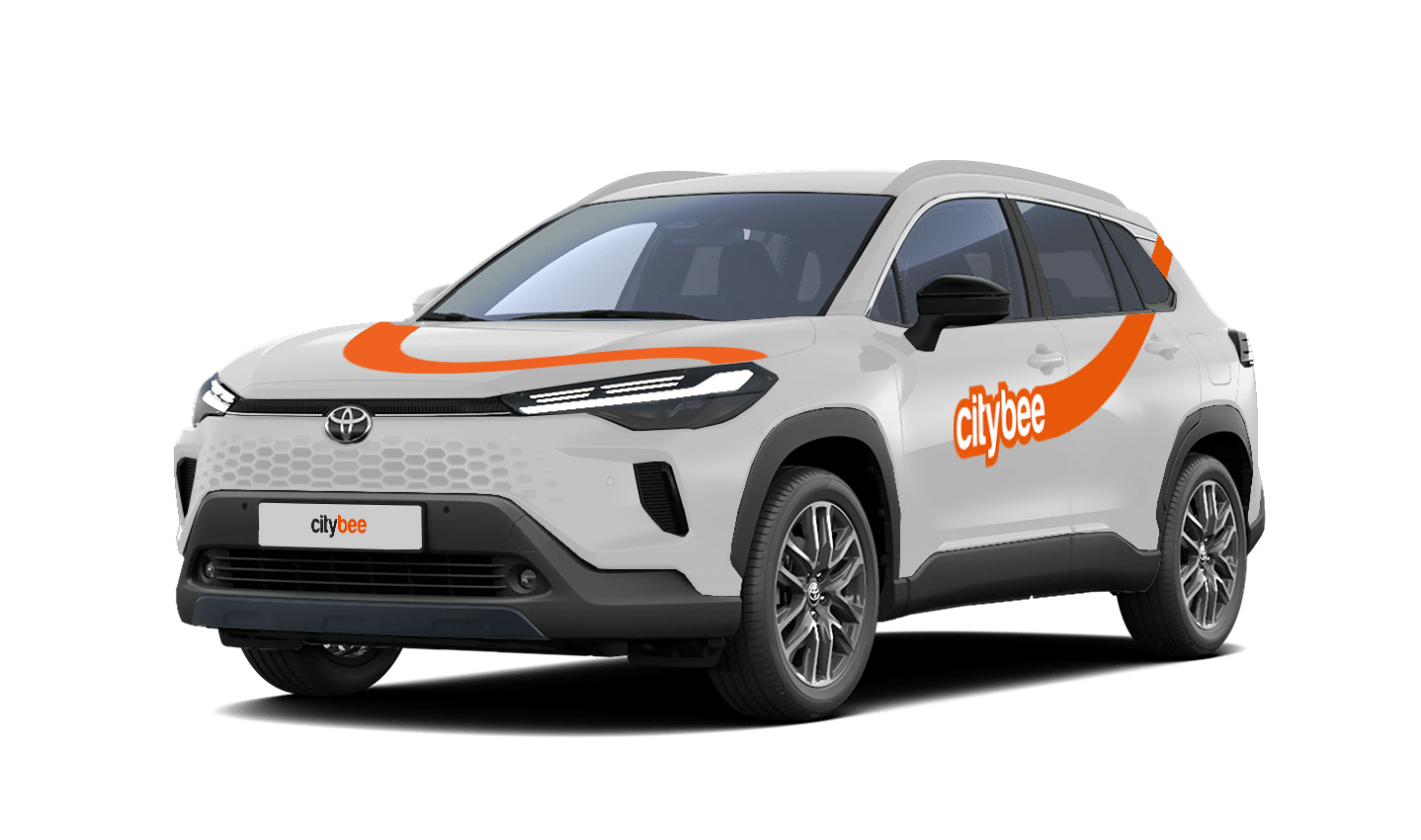
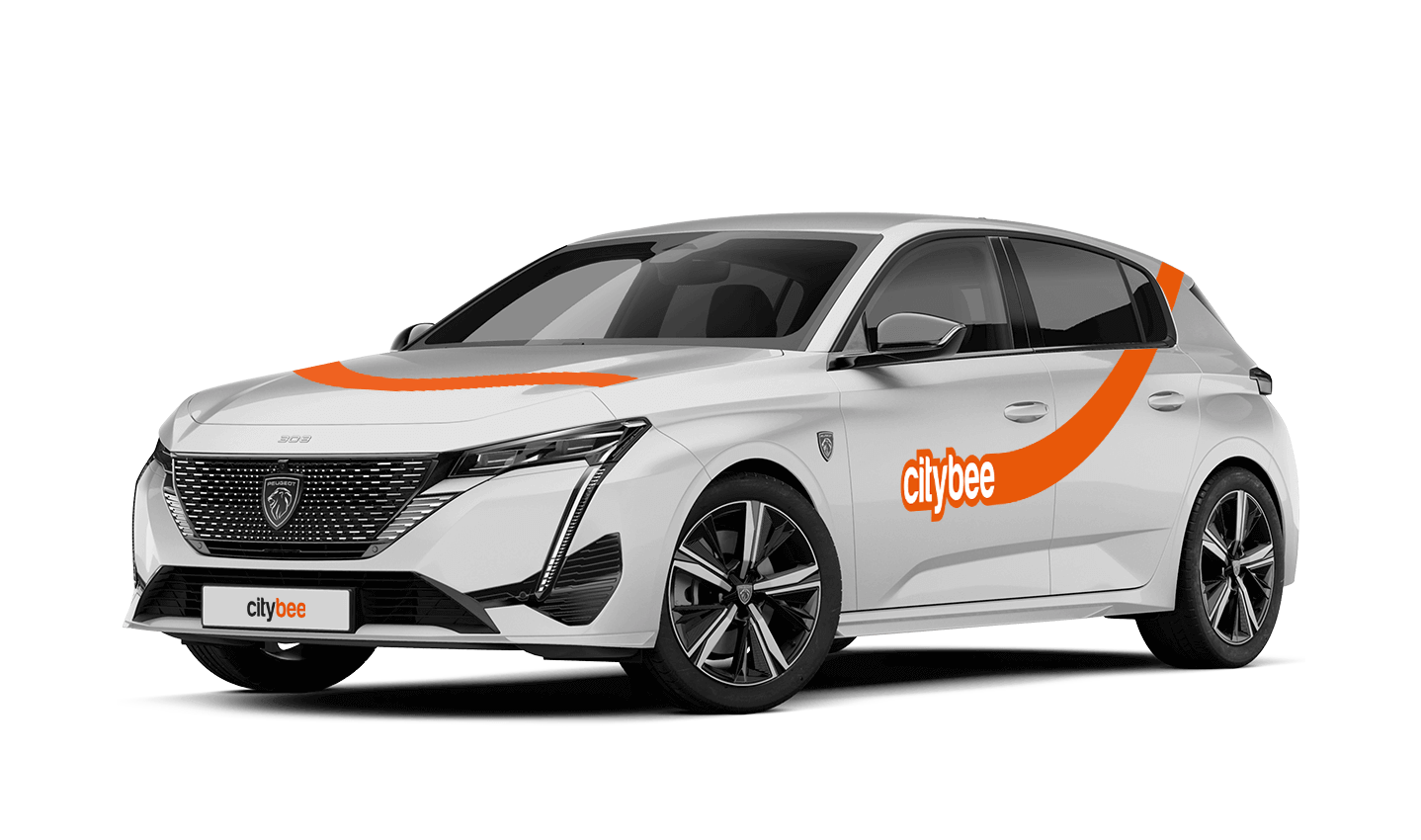
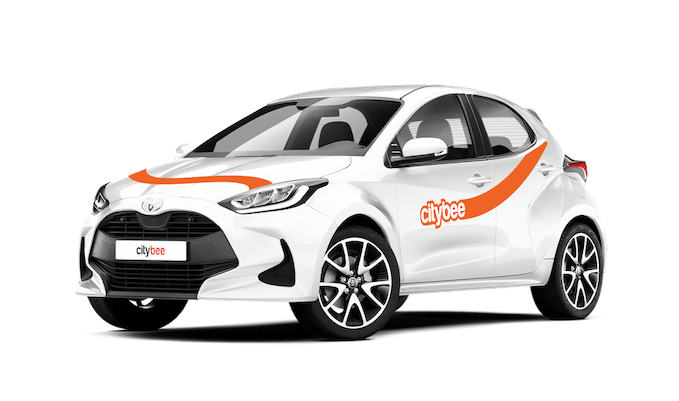
Toyota Yaris
The price of this journey would be
0€
Trip start fee of 0.44€ is included in the price calculation.
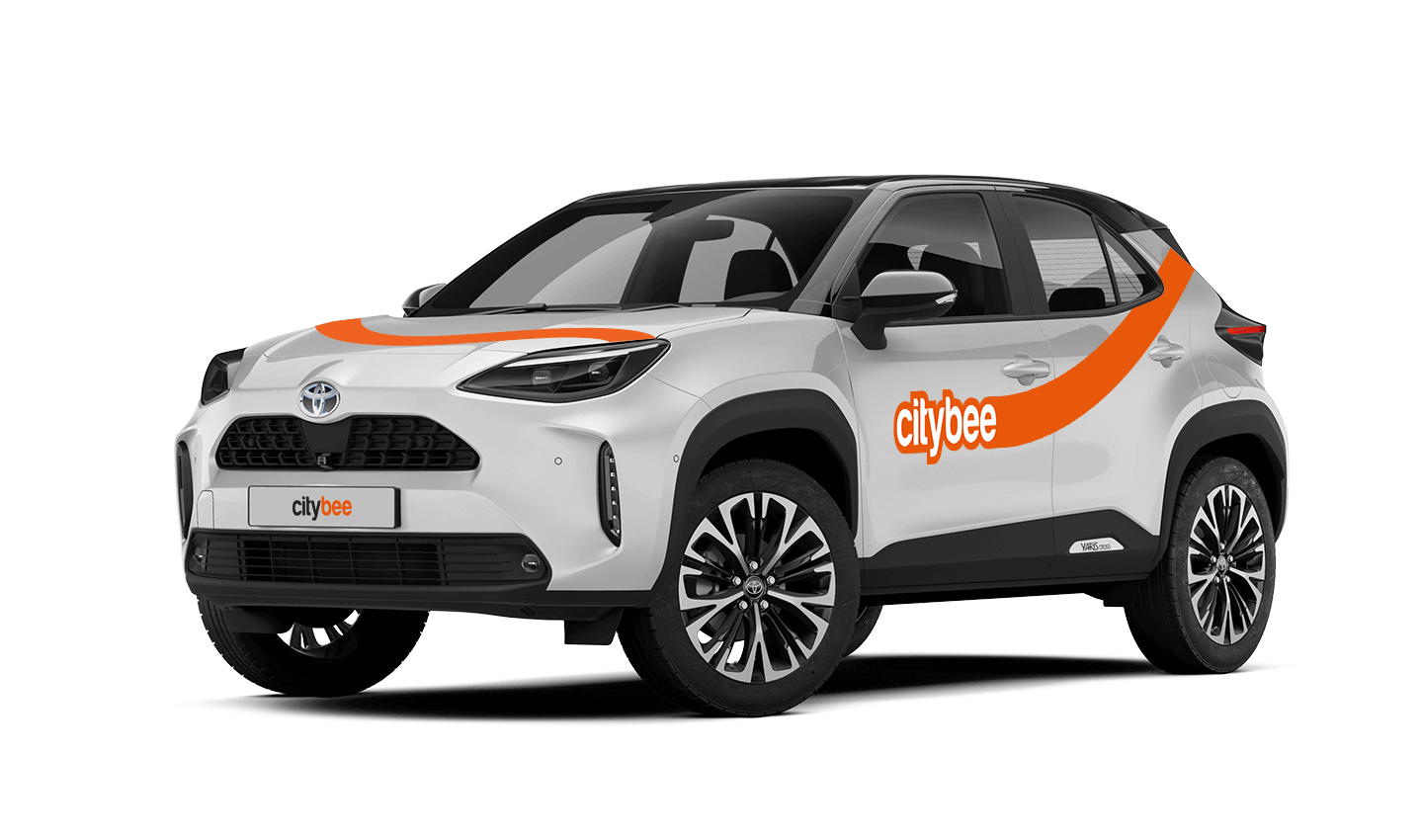
VW Crafter, VW e- Crafter and MAN TGE
Cargo area measurements:
Length – 3201 mm.;
Height – 1961 mm.;
Width – 1832 mm.;
Width between wheelhouse – 1380 mm..

VW Crafter load capacity is up to 1411kg.
VW e- Crafter load capacity is up to 950kg.
Renault Master
Cargo area measurements:
Height – 1894 mm.;
Width – 1765 mm.;
Length – 3733 mm.;
Width between wheelhouse – 1380 mm..
Car measurements:
Height – 2488 mm.;
Width – 2470 mm.;
Length – 6225 mm.
Load capacity is up to 1434kg.
Ford Transit
Cargo area measurements:
Height – 1886 mm.;
Width – 1784 mm.;
Length – 3494 mm;
Width between wheelhouse – 1392mm.
Car measurements:
Height – 2547 mm.;
Width – 2059 mm.;
Length – 5981 mm.
Load capacity is up to 1220kg.
Fiat Ducato
Cargo area measurements:
Height – 1932 mm
Width – 1870 mm
Length – 3705 mm
Wheelbase – 1422 mm
Car measurements:
Height – 2522 mm
Width – 2050 mm
Length – 5998 mm
Load capacity is up to 1326 kg
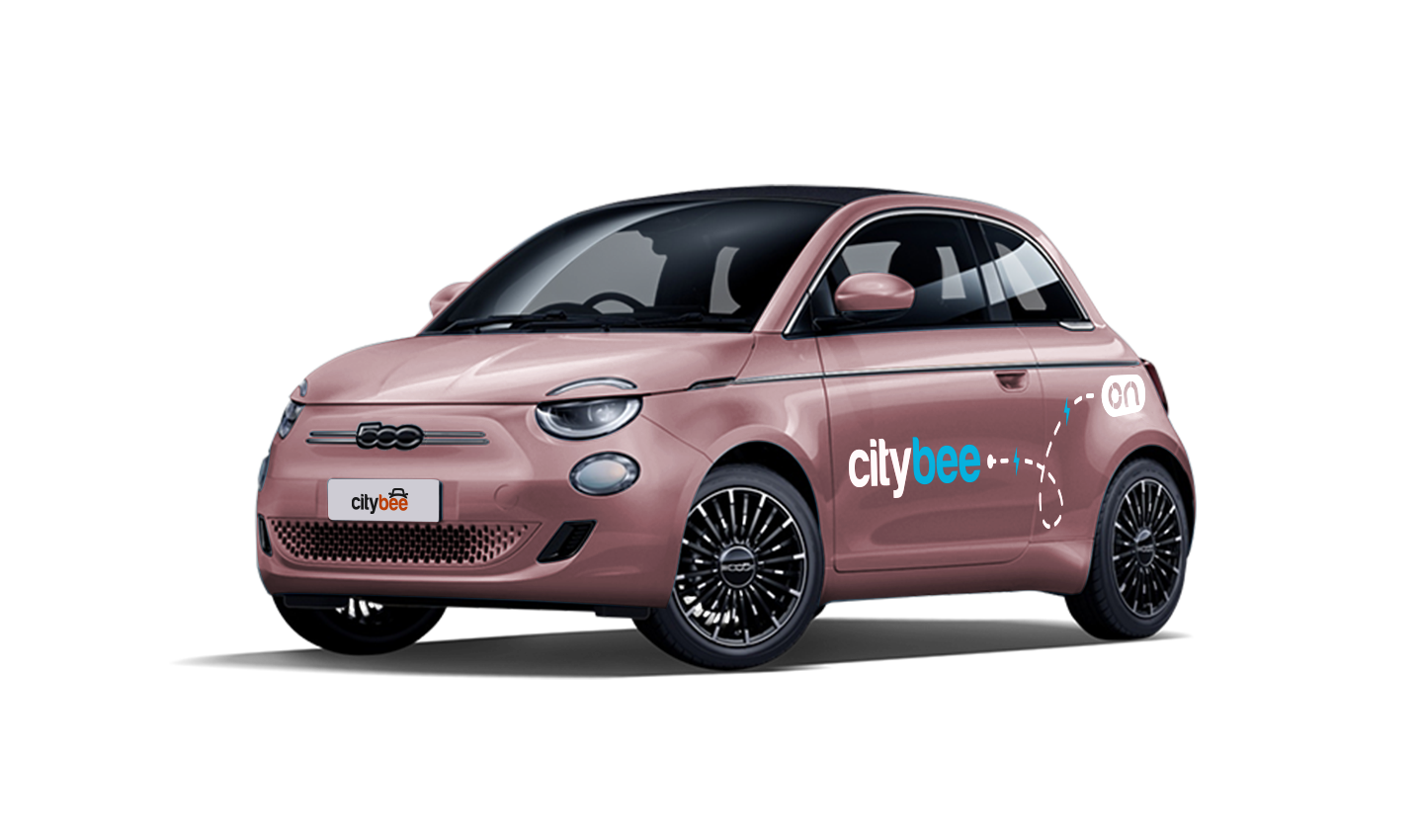
Please note that electric cars can be found in Lithuania and Estonia.
Lithuania:
Make sure the car is unlocked.
Open Charger socket cover on the car which is next to the driver’s door (in the case of the VW e-Crafter electric van) or behind the rear door (in the case of light electric vehicles). If the cover does not open, click “Unlock” on the car key.
In case of charging the vehicle at the “IgnitisON” or “ElintaCharge” fast charging station:
Use the right-most charging wire (“Type 2”) that is already connected to the charging station.
Attention: Wire configurations may vary in some charging stations, so you can only find a Type 2 or “CCS” type wire.
Take the car keys and find the charging token attached (there are two tokens: one for “IgnitisON” and one for “ElintaCharge”).

Approach the charging station and scan the charging token.

Choose the charging slot (“Pasirinkite jungtį”) by pressing a button next to the shown option.

Press the button “Pradėti” to start charging.

In case of charging the vehicle at a 2-slot “ElintaCharge” station:
Take the charging wire from under the middle seat of a CityBee car:
• In the case of the VW e-Crafter electric van – under the front center seat.


• In the case of a passenger car – to the spare wheel space in the trunk.

2. Put one side of the charger wire in the car electric socket and another side into the charging station.


3. Scan the RFID token with “ElintaCharge” written on it.

4. The word “Charging” should start lightning, which means the vehicle is being charged.

Check the car’s charging socket (the green light should be lightning; if there is an orange light or no light at all, it means that the car is not being charged) and the information screen behind the steering wheel (it should indicate that the car is being charged with an indicated time left until fully charged).

Estonia:
Make sure the car is unlocked
Open the charger socket cover, which is located behind the rear door. If the cover does not open, click “Unlock” on the car key.
Charging the vehicle in ‘Eleport’ charging station:
Take the ‘Eleport’ charging card from the sun visor and tap it on the screen

Select either ‘CCS’ or ‘Type 2’ charging option and connect it to the car

Press ”start charging” to start the charging process

To make sure the car is charging, check the charging port to see, if there is a green light.

In the CityBee app, parking zones marked in yellow usually have a drop-off and/or pick-up fee for CityBee cars. This fee does not apply to trips made under the CityBee subscription. The drop-off fee in the yellow CityBee zone is not charged even if the trip starts under the subscription plan but ends with the pay-as-you-go pricing due to exceeding the allocated kilometers and/or minutes in the subscription plan.
When purchasing additional trips, i.e., trip packages, during the subscription period, the CityBee drop-off and/or pick-up fee waiver in the yellow zone does not apply for the package trips.
For more information on CityBee parking zones, click here.
You can submit your request for the exercise of your rights (as far as your Account is concerned) to us in the following ways:
submitting a request at e-mail info@citybee.lt; info@citybee.lv; info@citybee.ee, from email that is registered in your CityBee account that you want to delete;
submitting a request by e-mail at info@citybee.lt; info@citybee.lv; info@citybee.ee, signed with qualified e-signature (e.g. by use of Smart-ID or M-signature);
In the CityBee app, by selecting Menu -> My profile -> Delete my account.
Bee Chill – we’ve got your back! If you happen to have an accident and accidentally damage the vehicle, don’t stress – we’ve got you covered. Just be sure to notify us right away, and we’ll take care of the rest.
The BeeChill is a financial responsibility fee is applied to all ‘Pay as You Go’ trips, and it’s already included in the price of trip packages or trips made with a subscription plan. You can see the fee in the app before you start your trip.
This fee is intended to cover any damage caused to the vehicle as a result of an accident for which you are responsible.
However, BeeChill does not apply in any of the cases listed in Section 7.17 of our Terms of Use. Below are some of the most common examples:
• if the accident is not reported;
• if the accident occurred while driving under the influence of alcohol or drugs;
• if the accident resulted from a serious violation of traffic regulations;
• or in any other cases specified in Section 7.17 of the Terms of Use.
For complete information about the application of BeeChill and all applicable exceptions, please refer to Section 7.17 of our Terms of Use.
When you refill a bee with a fuel level less than 25% volume of the tank capacity, a 2 EUR discount will be added to your account for future trips.
ATTENTION! Discount for refueling the car is applied only when the fuel drops to 1/4 volume of the tank capacity and you need to fill a full tank. The discount is given just once during your trip.
❗The discount will be added to your account within about an hour after the refueling.
How to refuel: https://intercom.help/citybee/en/articles/4890184-do-you-need-to-pay-for-the-fuel.
A minimum fee will still be charged if the trip is less than it. Discounts will be applied after that.
Thank you for taking care of our bee!
‘CityBee’ zones shown on the app map indicate where you can start, pause, or end your trip. Always follow local traffic and parking rules, and avoid restricted areas such as ‘No Parking’, ‘Reserved’, or private spaces.
Please do not leave ‘CityBee’ cars in underground or multi-story car parks, private driveways, lawns, or areas with time-regulated parking.
Important: parking zones are different for passenger, van, and electric van vehicles.
Zone Types and How They Work
Transparent (light) areas are the main ‘CityBee’ zones. Here, you can freely end your trip or park temporarily free of charges as long as you follow parking rules and don’t use disabled, reserved, or private spots. If you park in a private paid lot such as Citypark, Unipark, Europark (unless stated otherwise), you are responsible for the parking fee.
Yellow zones may include an extra fee or a discount when starting or ending a trip, depending on the zone. Tap the yellow zone or (€) icon in the app to view details.
Grey (dark) zones are areas where trips cannot be ended. You can drive through them or park temporarily, but if you do, you’ll need to pay any parking fees yourself.
If you want to finish your trip, you must move to a transparent or yellow zone.
Private or Paid Parking Lots
Parking in private paid lots is allowed unless stated otherwise, but you will need to cover the parking cost yourself.
Country-Specific Parking Rules
Lithuania: You can park the car in public city parking free of charge if it’s a ‘CityBee’ permitted zone displayed in the app. Be aware of private parking exceptions and traffic rules described above. You can find parking zones in Vilnius, Kaunas, Klaipėda, Palanga, Kretinga, Gargždai.
Latvia: CityBee vehicles may be parked free of charge in public city parking spaces in Riga, Liepāja, Ventspils, Ādaži, and Jūrmala (an entry permit is not required; however, an additional fee will apply if the trip is ended in the yellow parking zone).
In Daugavpils, CityBee vehicles may be parked free of charge in two designated public parking zones – the Vienības Square parking zone and the Lāčplēša Street parking zone. As these parking zones may change, we recommend confirming the latest information with our Customer Support team before parking the vehicle.
Estonia: Parking is free in public city spaces (except Old Town) and in selected Europark private car parks. If you park in a private paid lot, you must pay for parking yourself.
Travelling Between Cities and Countries
❗ You’re welcome to take a CityBee car across the Baltics (Lithuania, Latvia, Estonia) and finish your trip in any CityBee zone you see in the app. Just keep in mind that a €69 cross-border fee applies when a trip starts in Latvia or Estonia and ends in Lithuania.
More information about the reason for this additional fee can be found here.
If you end the trip in Latvia or Estonia, no additional fees will be charged.
Van drivers should note that in some cases, road vignettes or passes may need to be purchased separately, depending on local regulations.
Before You End Your Trip
1. Open the ‘CityBee’ app, click ‘Reservation’ and check your current zone.
2. Ensure you are in a transparent or yellow zone.
3. Review any applicable fee or discount in the app.
4. Confirm you are parked correctly according to traffic and parking rules.
5. Avoid grey zones, restricted areas, or private driveways.
If you paid for fuel using your own money, we’ll reimburse the cost. To request a refund, make sure to save the receipt and simply follow this process.
The price of this journey would be
0€
Trip start fee of 0.44€ is included in the price calculation.