Price Calculator
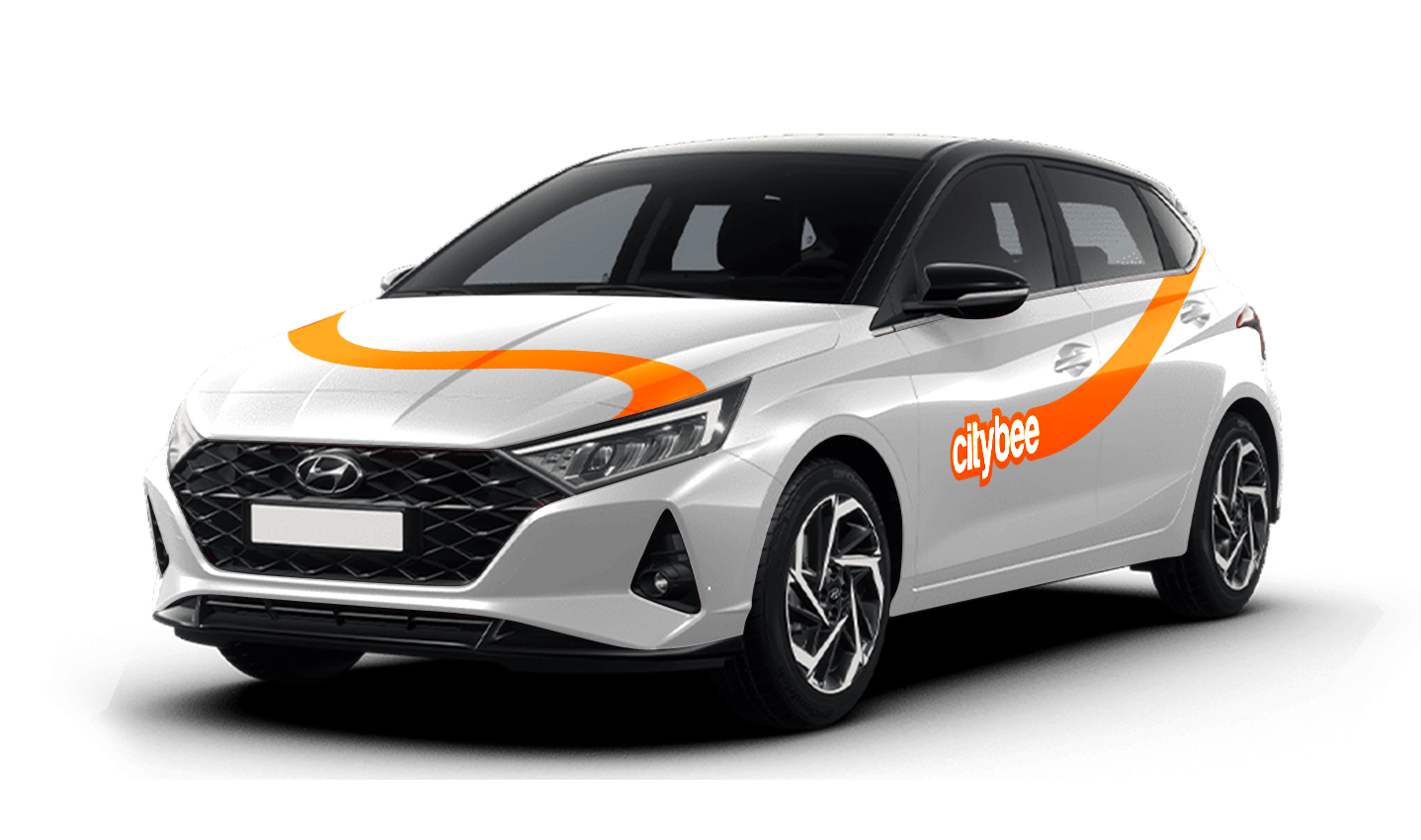
Hyundai i20
The price of this journey would be
0€
Trip start fee of 0.44€ is included in the price calculation.
From now on, before starting the trip, we will ask you to check the car and inform us only if there are any obvious defects that make the car unsuitable for its intended purpose (5.3.19, 5.15).
1. Make a short inspection of the car;
2. Check whether there is any damage that could make the car unsafe or unsuitable for driving (for example flat tires, moderate or severe body damage, etc.) if there is any – please report it using the CityBee app;
3. If the damage is minor (e.g. small scratches or dents) – You do not have to report it and you can safely start the trip!
If the damage impacts your ability to drive safely or you’re uncertain, please reach out to us via email, in-app chat, or phone. Please include a photo to help us assess the situation more accurately.
If the car is dirty – you can select the “report” function in the reservation and the technical team will clean the car at the first opportunity.
You can contact us here:
LT- info@citybee.lt
LV- info@citybee.lv
EE- info@citybee.ee
We offer prepaid trip packages that include fixed time with fixed kilometers.
By choosing prepaid packages, you will pay less than the usual fare with the same distance and time in the “pay as you go” option.
If you happen to exceed the kilometers and /or time included in the price of the package, you will be able to continue the journey safely.
After the prepaid package ends (mileage and time included are finished), you will be paying for additional minutes and/or kilometers as specified in the chosen package deal.
You can also continue your trip by purchasing one more additional prepaid package without completing the active reservation.
If you decide to end the trip before using the time and /or kilometers indicated on the prepaid package, this balance will not be refunded.
The price of the fixed prepaid package will be charged at the beginning of the trip and the price for the extra kilometers and/or time will be charged during or at the end of the journey, depending on the length of your trip.
A day mentioned in the trip packages is 24 hours.
You can find the packages and prices in the CityBee app, also, the prices of prepaid packages can be viewed here: https://citybee.lv/en/packages/.
Now you are able to customize the pre-paid packages yourself by selecting time and kilometers in the app. Choose the preferred duration of the package, then, select the number of kilometers you anticipate driving during that time. This way, you can tailor the pre-paid package to fit your specific needs and budget. Enjoy the flexibility and convenience of customizing your own package!


CityBee cars are new and in good technical condition. However, if your car does not start or breaks down (if you hear a strange sound, a red indicator lights on the dashboard or there are other signs of breakdown), please contact us by phone:
CityBee Lithuania contacts: +37070077084, info@citybee.lt;
CityBee Latvia contacts: +371 27265460, info@citybee.lv ;
CityBee Estonia contacts: +372 600 0160, info@citybee.ee.
Our task is to provide the services you need as soon as possible and smoothly so that any breakdown on the road will cause the least inconvenience and you will be able to continue your trip as soon as possible. No matter where in the city you are, we will quickly make conditions to continue your trip and you will get a compensation.
You can refuel your CityBee at any Circle K station. Just open the app, check the map for the nearest station, and tap it for directions. When you get there, open the app, hit Refuel, and follow the simple steps. Want more info? See the full guide here.
‘CityBee’ cars can be used to travel within the European Union (or where ‘CityBee’ car insurance is valid). However, you need to get our prior permission first.
The permission request must be sent to the general email addresses:
You can contact the LT team via info@citybee.lt;
You can contact the LV team via info@citybee.lv;
You can contact the EE team via info@citybee.ee.
Before deciding whether to allow to transport ‘CityBee’ car outside of LT, LV or EE, we will assess our technical and organizational capabilities and your history of using ‘CityBee’ services.
You’re welcome to take a CityBee car across the Baltics (Lithuania, Latvia, Estonia) and finish your trip in any permitted CityBee zone shown in the app. Just keep in mind that a €69 cross-border fee applies when a trip starts in Latvia or Estonia and ends in Lithuania.
At least one payment card must be linked to a CityBee account. You can link more than one payment card and choose from which card you will be billed for services before each trip. It is important that the card type is VISA or MasterCard and that the secure internet shopping function is activated.
How do I activate the secure internet shopping function?
1. SEB: Log in to your internet bank and look for “Accounts and Cards” -> “Card List” in the menu bar at the top. You’ll see all of your cards that can be registered with the secure internet shopping programme. Next to the desired card in the options below, click on “Online Billing” and click “Enable”.
2. Swedbank: Log in to your internet bank and look for “Cards” -> “Secure internet shopping” in the menu bar on the left. You’ll see all of your cards that can be registered with the secure internet shopping programme. Select the desired card next to the note “Online Billing” and click “Enable”.
3. Šiaulių Bankas: Log in to your Internet bank and in the menu on the left, select “Cards” -> “Secure payment” -> select the payment card for which you want to activate the secure internet shopping and click “Register” -> enter the requested data and confirm it by pressing the “Enter and Sign” button -> soon the status of the card will change to “Registered”.
4. Luminor bank: Log in to your Internet bank and in the menu, select the item “Payment cards” -> select the payment card for which you want to activate the secure internet shopping and in the opened window click “Secure shopping service settings” -> select the “Order service” button -> enter the requested data, which the bank will show you later during the purchase -> click “Order service”.
5. Citadele bank: No additional activation of the secure internet shopping is required.
During your CityBee subscription period, you can choose between using a subscription plan trip or purchasing a pre-paid trip package for a longer route at the start of each trip. The pay-as-you-go pricing will automatically apply only if you exceed the allocated kilometers and/or minutes for the subscription plan or the additionally purchased package.
When using CityBee, you don’t have to pay for fuel yourself – you only pay for the time and kilometers you drive.
Refueling is easy!
Go to any of our partner Circle K gas stations. Open the CityBee app and start the refueling. Follow the simple instructions, fill up, and hit the road!
If the fuel is below 1/4 of the tank, you’ll receive a €2 discount for topping up.
Step by Step refueling guide
Check the Reservation map in the app to see nearby fuel stations. Tap a station for details and directions, then drive there.
When you arrive, tap the notification or open the CityBee app, go to Reservation, and select Refuel.
The app shows available pumps. Pick your pump, activate it, and wait for confirmation.
When it says, “Ready to fuel,” pick up the nozzle and start fueling. Return the nozzle when finished. The app will update the fueling status automatically.
If you decide not to refuel, you can cancel in two ways:
Manual cancel: Pick up the nozzle and immediately return it – the refueling is canceled.
Automatic cancel: If the nozzle is never picked up, the app will automatically cancel the refueling after 2 minutes of inactivity.
In rare cases, you may need to use the fuel card inside the car. This happens if the pump doesn’t work via the app or if you’re refueling outside the Baltic States. The CityBee app shows the PIN code and fuel type under your active reservation.
The price of this journey would be
0€
Trip start fee of 0.44€ is included in the price calculation.