Price Calculator
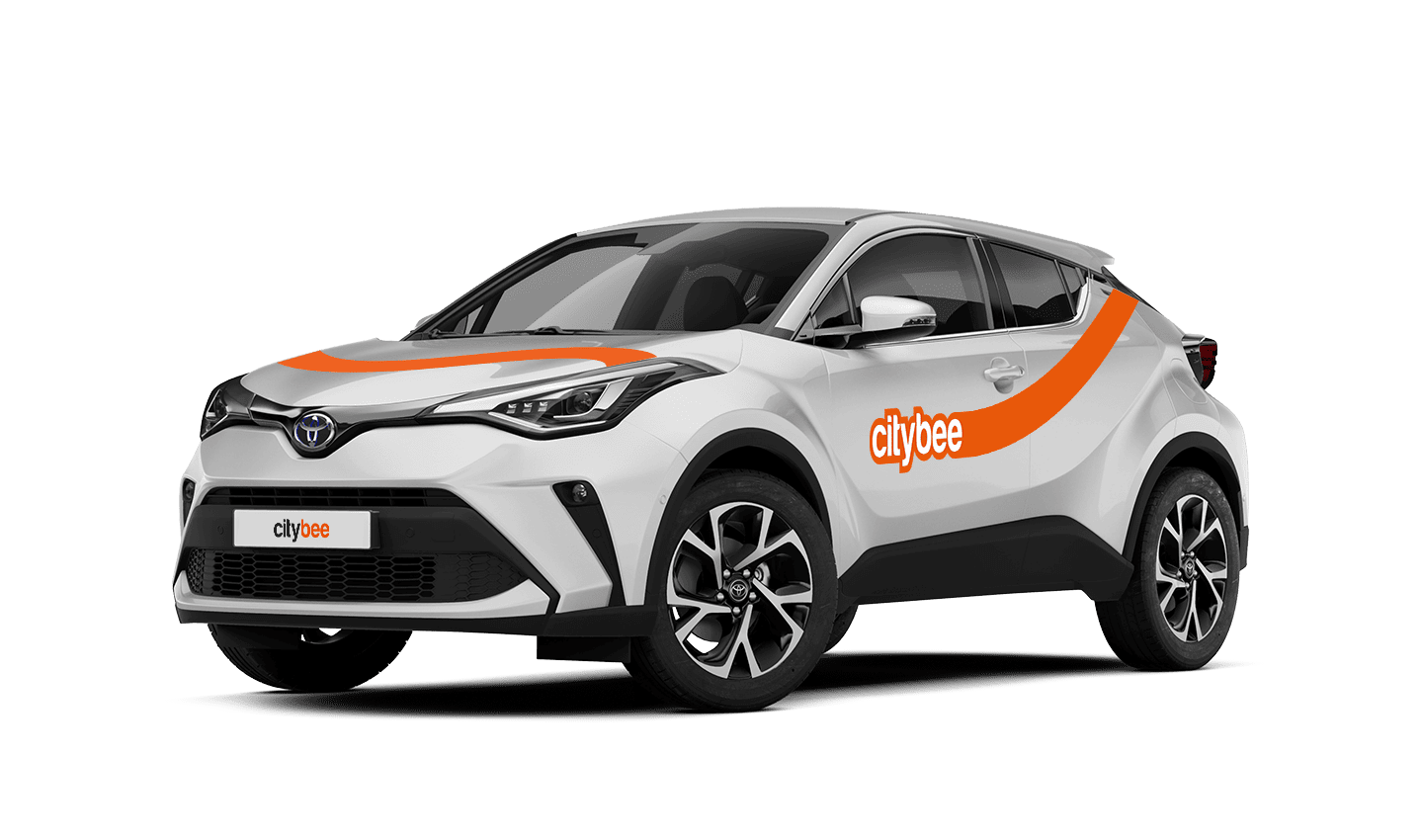
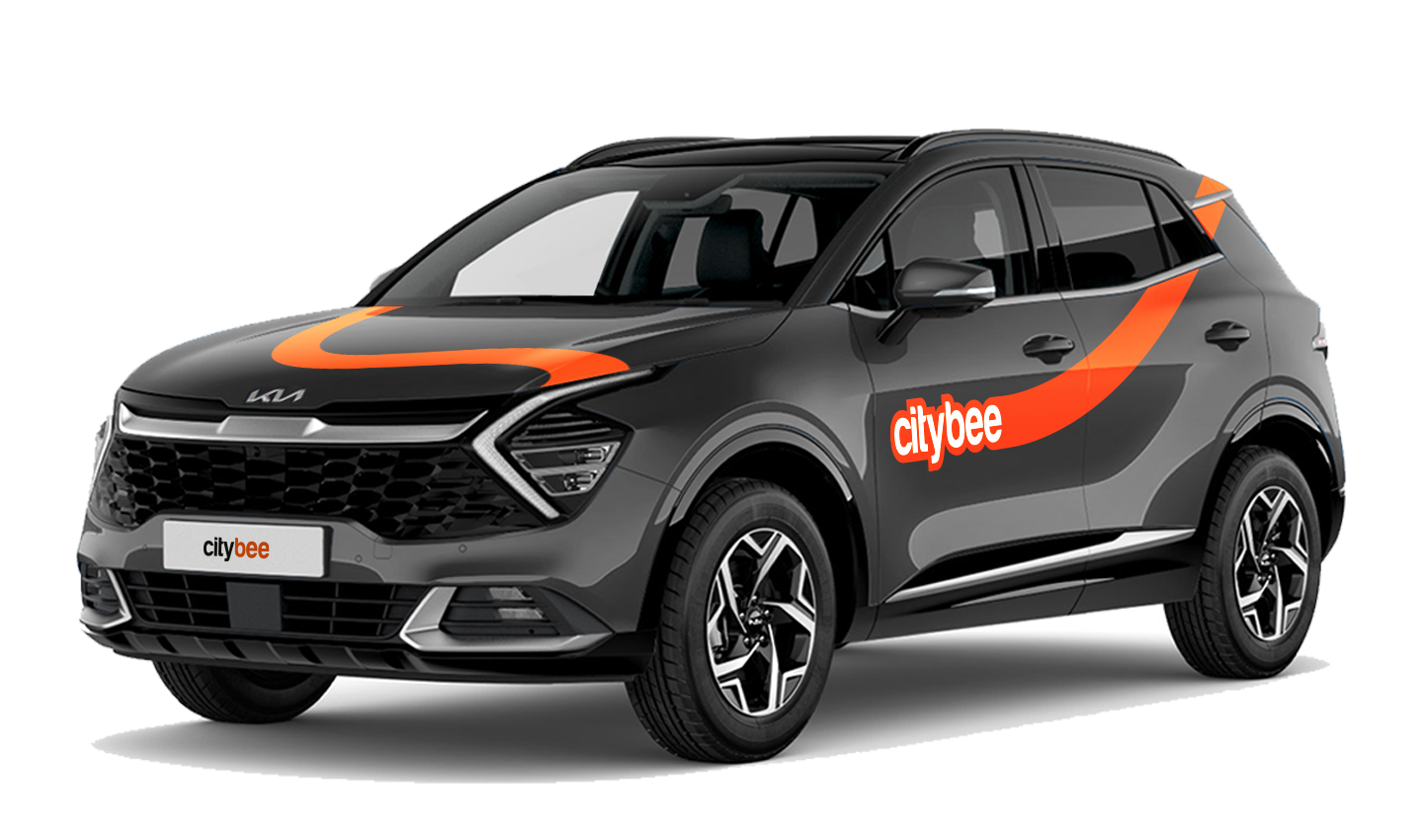
KIA Sportage
The price of this journey would be
0€
Trip start fee of 0.44€ is included in the price calculation.
If you use all the trips included in your CityBee subscription plan before it expires, you can purchase a new plan at any time.
During the process of drivers license approval, sometimes the system will ask you to join a video call.
You will receive a link to this call via SMS and e-mail. After receiving this link, please click on it and join the video call during these hours – 8:00-00:00.
If you do not join the video call within 7 days, the driver’s license will not be successfully approved.
‘CityBee’ zones shown on the app map indicate where you can start, pause, or end your trip. Always follow local traffic and parking rules, and avoid restricted areas such as ‘No Parking’, ‘Reserved’, or private spaces.
Please do not leave ‘CityBee’ cars in underground or multi-story car parks, private driveways, lawns, or areas with time-regulated parking.
Important: parking zones are different for passenger, van, and electric van vehicles.
Zone Types and How They Work
Transparent (light) areas are the main ‘CityBee’ zones. Here, you can freely end your trip or park temporarily free of charges as long as you follow parking rules and don’t use disabled, reserved, or private spots. If you park in a private paid lot such as Citypark, Unipark, Europark (unless stated otherwise), you are responsible for the parking fee.
Yellow zones may include an extra fee or a discount when starting or ending a trip, depending on the zone. Tap the yellow zone or (€) icon in the app to view details.
Grey (dark) zones are areas where trips cannot be ended. You can drive through them or park temporarily, but if you do, you’ll need to pay any parking fees yourself.
If you want to finish your trip, you must move to a transparent or yellow zone.
Private or Paid Parking Lots
Parking in private paid lots is allowed unless stated otherwise, but you will need to cover the parking cost yourself.
Country-Specific Parking Rules
Lithuania: You can park the car in public city parking free of charge if it’s a ‘CityBee’ permitted zone displayed in the app. Be aware of private parking exceptions and traffic rules described above. You can find parking zones in Vilnius, Kaunas, Klaipėda, Palanga, Kretinga, Gargždai, Jonava and Rukla.
Latvia: You can freely park the car in public city spaces in Riga, Jūrmala (no need to buy entry pass), Liepāja, Ventspils and Ādaži. If the car is parked in a private paid parking lot (e.g., Citypark, Europark), except for these exceptions, the driver covers the parking fee themselves. Riga City Parking zones, except for Zone R, are free of charge for ‘CityBee’ users.
Estonia: Parking is free in public city spaces (except Old Town) and in selected Europark private car parks. If you park in a private paid lot, you must pay for parking yourself.
Travelling Between Cities and Countries
❗ You’re welcome to take a CityBee car across the Baltics (Lithuania, Latvia, Estonia) and finish your trip in any CityBee zone you see in the app. Just keep in mind that a €69 cross-border fee applies when a trip starts in Latvia or Estonia and ends in Lithuania.
More information about the reason for this additional fee can be found here.
If you end the trip in Latvia or Estonia, no additional fees will be charged.
Van drivers should note that in some cases, road vignettes or passes may need to be purchased separately, depending on local regulations.
Before You End Your Trip
1. Open the ‘CityBee’ app, click ‘Reservation’ and check your current zone.
2. Ensure you are in a transparent or yellow zone.
3. Review any applicable fee or discount in the app.
4. Confirm you are parked correctly according to traffic and parking rules.
5. Avoid grey zones, restricted areas, or private driveways.
With a CityBee subscription, you can drive any CityBee passenger car in Lithuania, except for cargo vehicles.
With CityBee, you can easily request a refund right in the app – no need to send emails or fill out forms.
How it works
Open the app, go to the menu, find Trip history, choose your trip, and tap Refund.
Select what the refund is for – fuel, AdBlue, parking, or your trip experience.
Add the required information.
For fuel, AdBlue, or parking – upload a photo of the receipt.
For trip experience – write a short explanation.
Check that everything is filled in and submit your request. Once it’s sent, you’ll see a confirmation message and the request will appear in the Help section. You can also follow the progress of your request in the Help section. Any updates or replies from our Support team will be shown there.
Make sure you’re using the latest version of the app to access this feature. If you have any questions, reach out via CityBee app or via email at info@citybee.lv
Please note that refunds can only be made to a bank account in the name of the CityBee profile owner who made the reservation.
If you want to change your phone number in the CityBee app, please follow these steps:
Menu > My profile > Phone number. Specify the new phone number and enter the verification code, which you will receive as an SMS to the new phone number.
If you want to change the phone number registered in the CityBee app, but cannot access your profile in the app, please send us a request by e-mail, using the e-mail address you specified in your CityBee profile, and indicate your new phone number. We will change it upon request.
If you are unable to access the email inbox associated with your account, kindly get in touch with our customer support team for further assistance.
Attention! To protect Your account and to prevent fraud, while changing the phone number, we will remove Your driver‘s license and all Your attached payment cards. Add Your driver‘s license and payment card and You will be able to use the services again.
Email for contacting (for Citybee Lithuania customers): info@citybee.lt;
Email for contacting (for Citybee Latvia customers): info@citybee.lv;
Email for contacting (for Citybee Estonia customers): info@citybee.ee.
To change the CityBee self-service password, click on “I forgot/want to change my password” on the website . Once you’ve done that, enter your email address linked with your CityBee account in the box that appears. An email will be sent to your inbox with instructions explaining how to change your password.
Lithuania self – service: https://selfservice.citybee.lt/#/login;
Latvia self-service: https://selfservice.citybee.lv/;
Estonia self-service: https://selfservice.citybee.ee/.
Yes, you can. The CityBee Privacy Policy provides detailed information on the purpose of processing your personal data and the duration of storage thereof.
The price of this journey would be
0€
Trip start fee of 0.44€ is included in the price calculation.