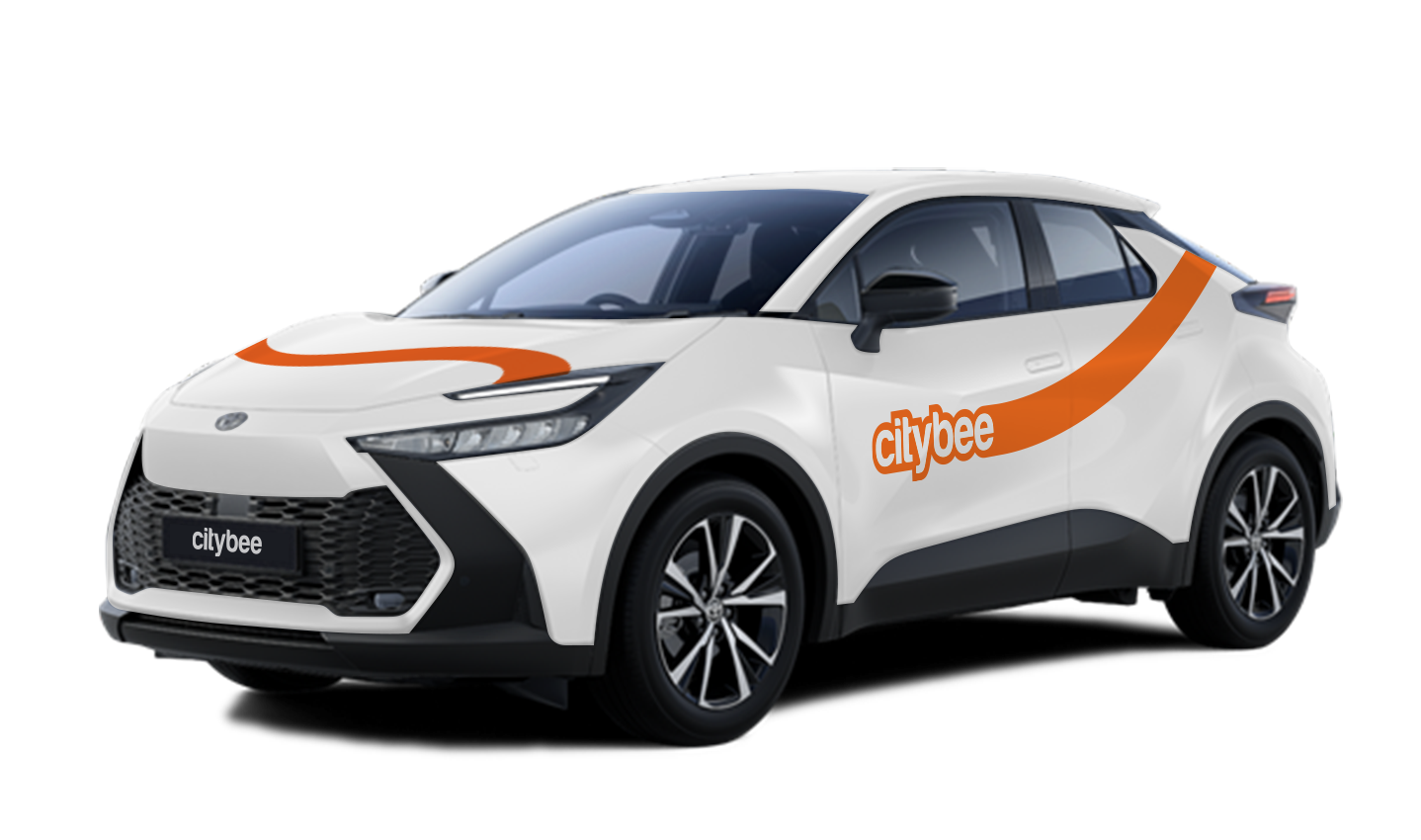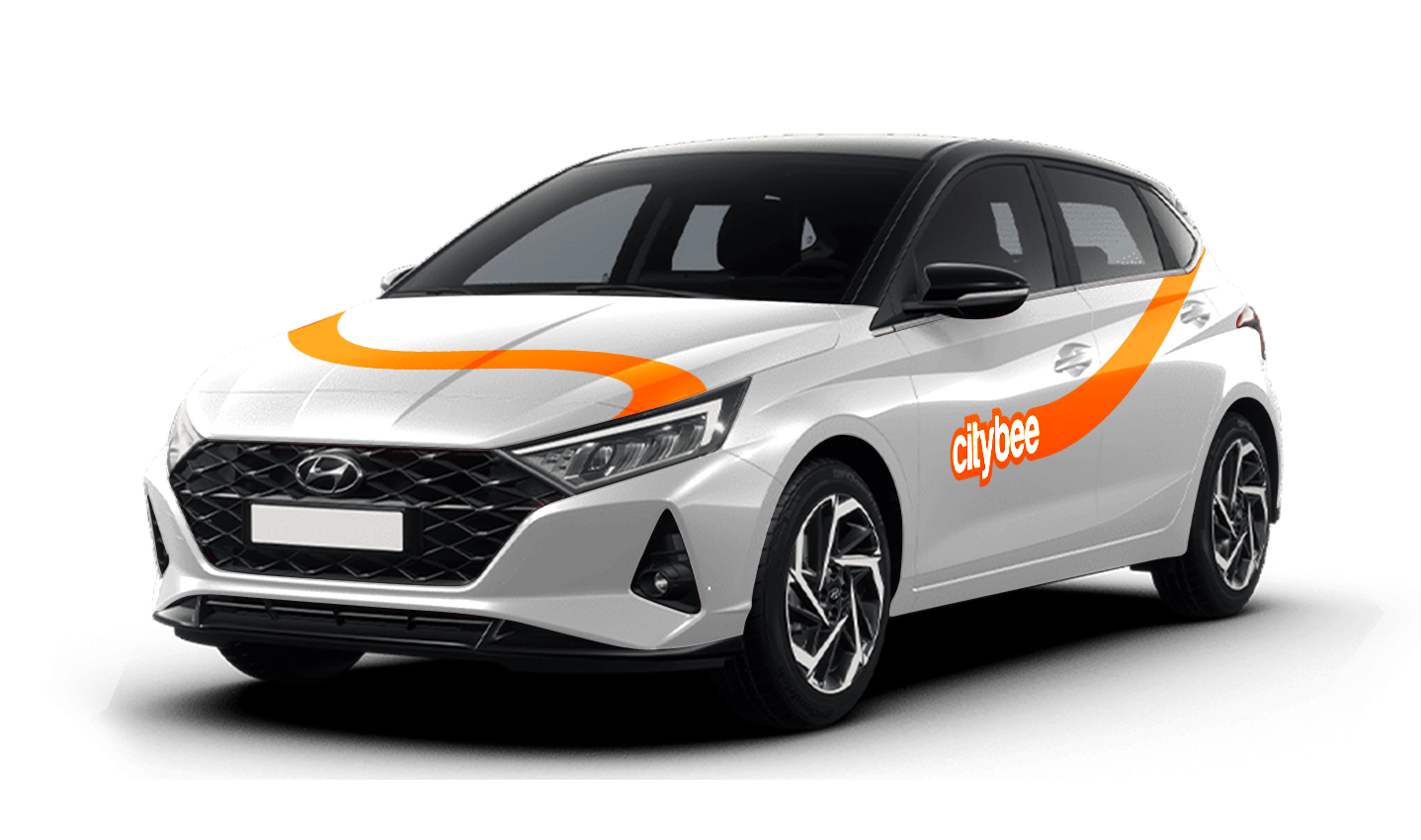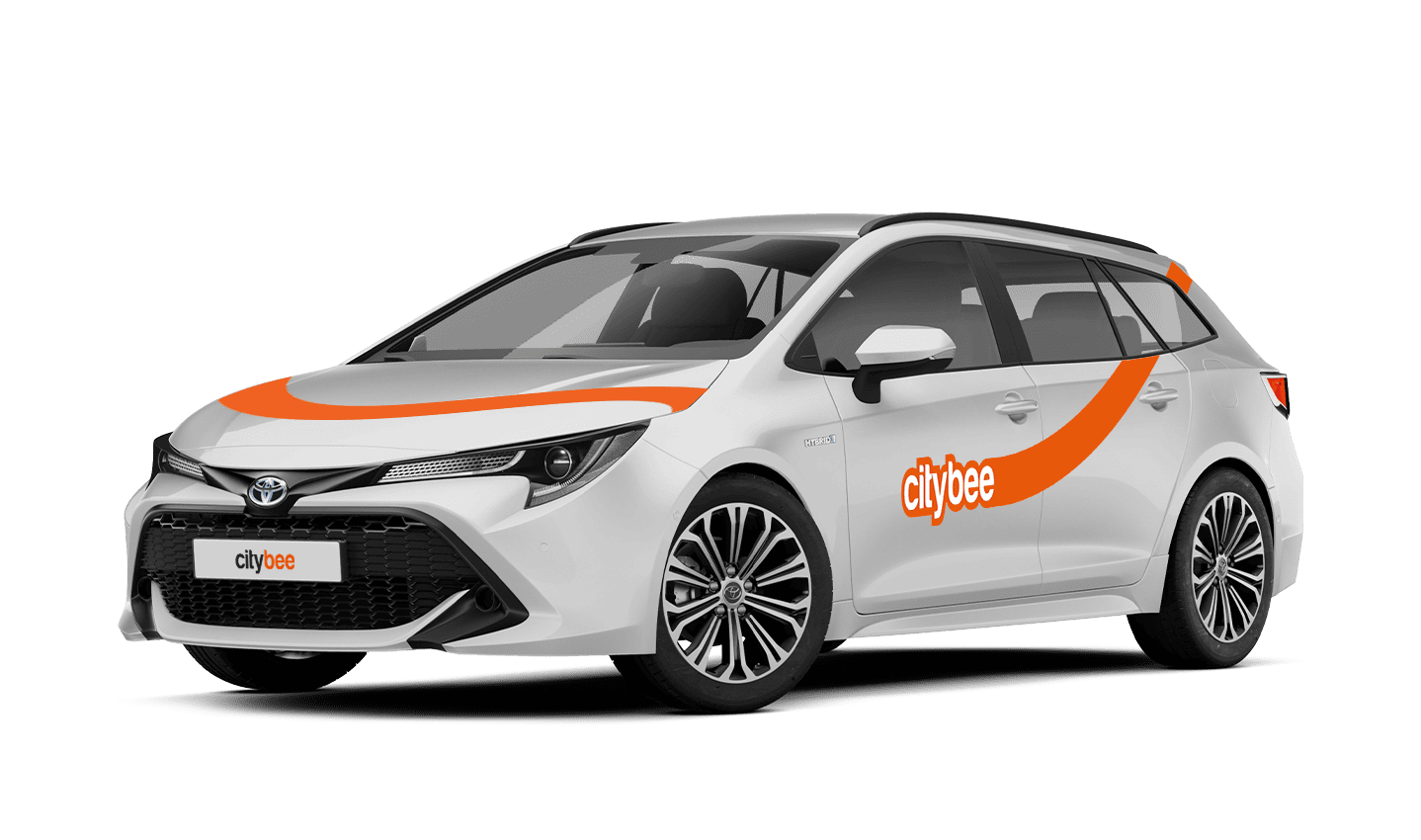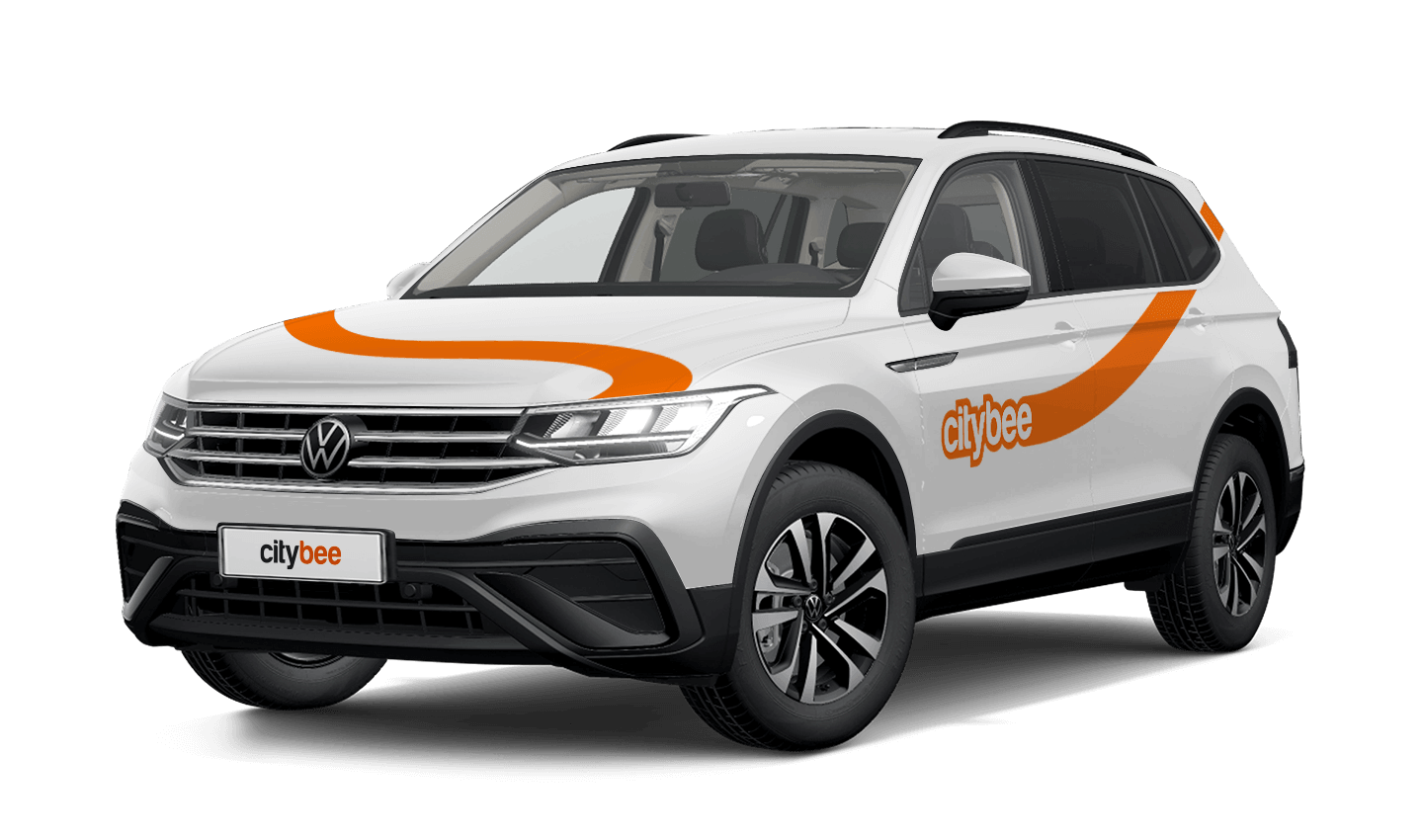
Price Calculator
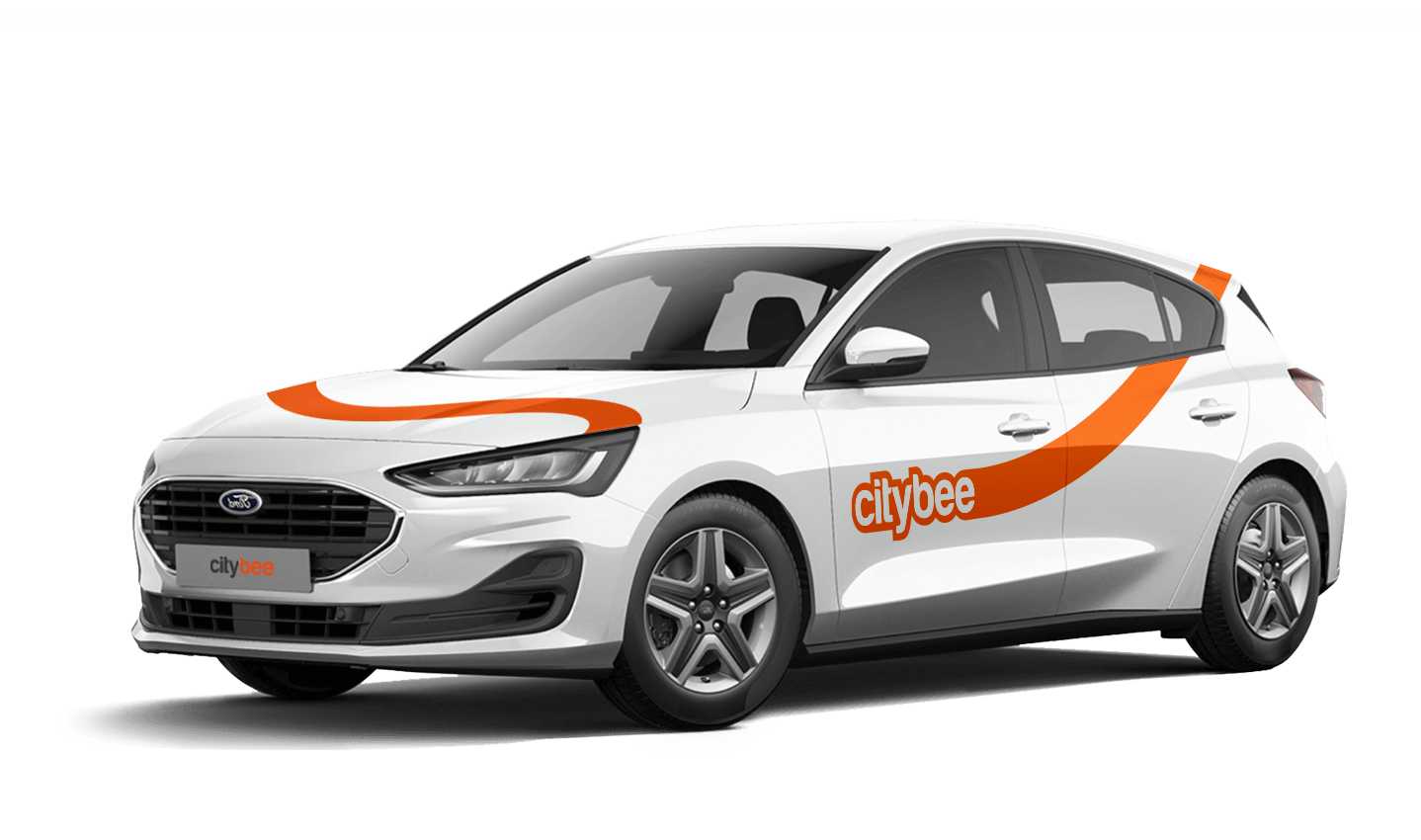
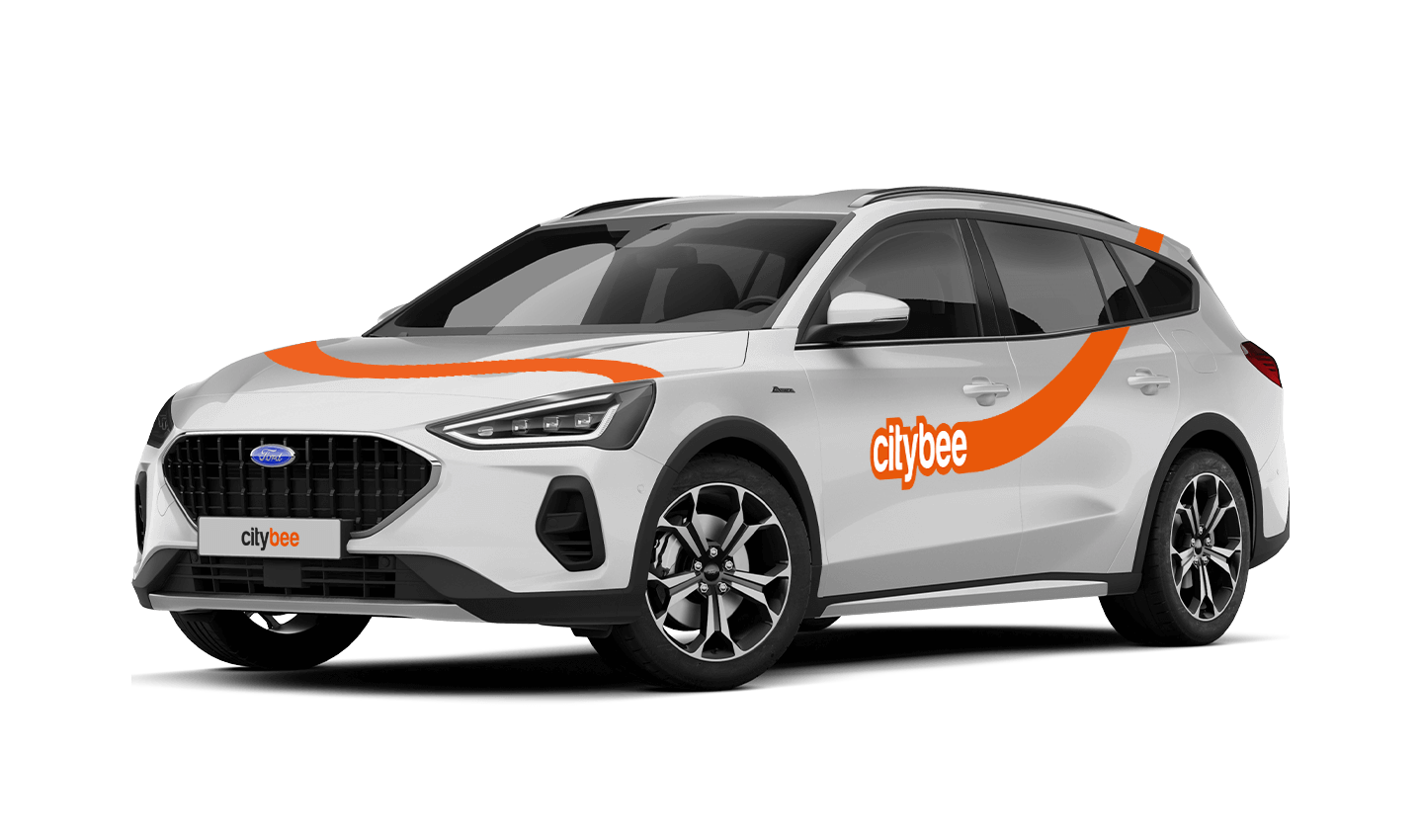
Ford Focus Wagon
The price of this journey would be
0€
Trip start fee of 0.44€ is included in the price calculation.
At CityBee, we prioritize safety, both for our drivers and everyone on the road. If you happen to exceed the speed limit, we’ll call you or send you a notification to remind you to slow down.
However, if after receiving this notification you continue to exceed the speed limit, a fine specified in our Pricelist will be applied. This fine serves as a reminder to follow the rules of the road and keep your driving safe.
By respecting speed limits, you’re not only avoiding fines but also contributing to a safer experience for everyone. Let’s keep it safe and smooth on the roads!
The CityBee subscription is a monthly trip plan that allows you to travel much more affordably than with the pay-as-you-go pricing and offers exclusive benefits for subscribers. When you purchase a subscription plan for a fixed price, you’ll receive a set number of trips. Each trip includes a predetermined number of kilometers and minutes, as well as the trip start fee and minimum trip cost. You have 30 days from the date of purchase to use your trips.
Regardless of the number of trips, the CityBee monthly subscription plan also includes the following benefits:
free parking in the CityBee yellow zone;
‘BeeChill’ fee included in the price.
‘CityBee’ zones shown on the app map indicate where you can start, pause, or end your trip. Always follow local traffic and parking rules, and avoid restricted areas such as ‘No Parking’, ‘Reserved’, or private spaces.
Please do not leave ‘CityBee’ cars in underground or multi-story car parks, private driveways, lawns, or areas with time-regulated parking.
Important: parking zones are different for passenger, van, and electric van vehicles.
Zone Types and How They Work
Transparent (light) areas are the main ‘CityBee’ zones. Here, you can freely end your trip or park temporarily free of charges as long as you follow parking rules and don’t use disabled, reserved, or private spots. If you park in a private paid lot such as Citypark, Unipark, Europark (unless stated otherwise), you are responsible for the parking fee.
Yellow zones may include an extra fee or a discount when starting or ending a trip, depending on the zone. Tap the yellow zone or (€) icon in the app to view details.
Grey (dark) zones are areas where trips cannot be ended. You can drive through them or park temporarily, but if you do, you’ll need to pay any parking fees yourself.
If you want to finish your trip, you must move to a transparent or yellow zone.
Private or Paid Parking Lots
Parking in private paid lots is allowed unless stated otherwise, but you will need to cover the parking cost yourself.
Country-Specific Parking Rules
Lithuania: You can park the car in public city parking free of charge if it’s a ‘CityBee’ permitted zone displayed in the app. Be aware of private parking exceptions and traffic rules described above. You can find parking zones in Vilnius, Kaunas, Klaipėda, Palanga, Kretinga, Gargždai, Jonava and Rukla.
Latvia: You can freely park the car in public city spaces in Riga, Jūrmala (no need to buy entry pass), Liepāja, Ventspils and Ādaži. If the car is parked in a private paid parking lot (e.g., Citypark, Europark), except for these exceptions, the driver covers the parking fee themselves. Riga City Parking zones, except for Zone R, are free of charge for ‘CityBee’ users.
Estonia: Parking is free in public city spaces (except Old Town) and in selected Europark private car parks. If you park in a private paid lot, you must pay for parking yourself.
Travelling Between Cities and Countries
❗ You’re welcome to take a CityBee car across the Baltics (Lithuania, Latvia, Estonia) and finish your trip in any CityBee zone you see in the app. Just keep in mind that a €69 cross-border fee applies when a trip starts in Latvia or Estonia and ends in Lithuania.
More information about the reason for this additional fee can be found here.
If you end the trip in Latvia or Estonia, no additional fees will be charged.
Van drivers should note that in some cases, road vignettes or passes may need to be purchased separately, depending on local regulations.
Before You End Your Trip
1. Open the ‘CityBee’ app, click ‘Reservation’ and check your current zone.
2. Ensure you are in a transparent or yellow zone.
3. Review any applicable fee or discount in the app.
4. Confirm you are parked correctly according to traffic and parking rules.
5. Avoid grey zones, restricted areas, or private driveways.
In the event of a traffic accident, follow the valid road traffic regulations of the country where the accident happened. If the accident is not complicated, there are no more than two cars involved and there are no casualties, a sketch of the accident is drawn and an accident statement is filled out, which You will find in the storage compartment. If parties disagree about the fault of the participants in the event, the police are called.
Each accident statement should include the causer of the accident and the victim. In the sketch, it is necessary to specify how many vehicles and which of those vehicles encountered in the accident.
ATTENTION!
When filling out the accident statement, keep in mind that both participants need to specify their contacts, each take a copy of the declaration and sign it (the victim signs only in box 15). Do not forget to fill out the circumstances field (12), it is mandatory.
An example of the filled out accident statement:
In Lithuania https://help.citybee.tech/lt/articles/5615179-kaip-pildyti-eismo-ivykio-deklaracija;
In Latvia https://help.citybee.tech/lv/articles/5615179-ka-aizpildit-saskanoto-pazinojumu;
In Estonia https://help.citybee.tech/et/articles/5615179-kuidas-taita-liiklusonnetuse-teadet.
You can also fill out the accident statement online:
In Lithuania https://draudimoivykiai.lt/;
In Latvia https://www.ltab.lv/spapp/;
In Estonia https://avarii.lkf.ee/et/.
Parking in private paid lots is allowed, but you will need to cover the parking cost yourself.
For more details on parking zones, see our guide here.
Additionally, regardless of whether the area is shown in the app as a free parking zone (transparent) or a paid parking zone (yellow), customers must always comply with local traffic regulations, road signs, supplementary signs, and any other parking restrictions in force.
Before ending your reservation, always make sure that parking is permitted in the selected location.
CityBee subscription plan is valid for 30 days from the date of purchase. Unused trips do not carry over to a new plan.
You can refuel your CityBee at any Circle K station. Just open the app, check the map for the nearest station, and tap it for directions. When you get there, open the app, hit Refuel, and follow the simple steps. Want more info? See the full guide here.
We rely on other legal entities in the provision of our services (data centres, document, photo verification, administration, payment, audit, accounting, legal and advisory services, debt collection, mobile app usage analysis and statistics monitoring, direct marketing, email, SMS, payment intermediaries, etc.)
In all cases, we ensure that third parties providing services comply with our obligations of confidentiality and proper protection of personal data.
If necessary, your personal data may be provided to state and municipal authorities in accordance with applicable legislation and / or our legitimate interests.
After an accident involving a CityBee car used on your behalf, your data is transferred to insurance companies and, if necessary, to other parties involved in the accident.
CityBee also has the right and, in certain cases, the obligation to pass on information about road traffic offences committed by customers (e.g., speeding, drunk-driving) to the responsible authorities (e.g., the Police).
The CityBee Privacy Policy provides detailed information on the purpose of processing your personal data and the duration of storage thereof.
The price of this journey would be
0€
Trip start fee of 0.44€ is included in the price calculation.