Price Calculator
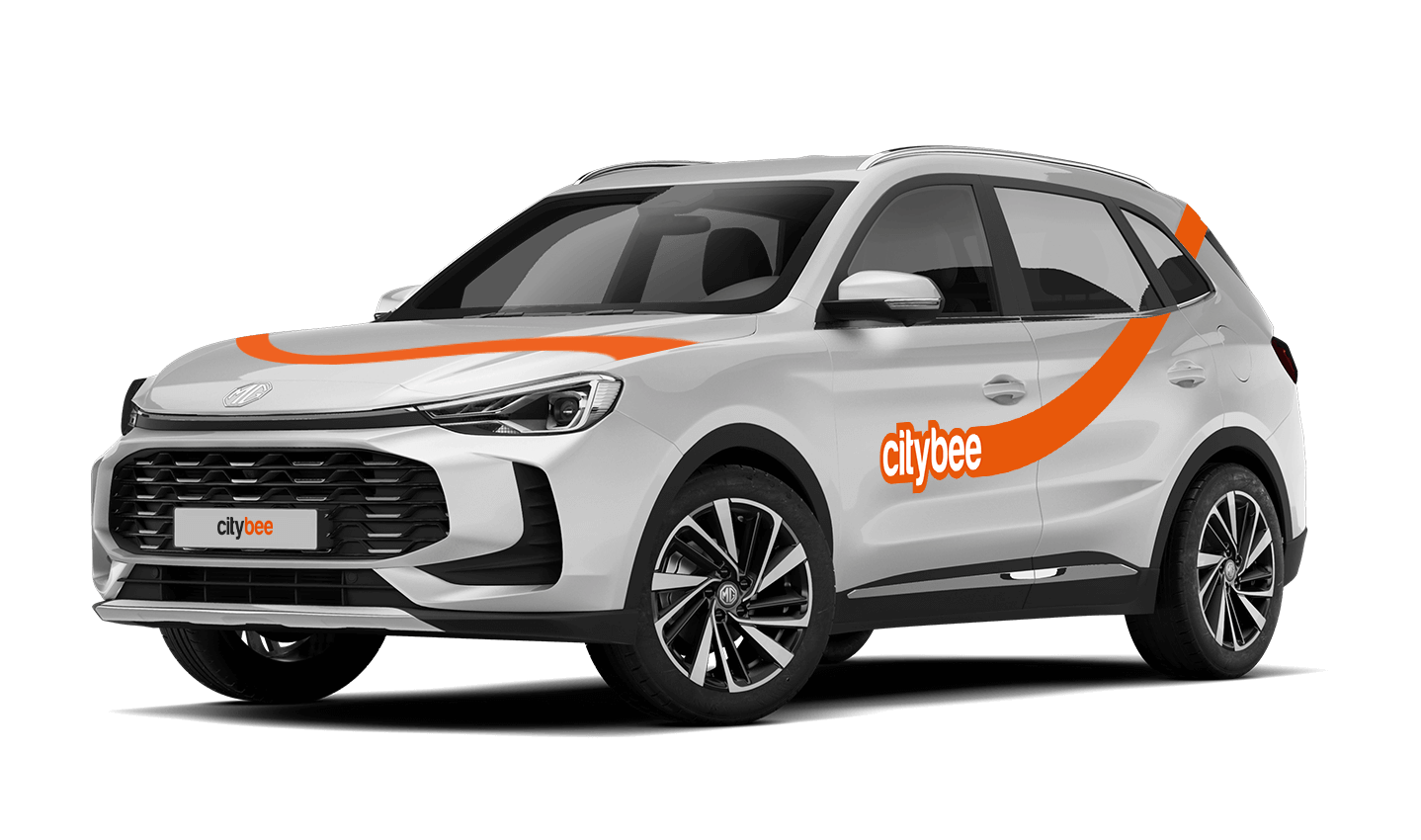
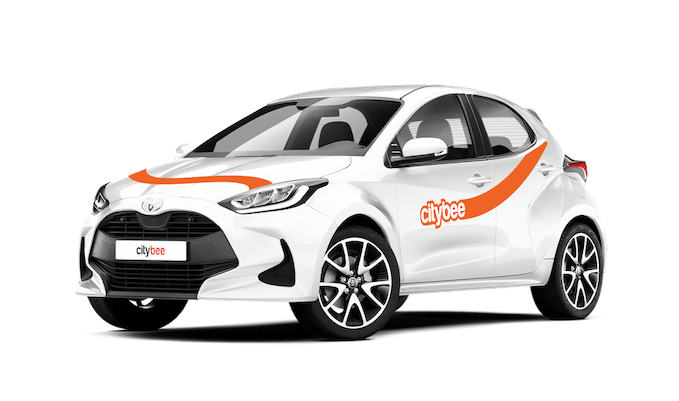
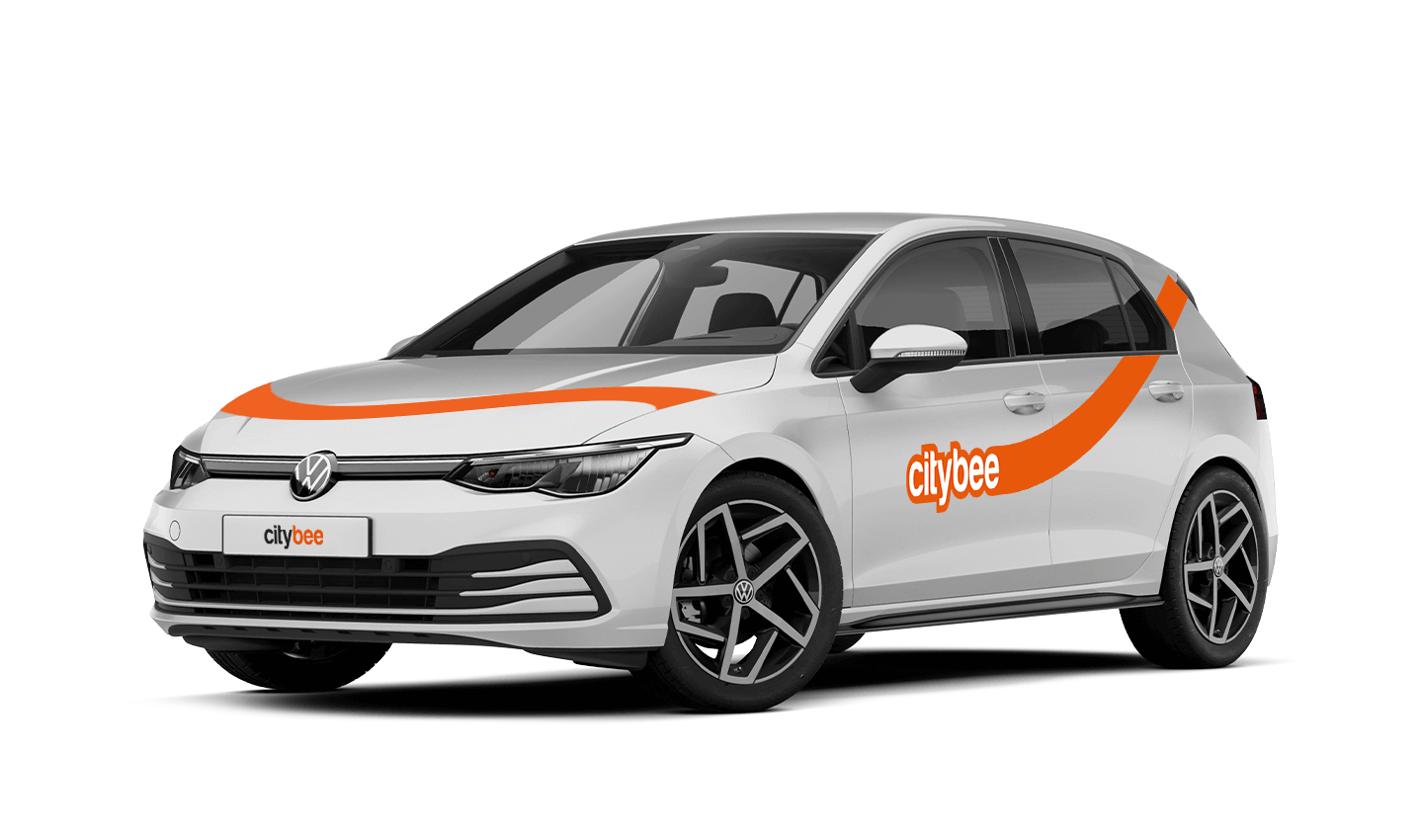
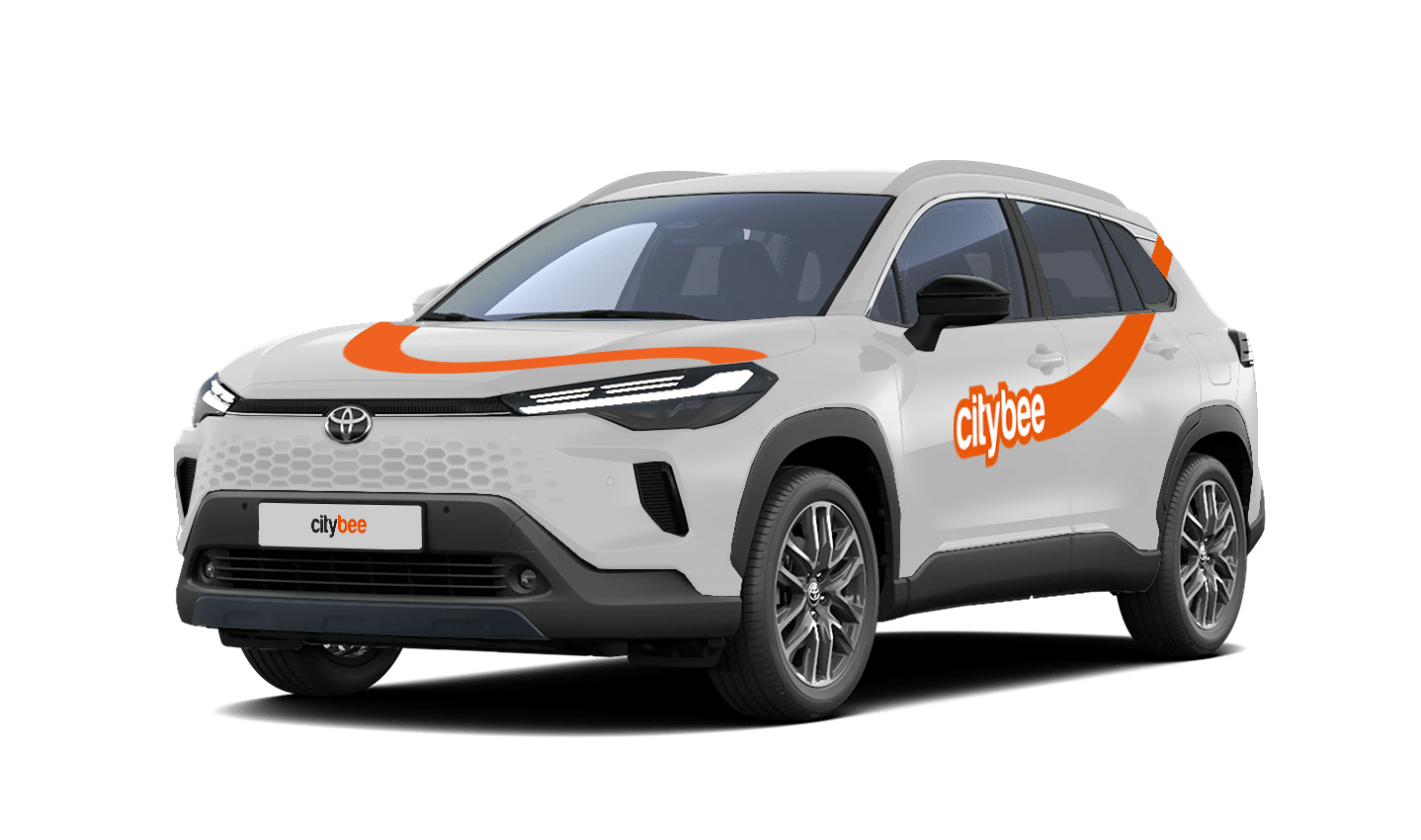
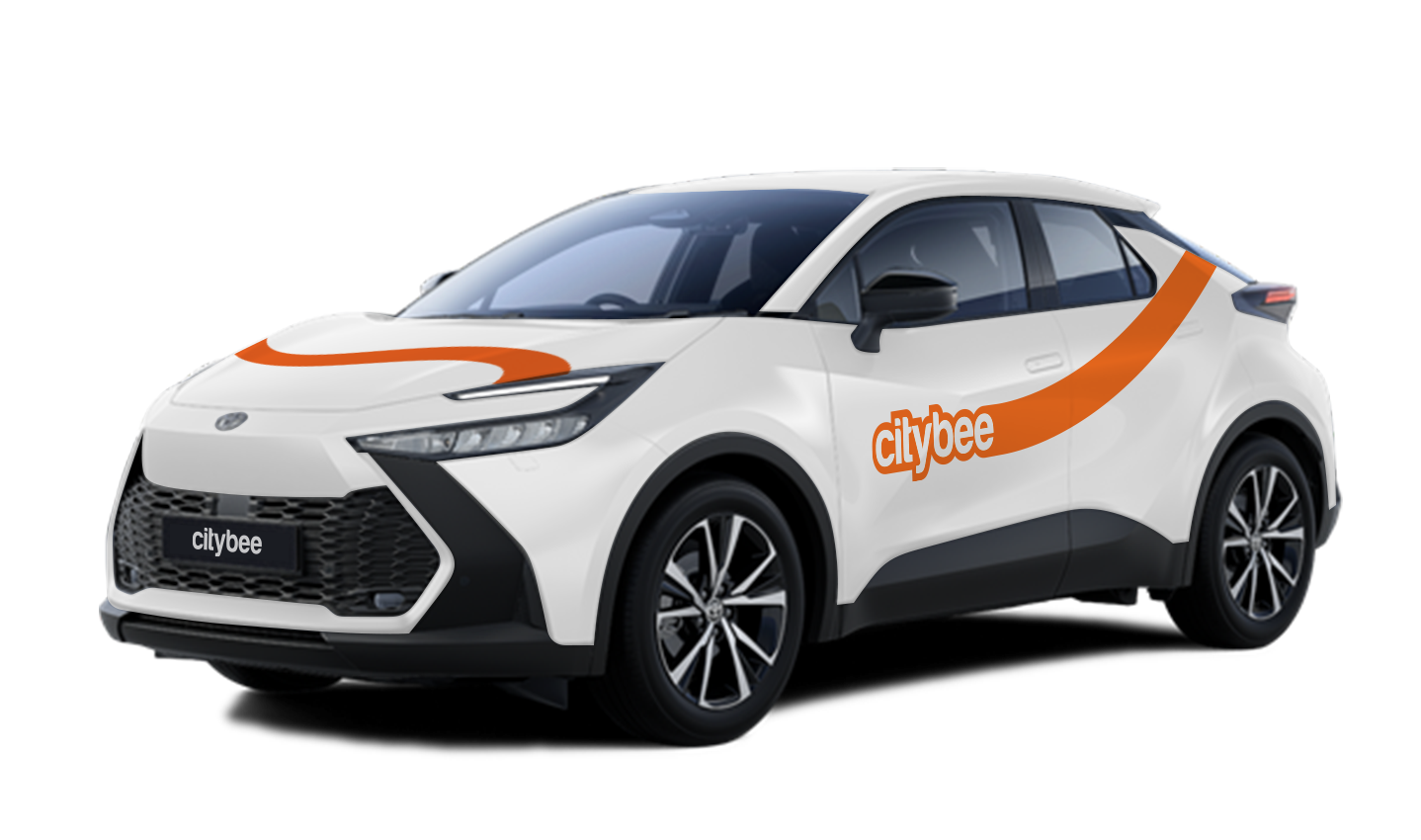
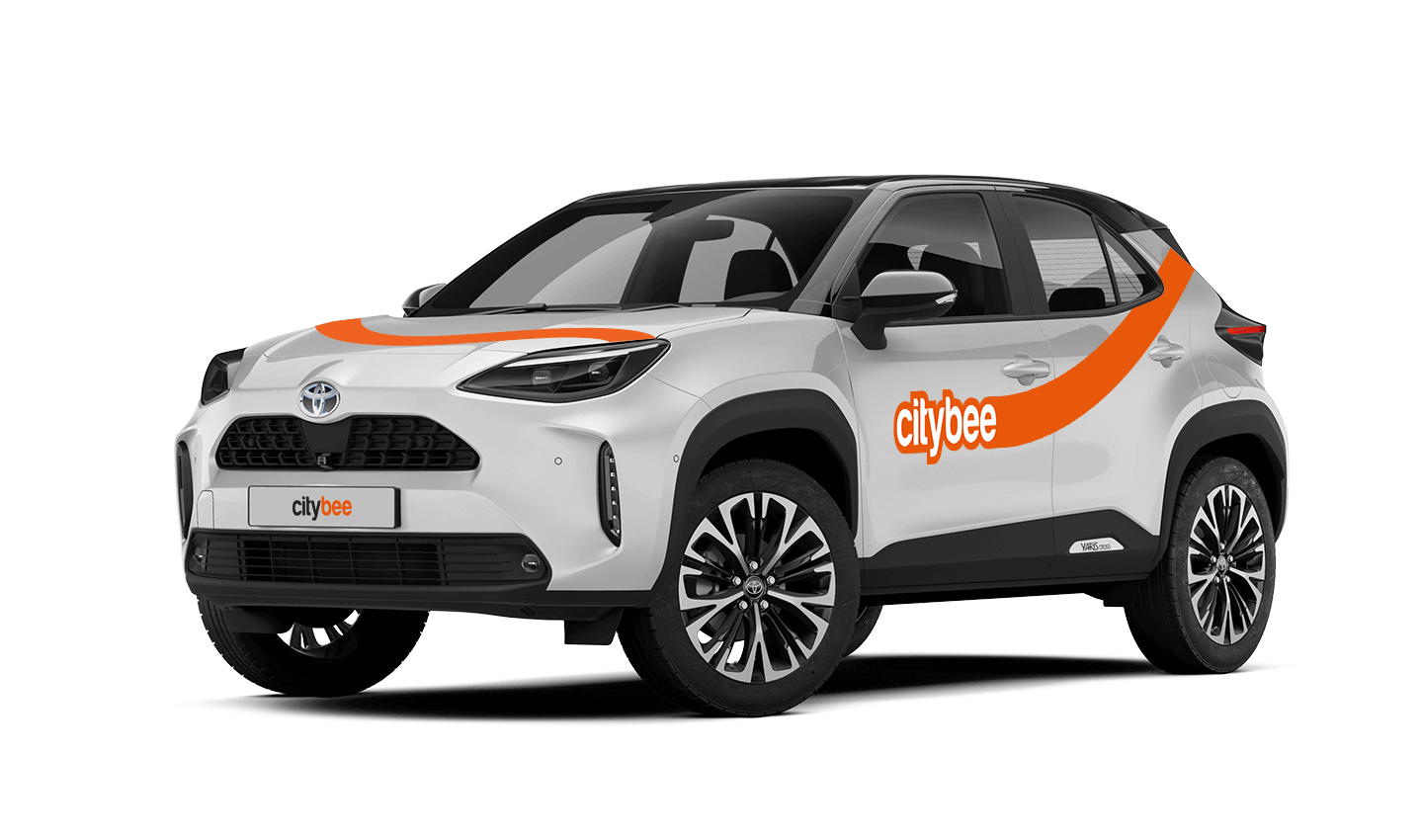
Toyota Yaris Cross
The price of this journey would be
0€
Trip start fee of 0.49€ is included in the price calculation.
Before you hit the road, we’d love for you to do a quick check to make sure the car is roadworthy. If you notice anything that might make it unsafe or unsuitable to drive, just let us know through the CityBee app. This simple check helps keep our cars in great shape and ensures a smooth, safe ride for you!
All CityBee subscription plans are valid for 30 days from the date of purchase. If you do not use all the trips included in the plan within this period, the plan will not be automatically renewed, and no refunds will be given for unused trips.
The usage time of the car starts from the moment of unlocking the car or when you click ‘extend the reservation’ and ends when the car is locked via the smartphone app.
Each time you use CityBee, you are able to choose Flexible or Prepaid Packages pricing.
Trip start fee – additionally applicable to all Flexible pricing trips (not applicable to travel packages). Fee amount for each car is indicated in the App.
Prepaid packages – the prices for the packages are fixed. Prepaid package prices are based on the time and kilometers included. If the time or kilometers included in the package are exceeded, the additional price is calculated according to the set tariff, specified when choosing the package.
You can find all of the available packages and prices in the CityBee app and use the custom package function.
There is no extra charge for fuel and insurance – we take care of it.
We rely on other legal entities in the provision of our services (data centres, document, photo verification, administration, payment, audit, accounting, legal and advisory services, debt collection, mobile app usage analysis and statistics monitoring, direct marketing, email, SMS, payment intermediaries, etc.)
In all cases, we ensure that third parties providing services comply with our obligations of confidentiality and proper protection of personal data.
If necessary, your personal data may be provided to state and municipal authorities in accordance with applicable legislation and / or our legitimate interests.
After an accident involving a CityBee car used on your behalf, your data is transferred to insurance companies and, if necessary, to other parties involved in the accident.
CityBee also has the right and, in certain cases, the obligation to pass on information about road traffic offences committed by customers (e.g., speeding, drunk-driving) to the responsible authorities (e.g., the Police).
The CityBee Privacy Policy provides detailed information on the purpose of processing your personal data and the duration of storage thereof.
Registration at CityBee is quick and easy. You don’t need to come anywhere – register with the mobile CityBee app and start using it! Registration will take just a few minutes.
To subscribe to CityBee, open the CityBee app and go to the ‘Subscription’ section. Choose the plan that best suits you from the available options. The plan cost will be automatically charged to the payment card linked to your CityBee account. Once the payment is successful, you’ll receive a confirmation email. The purchased plan will be activated immediately and will be valid for 30 days.
During the process of drivers license approval, sometimes the system will ask you to join a video call.
You will receive a link to this call via SMS and e-mail. After receiving this link, please click on it and join the video call during these hours – 8:00-00:00.
If you do not join the video call within 7 days, the driver’s license will not be successfully approved.
At the moment we do not have any cars which would be 4 wheel drive.
The price of this journey would be
0€
Trip start fee of 0.49€ is included in the price calculation.