Price Calculator
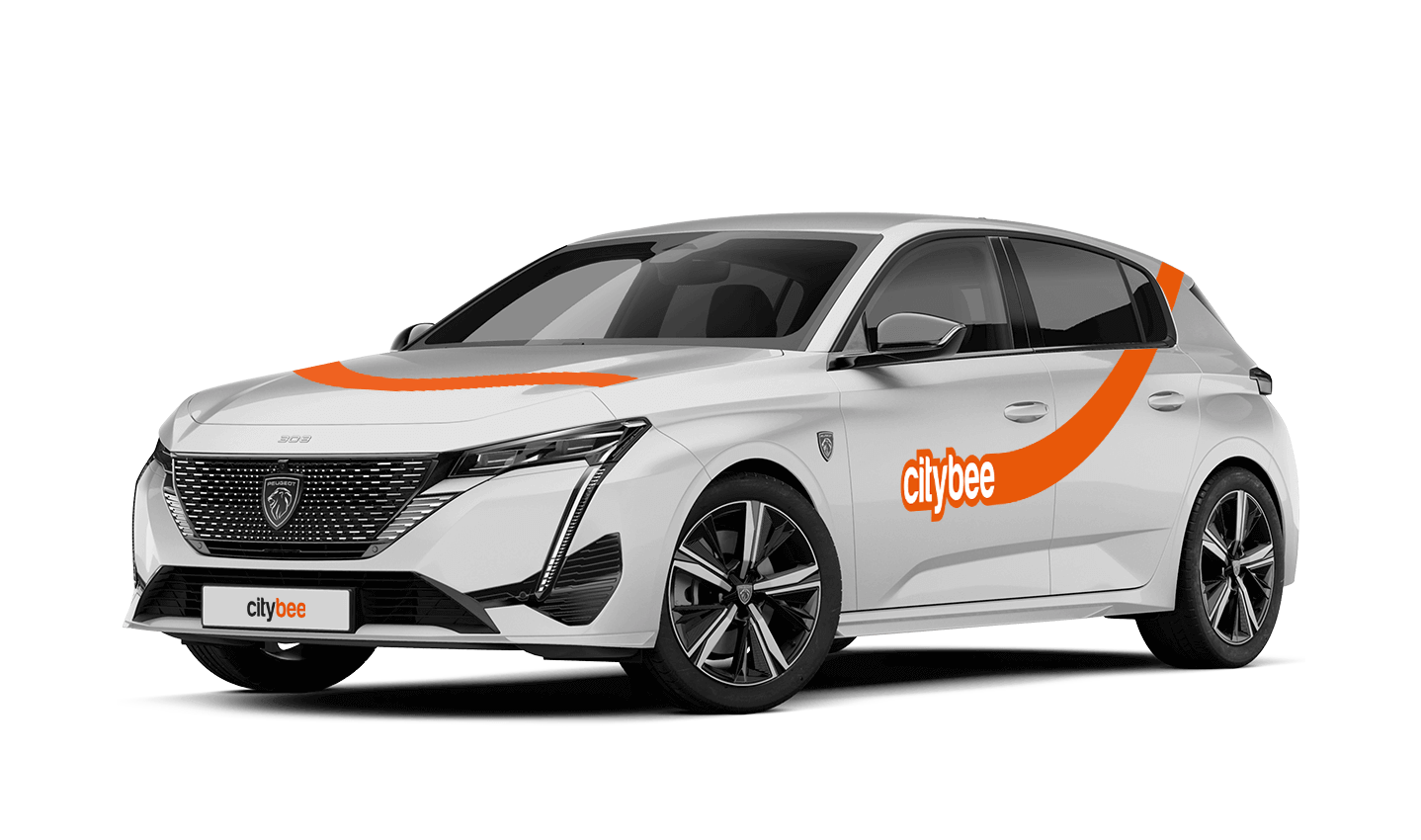
Peugeot 308
The price of this journey would be
0€
Trip start fee of 0.44€ is included in the price calculation.
‘CityBee’ zones shown on the app map indicate where you can start, pause, or end your trip. Always follow local traffic and parking rules, and avoid restricted areas such as ‘No Parking’, ‘Reserved’, or private spaces.
Please do not leave ‘CityBee’ cars in underground or multi-story car parks, private driveways, lawns, or areas with time-regulated parking.
Important: parking zones are different for passenger, van, and electric van vehicles.
Zone Types and How They Work
Transparent (light) areas are the main ‘CityBee’ zones. Here, you can freely end your trip or park temporarily free of charges as long as you follow parking rules and don’t use disabled, reserved, or private spots. If you park in a private paid lot such as Citypark, Unipark, Europark (unless stated otherwise), you are responsible for the parking fee.
Yellow zones may include an extra fee or a discount when starting or ending a trip, depending on the zone. Tap the yellow zone or (€) icon in the app to view details.
Grey (dark) zones are areas where trips cannot be ended. You can drive through them or park temporarily, but if you do, you’ll need to pay any parking fees yourself.
If you want to finish your trip, you must move to a transparent or yellow zone.
Private or Paid Parking Lots
Parking in private paid lots is allowed unless stated otherwise, but you will need to cover the parking cost yourself.
Country-Specific Parking Rules
Lithuania: You can park the car in public city parking free of charge if it’s a ‘CityBee’ permitted zone displayed in the app. Be aware of private parking exceptions and traffic rules described above. You can find parking zones in Vilnius, Kaunas, Klaipėda, Palanga, Kretinga, Gargždai.
Latvia: CityBee vehicles may be parked free of charge in public city parking spaces in Riga, Liepāja, Ventspils, Ādaži, and Jūrmala (an entry permit is not required; however, an additional fee will apply if the trip is ended in the yellow parking zone).
In Daugavpils, CityBee vehicles may be parked free of charge in two designated public parking zones – the Vienības Square parking zone and the Lāčplēša Street parking zone. As these parking zones may change, we recommend confirming the latest information with our Customer Support team before parking the vehicle.
Estonia: Parking is free in public city spaces (except Old Town) and in selected Europark private car parks. If you park in a private paid lot, you must pay for parking yourself.
Travelling Between Cities and Countries
❗ You’re welcome to take a CityBee car across the Baltics (Lithuania, Latvia, Estonia) and finish your trip in any CityBee zone you see in the app. Just keep in mind that a €69 cross-border fee applies when a trip starts in Latvia or Estonia and ends in Lithuania.
More information about the reason for this additional fee can be found here.
If you end the trip in Latvia or Estonia, no additional fees will be charged.
Van drivers should note that in some cases, road vignettes or passes may need to be purchased separately, depending on local regulations.
Before You End Your Trip
1. Open the ‘CityBee’ app, click ‘Reservation’ and check your current zone.
2. Ensure you are in a transparent or yellow zone.
3. Review any applicable fee or discount in the app.
4. Confirm you are parked correctly according to traffic and parking rules.
5. Avoid grey zones, restricted areas, or private driveways.
To sign up, you need to download the CityBee app to your smart iOS or Android phone.
To register, enter the requested personal data and a valid telephone number to verify signing up.
The final step is to link a payment card to your CityBee account.
If you want to use a car-sharing service, you must confirm your driving license’s validity. You can do it just in a few minutes by following the instructions in the app!
The subscription is ideal for anyone who regularly takes shorter trips (up to 5 km and 15 minutes) in the city with CityBee. Whether it’s just a few times or several trips a month, choose a subscription plan that fits your travel needs, save money, and enjoy additional benefits. However, if you typically take longer trips, we recommend selecting from a variety of trip packages that offer more cost-effective options for longer routes.
With CityBee, you can easily request a refund right in the app – no need to send emails or fill out forms.
How it works
Open the app, go to the menu, find Trip history, choose your trip, and tap Refund.
Select what the refund is for – fuel, AdBlue, parking, or your trip experience.
Add the required information.
For fuel, AdBlue, or parking – upload a photo of the receipt.
For trip experience – write a short explanation.
Check that everything is filled in and submit your request. Once it’s sent, you’ll see a confirmation message and the request will appear in the Help section. You can also follow the progress of your request in the Help section. Any updates or replies from our Support team will be shown there.
Make sure you’re using the latest version of the app to access this feature. If you have any questions, reach out via CityBee app or via email at info@citybee.lv
Please note that refunds can only be made to a bank account in the name of the CityBee profile owner who made the reservation.
We’ve got you covered in the event of a car accident, as long as you inform us immediately about it and follow the Terms of Service, the BeeChill fee will take care of the damage.
However, there are exceptions where you will be financially liable, such as:
Failing to report the accident,
Intentional or reckless actions (e.g., driving under the influence or violating traffic laws),
Other exceptions mentioned in our Terms of Service (section 7.17).
In these cases, you will be responsible for the damage, and you will have to cover all costs. For full details, refer to our Terms of Service.
Please note that this service is provided in Lithuania and Estonia.
Lithuania:
Make sure the car is unlocked.
Take the car keys and find the charging coin (RFID key) attached (there are two coins: one for “IgnitisON” and one for “ElintaCharge”).

In case of charging at the “IgnitisON” charging station or “ElintaCharge” fast charging station:
Approach the charging station, scan the charging token, and choose “Stop Charging” (“Sustabdyti”).


Wait a few seconds until the charging process is fully stopped.
Gently unplug the cable from the vehicle and leave it at the charging station.

In case of charging the vehicle at a 2-slot “ElintaCharge” station:
Scan the charging token and wait for a few seconds until the word “Charging” on the station stops lightning.

Wait a few seconds until the charging process is fully stopped.
Gently unplug the cable from the charging station first and then unplug it from the CityBee vehicle.

Don’t leave the cable at the charging station, put the cable back in the car:
• In the case of the VW e-Crafter electric van – under the front center seat


• In the case of a passenger car – to the spare wheel space in the trunk.

If you cannot unplug the cable from the car easily, take the car keys and press the “Unlock” button twice again.
Estonia:
Make sure the car is unlocked
Take the ‘Eleport’ charging card from sun visor

To disconnect the charger in Eleport charging station:
Take the Eleport charging card and tap it on the reader

Press ”Stop Charging” (”Lõpeta laadimine”) – this process may take up to 30 seconds

Disconnect the charging cable from the car and put it back to the charger

During your CityBee subscription period, you can choose between using a subscription plan trip or purchasing a pre-paid trip package for a longer route at the start of each trip. The ‘Flexible’ pricing will automatically apply only if you exceed the allocated kilometers and/or minutes for the subscription plan or the additionally purchased package.
We offer prepaid trip packages that include fixed time with fixed kilometers.
By choosing prepaid packages, you will pay less than the usual fare with the same distance and time in the ‘Flexible’ option.
If you happen to exceed the kilometers and /or time included in the price of the package, you will be able to continue the journey safely.
After the prepaid package ends (mileage and time included are finished), you will be paying for additional minutes and/or kilometers as specified in the chosen package deal.
You can also continue your trip by purchasing one more additional prepaid package without completing the active reservation.
If you decide to end the trip before using the time and /or kilometers indicated on the prepaid package, this balance will not be refunded.
The price of the fixed prepaid package will be charged at the beginning of the trip and the price for the extra kilometers and/or time will be charged during or at the end of the journey, depending on the length of your trip.
A day mentioned in the trip packages is 24 hours.
You can find the packages and prices in the CityBee app, also, the prices of prepaid packages can be viewed here: https://citybee.lv/en/packages/.
Now you are able to customize the pre-paid packages yourself by selecting time and kilometers in the app. Choose the preferred duration of the package, then, select the number of kilometers you anticipate driving during that time. This way, you can tailor the pre-paid package to fit your specific needs and budget. Enjoy the flexibility and convenience of customizing your own package!


The price of this journey would be
0€
Trip start fee of 0.44€ is included in the price calculation.