Price Calculator
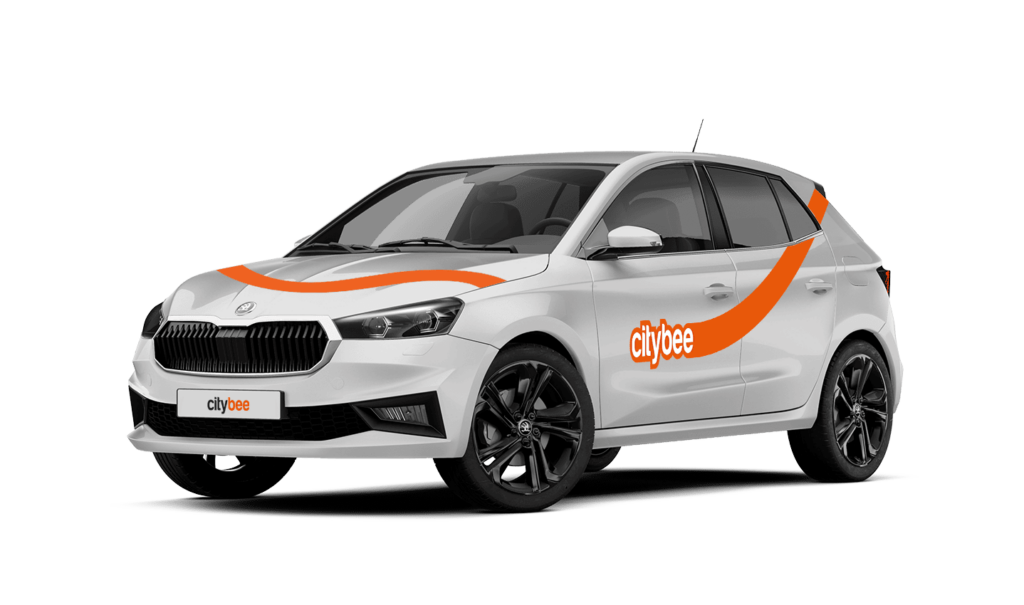
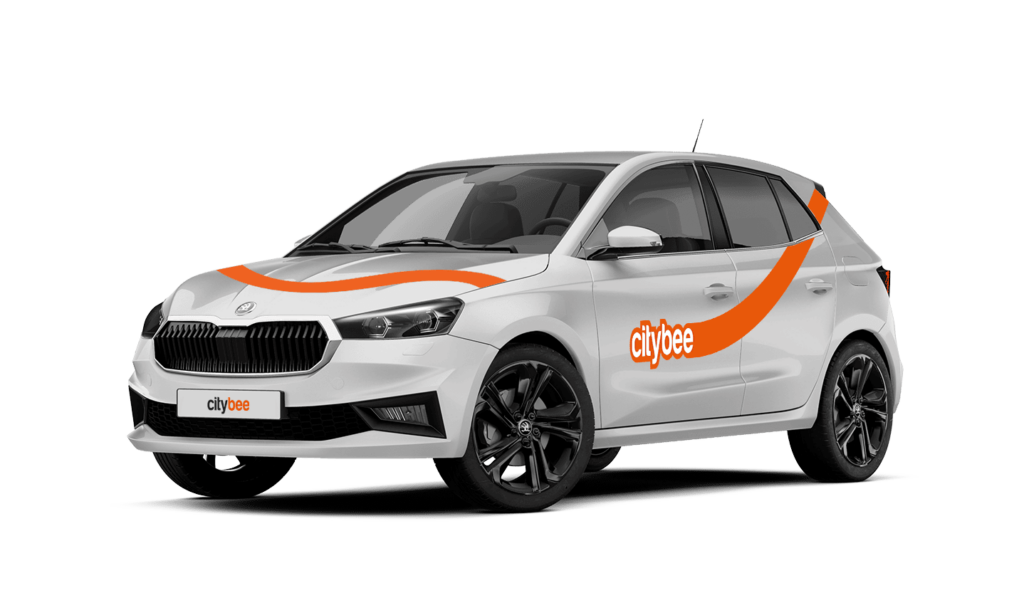
Skoda Fabia
The price of this journey would be
0€
Trip start fee of 0.49€ is included in the price calculation.
We rely on other legal entities in the provision of our services (data centres, document, photo verification, administration, payment, audit, accounting, legal and advisory services, debt collection, mobile app usage analysis and statistics monitoring, direct marketing, email, SMS, payment intermediaries, etc.)
In all cases, we ensure that third parties providing services comply with our obligations of confidentiality and proper protection of personal data.
If necessary, your personal data may be provided to state and municipal authorities in accordance with applicable legislation and / or our legitimate interests.
After an accident involving a CityBee car used on your behalf, your data is transferred to insurance companies and, if necessary, to other parties involved in the accident.
CityBee also has the right and, in certain cases, the obligation to pass on information about road traffic offences committed by customers (e.g., speeding, drunk-driving) to the responsible authorities (e.g., the Police).
The CityBee Privacy Policy provides detailed information on the purpose of processing your personal data and the duration of storage thereof.
You can refuel your CityBee at any Circle K station. Just open the app, check the map for the nearest station, and tap it for directions. When you get there, open the app, hit Refuel, and follow the simple steps. Want more info? See the full guide here.
You will receive an email notification after each trip made with your CityBee subscription plan, informing you of the plan’s expiration date. You can also check the expiration date in the CityBee app under the ‘Subscription’ section.
At least one payment card must be linked to a CityBee account. You can link more than one payment card and choose from which card you will be billed for services before each trip. It is important that the card type is VISA or MasterCard and that the secure internet shopping function is activated.
How do I activate the secure internet shopping function?
1. SEB: Log in to your internet bank and look for “Accounts and Cards” -> “Card List” in the menu bar at the top. You’ll see all of your cards that can be registered with the secure internet shopping programme. Next to the desired card in the options below, click on “Online Billing” and click “Enable”.
2. Swedbank: Log in to your internet bank and look for “Cards” -> “Secure internet shopping” in the menu bar on the left. You’ll see all of your cards that can be registered with the secure internet shopping programme. Select the desired card next to the note “Online Billing” and click “Enable”.
3. Šiaulių Bankas: Log in to your Internet bank and in the menu on the left, select “Cards” -> “Secure payment” -> select the payment card for which you want to activate the secure internet shopping and click “Register” -> enter the requested data and confirm it by pressing the “Enter and Sign” button -> soon the status of the card will change to “Registered”.
4. Luminor bank: Log in to your Internet bank and in the menu, select the item “Payment cards” -> select the payment card for which you want to activate the secure internet shopping and in the opened window click “Secure shopping service settings” -> select the “Order service” button -> enter the requested data, which the bank will show you later during the purchase -> click “Order service”.
5. Danske bank: No additional activation of the secure internet shopping is required.
6. Citadele bank: No additional activation of the secure internet shopping is required.
You can change your email address in the mobile app.
Select Menu – My profile – E-mail address – Replace the previous e-mail address with a new one.
You will receive an email at the new address with a confirmation link. You will need to click it to confirm the new email address.
Car screenwash can not be purchased with a „Circle-K“ card.
By registering in the CityBee application, you confirm that you have read and agree to the terms of use and privacy policy. If you had not done that, you would not be able to use CityBee services.
Before you hit the road, we’d love for you to do a quick check to make sure the car is roadworthy. If you notice anything that might make it unsafe or unsuitable to drive, just let us know through the CityBee app. This simple check helps keep our cars in great shape and ensures a smooth, safe ride for you!
The price of this journey would be
0€
Trip start fee of 0.49€ is included in the price calculation.