Price Calculator
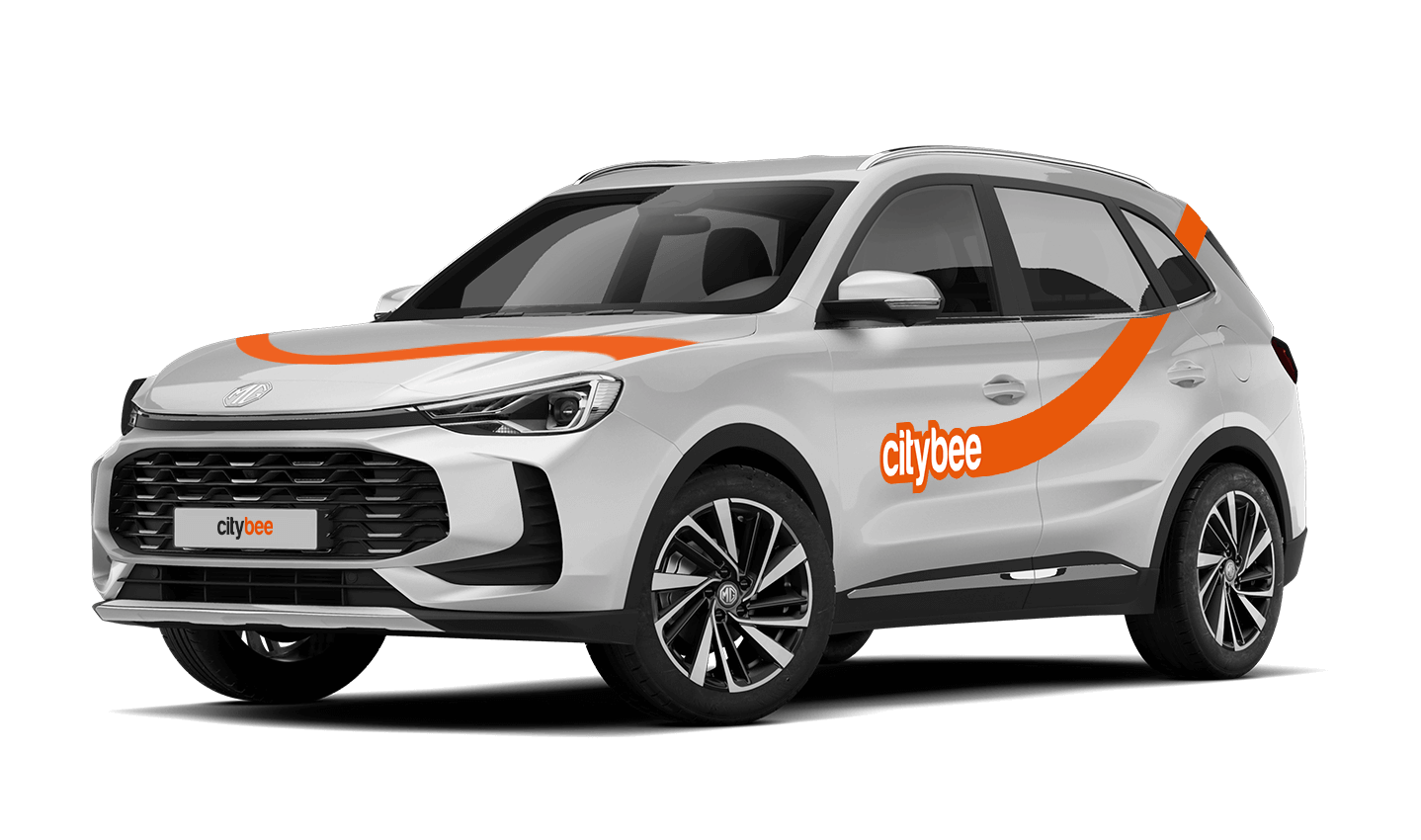
MG ZS
The price of this journey would be
0€
Trip start fee of 0.44€ is included in the price calculation.
In the event of a traffic accident, follow the valid road traffic regulations of the country where the accident happened. If the accident is not complicated, there are no more than two cars involved and there are no casualties, a sketch of the accident is drawn and an accident statement is filled out, which You will find in the storage compartment. If parties disagree about the fault of the participants in the event, the police are called.
Each accident statement should include the causer of the accident and the victim. In the sketch, it is necessary to specify how many vehicles and which of those vehicles encountered in the accident.
ATTENTION!
When filling out the accident statement, keep in mind that both participants need to specify their contacts, each take a copy of the declaration and sign it (the victim signs only in box 15). Do not forget to fill out the circumstances field (12), it is mandatory.
An example of the filled out accident statement:
In Lithuania https://help.citybee.tech/lt/articles/5615179-kaip-pildyti-eismo-ivykio-deklaracija;
In Latvia https://help.citybee.tech/lv/articles/5615179-ka-aizpildit-saskanoto-pazinojumu;
In Estonia https://help.citybee.tech/et/articles/5615179-kuidas-taita-liiklusonnetuse-teadet.
You can also fill out the accident statement online:
In Lithuania https://draudimoivykiai.lt/;
In Latvia https://www.ltab.lv/spapp/;
In Estonia https://avarii.lkf.ee/et/.
The CityBee subscription is a monthly trip plan that allows you to travel much more affordably than with the pay-as-you-go pricing and offers exclusive benefits for subscribers. When you purchase a subscription plan for a fixed price, you’ll receive a set number of trips. Each trip includes a predetermined number of kilometers and minutes, as well as the trip start fee and minimum trip cost. You have 30 days from the date of purchase to use your trips.
Regardless of the number of trips, the CityBee monthly subscription plan also includes the following benefits:
free parking in the CityBee yellow zone;
‘BeeChill’ fee included in the price.
If the barrier did not open automatically, call the number indicated on the barrier.
If you had to pay for parking yourself, keep the receipt so we can reimburse you. To request a refund, follow this process.
You will receive an email notification after each trip made with your CityBee subscription plan, informing you of the remaining trips. You can also view your remaining trips in the CityBee app by selecting the desired car for your trip.
If you contact us by phone, calling from a phone number that you haven’t registered in your CityBee profile, we will verify your identity by asking you to provide your profile or other information known only by you.
As part of this check, we can send a verification code (SMS or e-mail) to the registered phone number or e-mail address, asking you to provide the verification code.
If the verification doesn’t work, we cannot continue providing assistance.
Please note that when calling from the registered phone number some additional identification questions may be asked.
All publicly available information will be provided to any caller without verification.
At least one payment card must be linked to a CityBee account. You can link more than one payment card and choose from which card you will be billed for services before each trip. It is important that the card type is VISA or MasterCard and that the secure internet shopping function is activated.
How do I activate the secure internet shopping function?
1. SEB: Log in to your internet bank and look for “Accounts and Cards” -> “Card List” in the menu bar at the top. You’ll see all of your cards that can be registered with the secure internet shopping programme. Next to the desired card in the options below, click on “Online Billing” and click “Enable”.
2. Swedbank: Log in to your internet bank and look for “Cards” -> “Secure internet shopping” in the menu bar on the left. You’ll see all of your cards that can be registered with the secure internet shopping programme. Select the desired card next to the note “Online Billing” and click “Enable”.
3. Šiaulių Bankas: Log in to your Internet bank and in the menu on the left, select “Cards” -> “Secure payment” -> select the payment card for which you want to activate the secure internet shopping and click “Register” -> enter the requested data and confirm it by pressing the “Enter and Sign” button -> soon the status of the card will change to “Registered”.
4. Luminor bank: Log in to your Internet bank and in the menu, select the item “Payment cards” -> select the payment card for which you want to activate the secure internet shopping and in the opened window click “Secure shopping service settings” -> select the “Order service” button -> enter the requested data, which the bank will show you later during the purchase -> click “Order service”.
5. Danske bank: No additional activation of the secure internet shopping is required.
6. Citadele bank: No additional activation of the secure internet shopping is required.
The CityBee subscription is a test service. We are constantly looking for new ways to help our customers travel more affordably and conveniently. In planning the CityBee subscription, we considered the needs of our most active customers and decided to offer plans for the most common types of city trips, allowing customers to enjoy cost-effective travel without worrying about time. We will periodically evaluate the service’s activity and improve it as needed. All customer feedback and expectations are highly appreciated. If you have any comments, please reach out to info@citybee.lt.
CityBee reserves the right to change the terms of the CityBee subscription at any time.
When reserving a car, you have two options:
· Choose a car, click on “Reserve,” and you will get a free 15-minute reservation, giving you access to the car for unlocking
· If you do not unlock the car within this 15-minute window, your reservation will automatically end unless you choose to pay for an extension.
If 15 minutes isn’t enough, you can extend your reservation for longer periods, but keep in mind:
· You can easily extend your reservation through the app after you’ve booked the car. Just click on Reservation and then select Extend.
· After the 15 minutes expire, the paid reservation time will begin. The cost per reserved minute is the same as the cost per minute when driving the car;
· You can extend the reservation for up to 24 hours;
· If you do not unlock the car by selecting “Unlock” in the app, the reservation will automatically end, and you will be charged for the time the reservation was active.
You can cancel a paid reservation at any time, and you will only be charged for the time used.
Once you’ve reached the car, click “Unlock” in the app. The car will unlock, and the keys will be inside the vehicle.
If you encounter any issues while trying to unlock the car using the app, please contact us by phone, and our 24-hour Beehive Assistance Center will be happy to help:
Contacts in Lithuania: +370 70077084;
Contacts in Latvia: +371 272 65460;
Contacts in Estonia: +372 600 0160.
The price of this journey would be
0€
Trip start fee of 0.44€ is included in the price calculation.