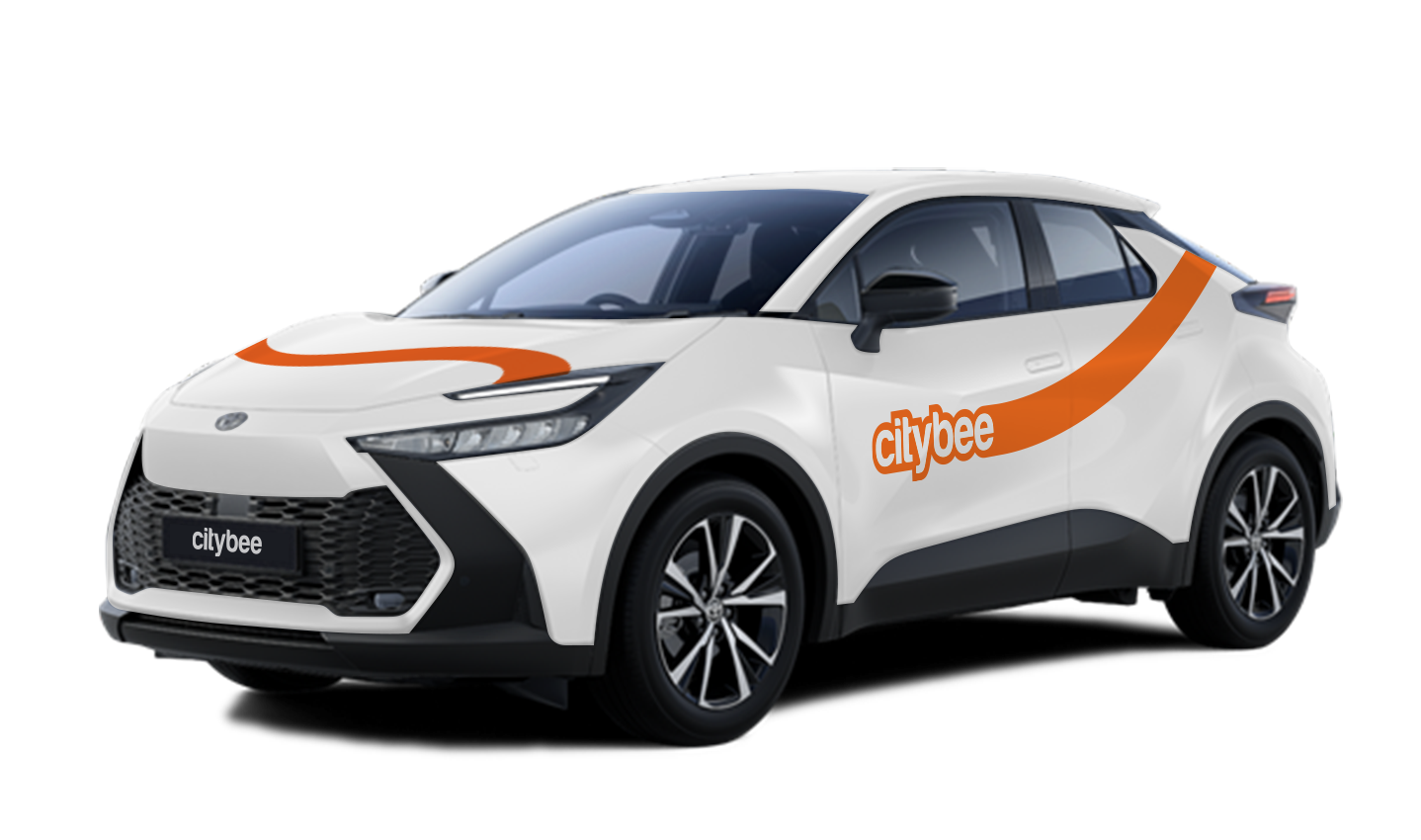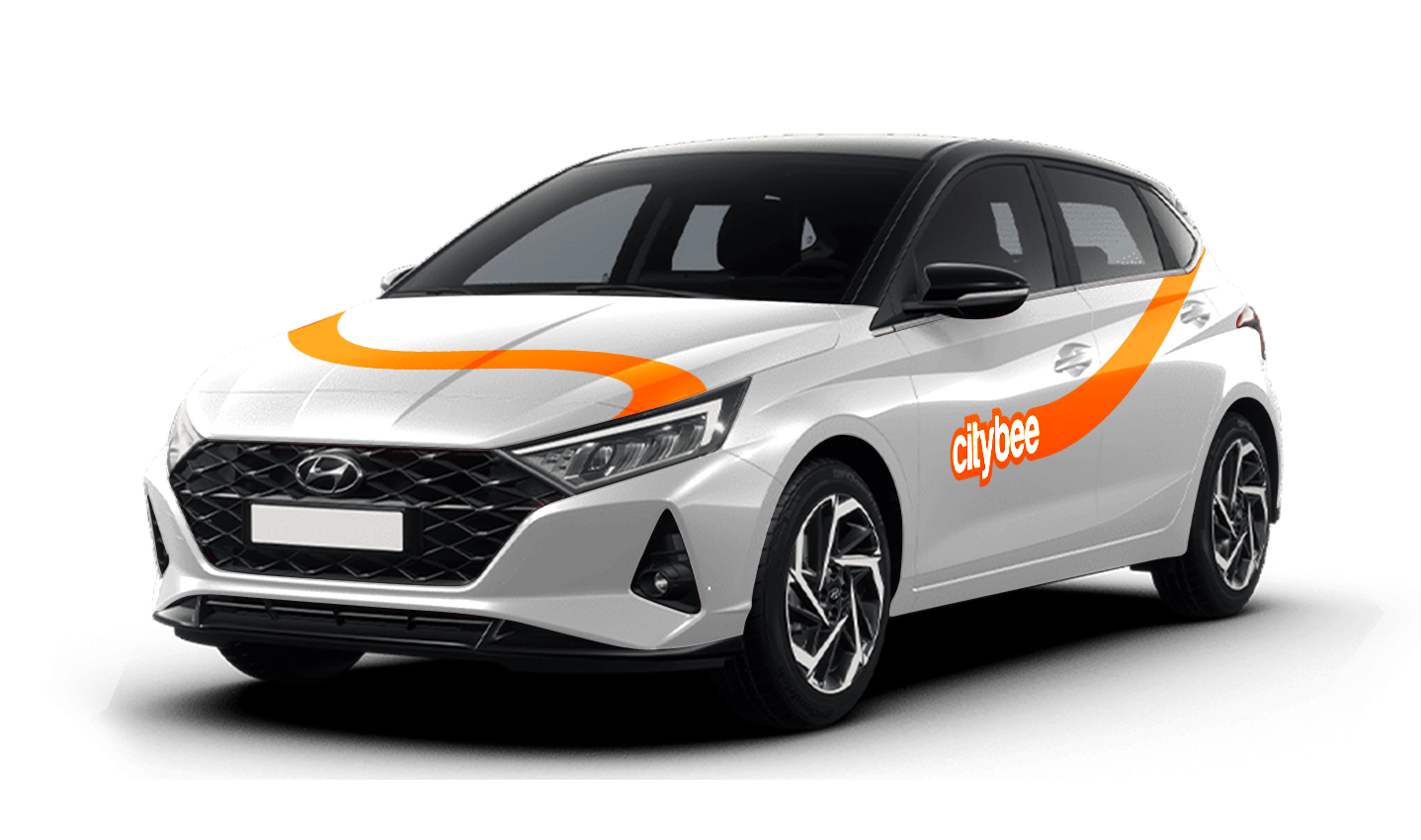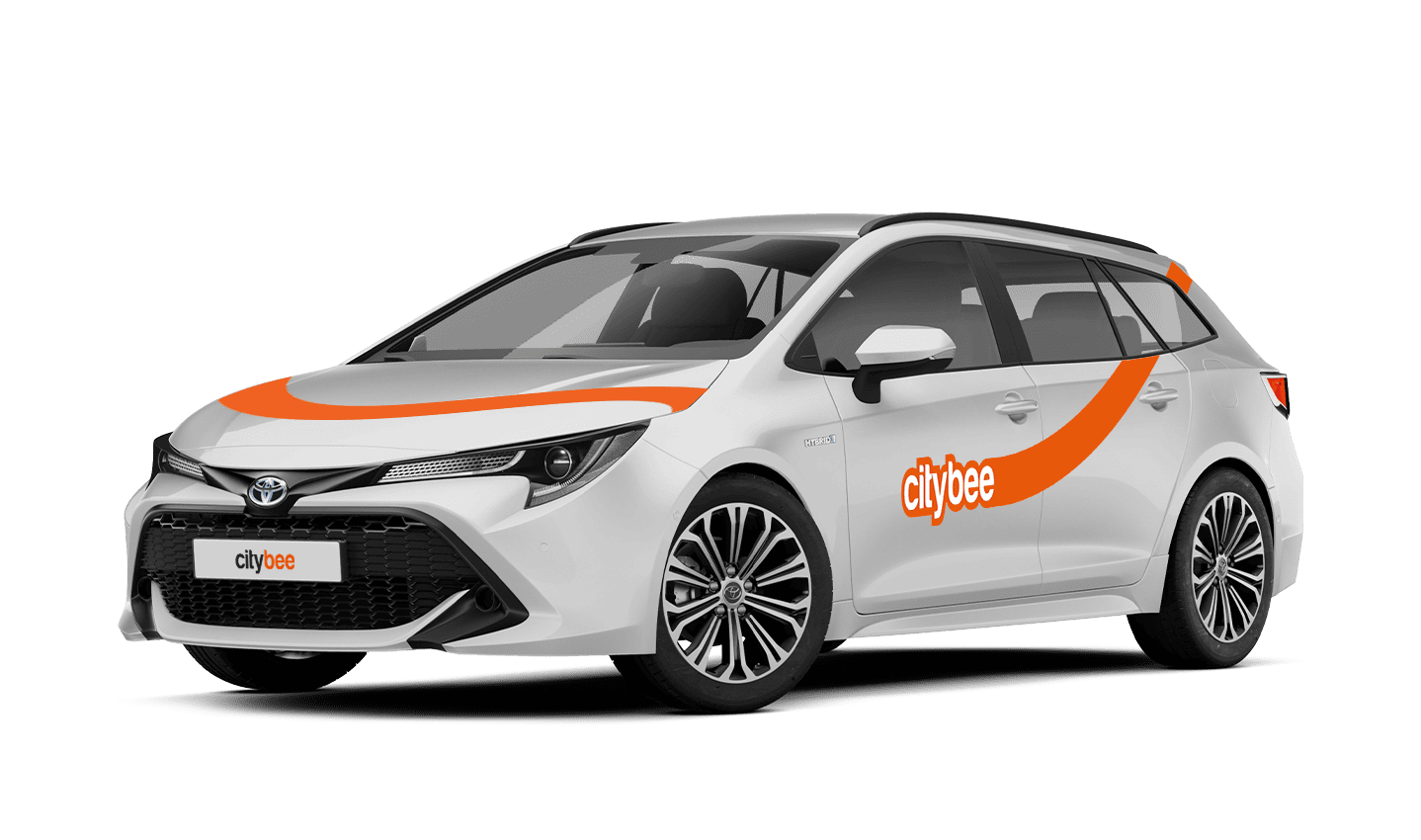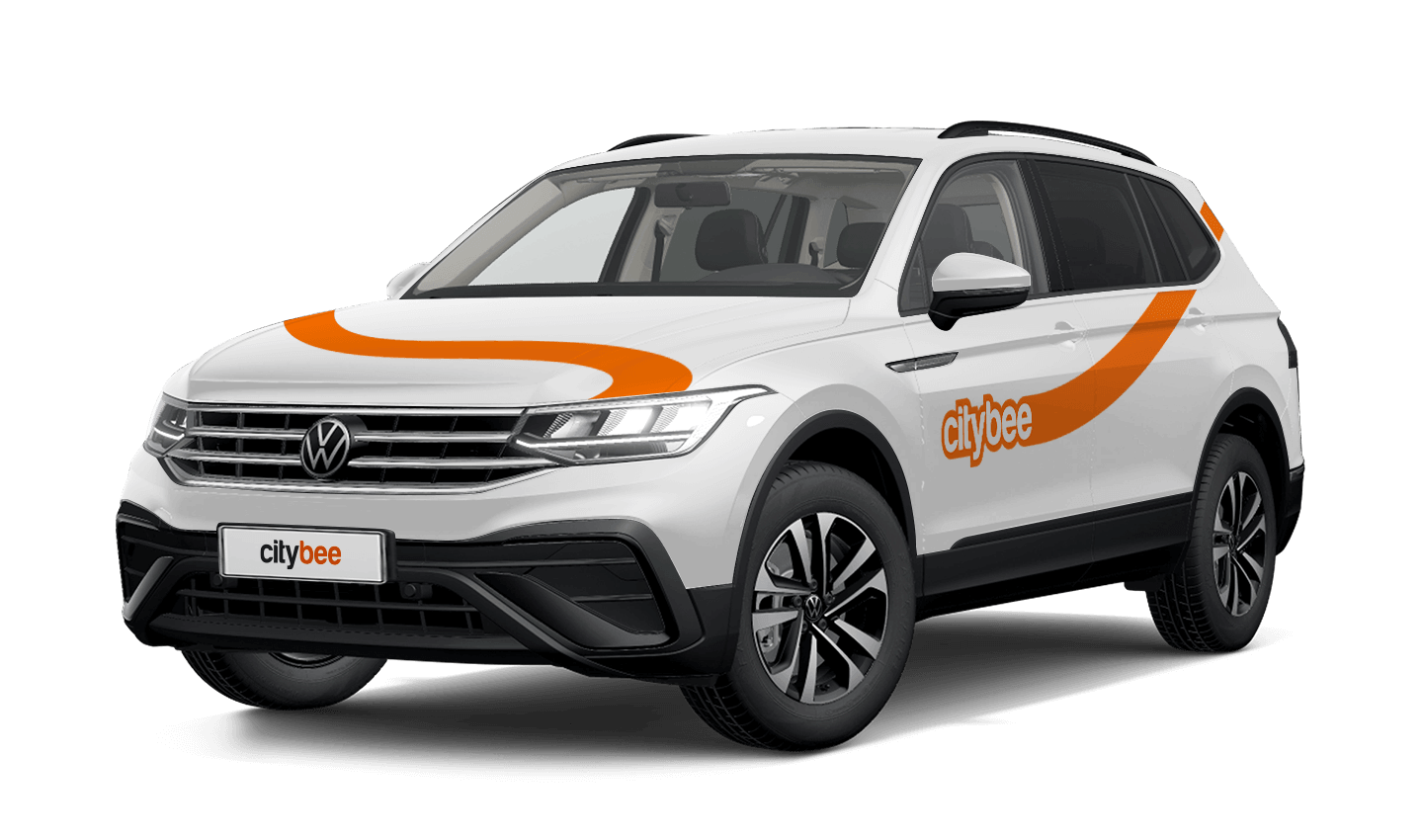
Price Calculator
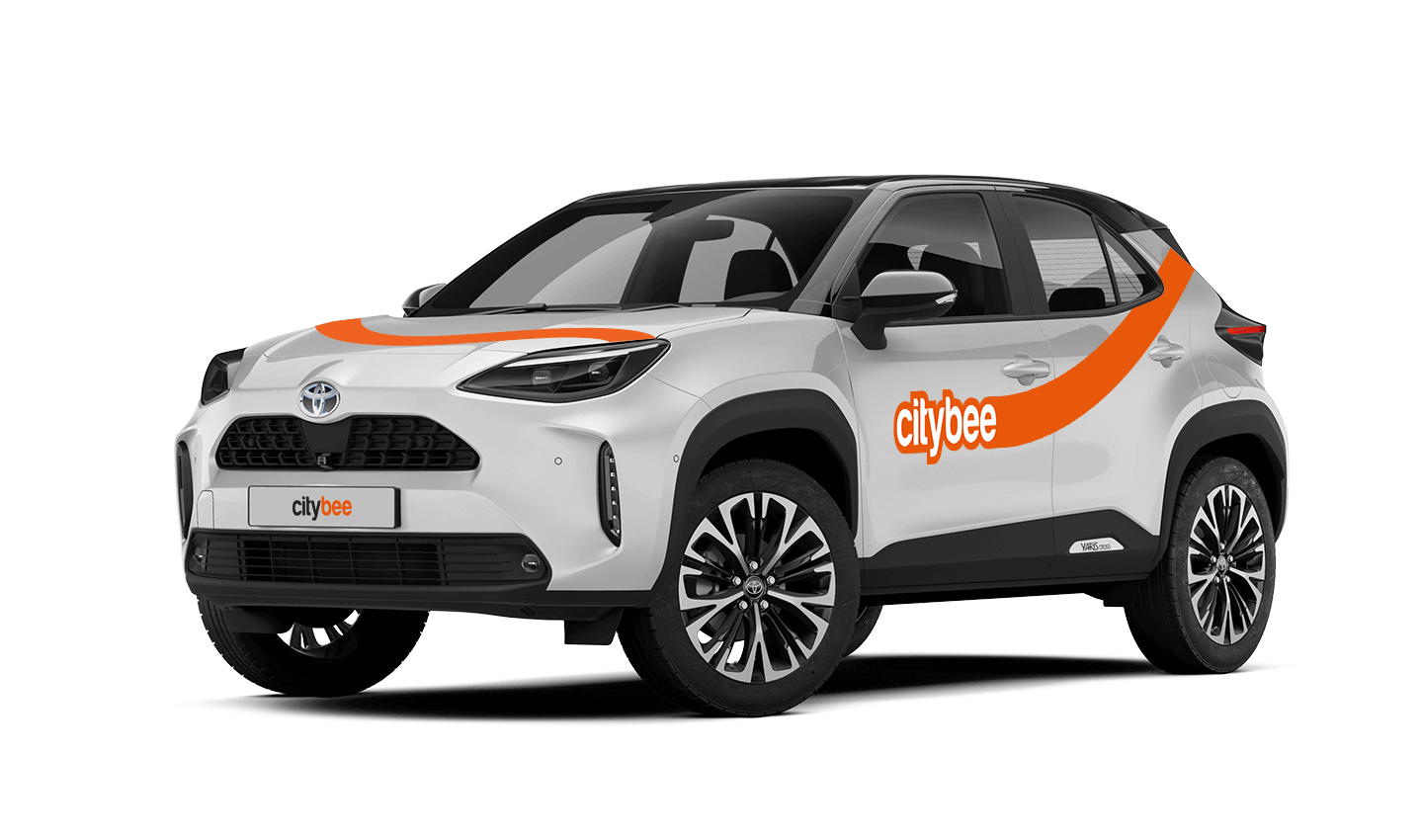
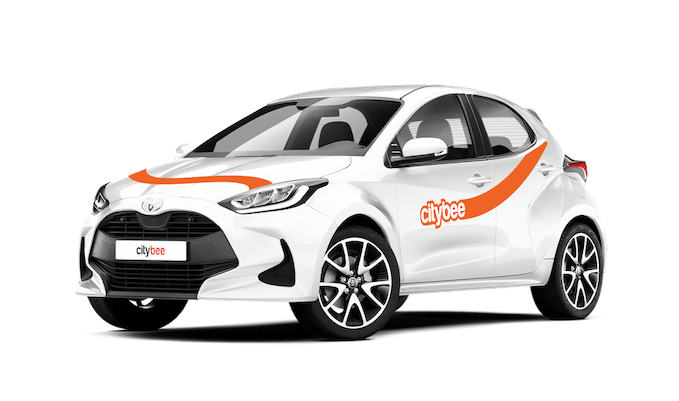
Toyota Yaris
The price of this journey would be
0€
Trip start fee of 0.49€ is included in the price calculation.
During the process of drivers license approval, sometimes the system will ask you to join a video call.
You will receive a link to this call via SMS and e-mail. After receiving this link, please click on it and join the video call during these hours – 8:00-00:00.
If you do not join the video call within 7 days, the driver’s license will not be successfully approved.
When using CityBee, you don’t have to pay for fuel yourself – you only pay for the time and kilometers you drive.
Refueling is easy!
Go to any of our partner Circle K gas stations. Open the CityBee app and start the refueling. Follow the simple instructions, fill up, and hit the road!
If the fuel is below 1/4 of the tank, you’ll receive a €2 discount for topping up.
Step by Step refueling guide
Check the Reservation map in the app to see nearby fuel stations. Tap a station for details and directions, then drive there.
When you arrive, tap the notification or open the CityBee app, go to Reservation, and select Refuel.
The app shows available pumps. Pick your pump, activate it, and wait for confirmation.
When it says, “Ready to fuel,” pick up the nozzle and start fueling. Return the nozzle when finished. The app will update the fueling status automatically.
If you decide not to refuel, you can cancel in two ways:
Manual cancel: Pick up the nozzle and immediately return it – the refueling is canceled.
Automatic cancel: If the nozzle is never picked up, the app will automatically cancel the refueling after 2 minutes of inactivity.
In rare cases, you may need to use the fuel card inside the car. This happens if the pump doesn’t work via the app or if you’re refueling outside the Baltic States. The CityBee app shows the PIN code and fuel type under your active reservation.
We’ve got you covered in the event of a car accident, as long as you inform us immediately about it and follow the Terms of Service, the BeeChill fee will take care of the damage.
However, there are exceptions where you will be financially liable, such as:
Failing to report the accident,
Intentional or reckless actions (e.g., driving under the influence or violating traffic laws),
Other exceptions mentioned in our Terms of Service (section 7.17).
In these cases, you will be responsible for the damage, and you will have to cover all costs. For full details, refer to our Terms of Service.
In the event of a traffic accident, follow the valid road traffic regulations of the country where the accident happened. If the accident is not complicated, there are no more than two cars involved and there are no casualties, a sketch of the accident is drawn and an accident statement is filled out, which You will find in the storage compartment. If parties disagree about the fault of the participants in the event, the police are called.
Each accident statement should include the causer of the accident and the victim. In the sketch, it is necessary to specify how many vehicles and which of those vehicles encountered in the accident.
ATTENTION!
When filling out the accident statement, keep in mind that both participants need to specify their contacts, each take a copy of the declaration and sign it (the victim signs only in box 15). Do not forget to fill out the circumstances field (12), it is mandatory.
An example of the filled out accident statement:
In Lithuania https://help.citybee.tech/lt/articles/5615179-kaip-pildyti-eismo-ivykio-deklaracija;
In Latvia https://help.citybee.tech/lv/articles/5615179-ka-aizpildit-saskanoto-pazinojumu;
In Estonia https://help.citybee.tech/et/articles/5615179-kuidas-taita-liiklusonnetuse-teadet.
You can also fill out the accident statement online:
In Lithuania https://draudimoivykiai.lt/;
In Latvia https://www.ltab.lv/spapp/;
In Estonia https://avarii.lkf.ee/et/.
Signing up for CityBee is free. And no membership fees are applied.
If you refuel at a station other than Circle K, we’ll refund the cost of the fuel. To request a refund, make sure to save the receipt and follow the process described here.
Please note that we cannot process receipts older than 3 months.
When reserving a car, you have two options:
· Choose a car, click on “Reserve,” and you will get a free 15-minute reservation, giving you access to the car for unlocking
· If you do not unlock the car within this 15-minute window, your reservation will automatically end unless you choose to pay for an extension.
If 15 minutes isn’t enough, you can extend your reservation for longer periods, but keep in mind:
· You can easily extend your reservation through the app after you’ve booked the car. Just click on Reservation and then select Extend.
· After the 15 minutes expire, the paid reservation time will begin. The cost per reserved minute is the same as the cost per minute when driving the car;
· You can extend the reservation for up to 24 hours;
· If you do not unlock the car by selecting “Unlock” in the app, the reservation will automatically end, and you will be charged for the time the reservation was active.
You can cancel a paid reservation at any time, and you will only be charged for the time used.
Once you’ve reached the car, click “Unlock” in the app. The car will unlock, and the keys will be inside the vehicle.
If you encounter any issues while trying to unlock the car using the app, please contact us by phone, and our 24-hour Beehive Assistance Center will be happy to help:
Contacts in Lithuania: +370 70077084;
Contacts in Latvia: +371 272 65460;
Contacts in Estonia: +372 600 0160.
If you use all the trips included in your CityBee subscription plan before it expires, you can purchase a new plan at any time.
The price of this journey would be
0€
Trip start fee of 0.49€ is included in the price calculation.