Price Calculator
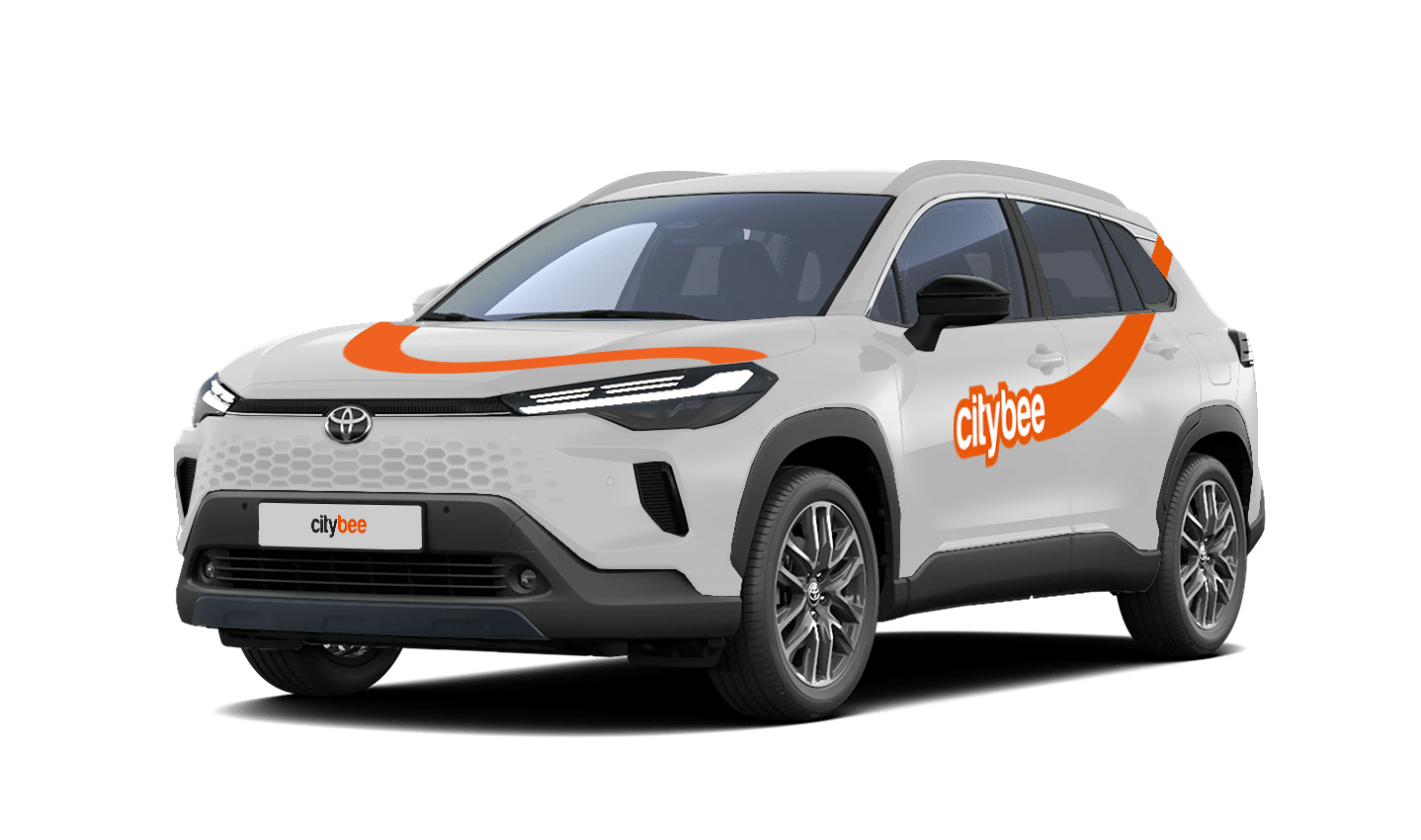
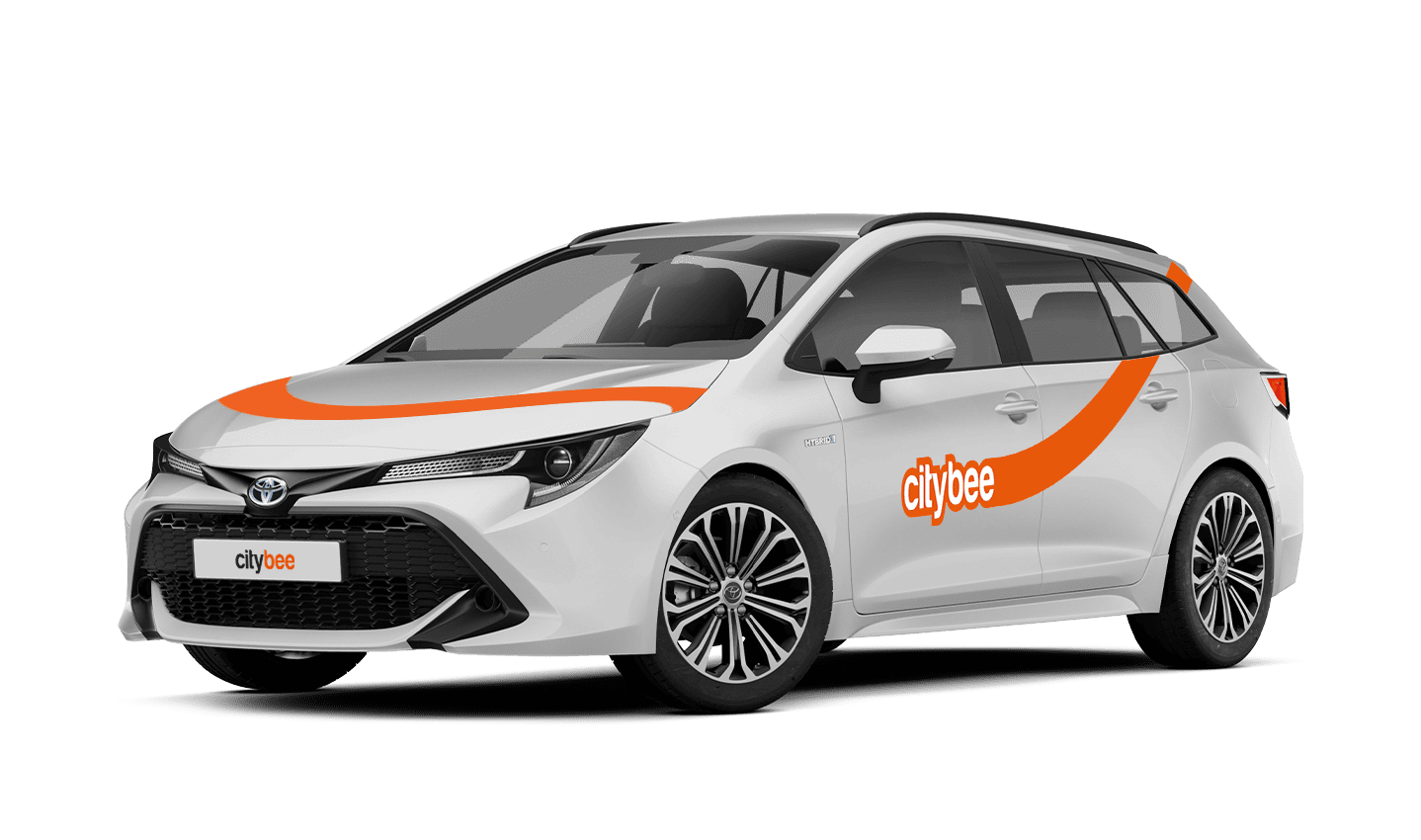
Toyota Corolla Touring
The price of this journey would be
0€
Trip start fee of 0.49€ is included in the price calculation.
Once you reserve a car, you are able to keep it reserved for you 15 minutes for free. However, if you weren’t able to reach the car within 15 minutes and need additional time – you can easily extend your reservation through the app. Just click on Reservation and then select Extend.
The price for extended reservation costs as much as the time price for that specific car displayed in the price list.
The maximum duration of the extended reservation is 24 hours. If you do not unlock a car by selecting Unlock in the app within that period, the reservation will discontinue and you will be charged for the time used. You can cancel the extended reservation anytime. In this case, you will pay only for the used paid reservation time.
At least one payment card must be linked to a CityBee account. You can link more than one payment card and choose from which card you will be billed for services before each trip. It is important that the card type is VISA or MasterCard and that the secure internet shopping function is activated.
How do I activate the secure internet shopping function?
1. SEB: Log in to your internet bank and look for “Accounts and Cards” -> “Card List” in the menu bar at the top. You’ll see all of your cards that can be registered with the secure internet shopping programme. Next to the desired card in the options below, click on “Online Billing” and click “Enable”.
2. Swedbank: Log in to your internet bank and look for “Cards” -> “Secure internet shopping” in the menu bar on the left. You’ll see all of your cards that can be registered with the secure internet shopping programme. Select the desired card next to the note “Online Billing” and click “Enable”.
3. Šiaulių Bankas: Log in to your Internet bank and in the menu on the left, select “Cards” -> “Secure payment” -> select the payment card for which you want to activate the secure internet shopping and click “Register” -> enter the requested data and confirm it by pressing the “Enter and Sign” button -> soon the status of the card will change to “Registered”.
4. Luminor bank: Log in to your Internet bank and in the menu, select the item “Payment cards” -> select the payment card for which you want to activate the secure internet shopping and in the opened window click “Secure shopping service settings” -> select the “Order service” button -> enter the requested data, which the bank will show you later during the purchase -> click “Order service”.
5. Danske bank: No additional activation of the secure internet shopping is required.
6. Citadele bank: No additional activation of the secure internet shopping is required.
With CityBee, you can easily request a refund right in the app – no need to send emails or fill out forms.
How it works
Open the app, go to the menu, find Trip history, choose your trip, and tap Refund.
Select what the refund is for – fuel, AdBlue, parking, or your trip experience.
Add the required information.
For fuel, AdBlue, or parking – upload a photo of the receipt.
For trip experience – write a short explanation.
Check that everything is filled in and submit your request. Once it’s sent, you’ll see a confirmation message and the request will appear in the Help section. You can also follow the progress of your request in the Help section. Any updates or replies from our Support team will be shown there.
Make sure you’re using the latest version of the app to access this feature. If you have any questions, reach out via CityBee app or via email at info@citybee.lv
Please note that refunds can only be made to a bank account in the name of the CityBee profile owner who made the reservation.
You can use CityBee cars without 2 years of driving experience!
However, in Lithuania and Estonia, you must bring a personal “Maple Leaf” magnetic sticker, which you must stick to the back of the car in Lithuania and to the front of the car in Estonia. Do not forget to remove the sticker at the end of your trip.
You will receive an email notification after each trip made with your CityBee subscription plan, informing you of the remaining trips. You can also view your remaining trips in the CityBee app by selecting the desired car for your trip.
In the CityBee app, parking zones marked in yellow usually have a drop-off and/or pick-up fee for CityBee cars. This fee does not apply to trips made under the CityBee subscription. The drop-off fee in the yellow CityBee zone is not charged even if the trip starts under the subscription plan but ends with the ‘Flexible’ pricing due to exceeding the allocated kilometers and/or minutes in the subscription plan.
When purchasing additional trips, i.e., trip packages, during the subscription period, the CityBee drop-off and/or pick-up fee waiver in the yellow zone does not apply for the package trips.
For more information on CityBee parking zones, click here.
You will receive an email notification after each trip made with your CityBee subscription plan, informing you of the plan’s expiration date. You can also check the expiration date in the CityBee app under the ‘Subscription’ section.
Registration at CityBee is quick and easy. You don’t need to come anywhere – register with the mobile CityBee app and start using it! Registration will take just a few minutes.
The price of this journey would be
0€
Trip start fee of 0.49€ is included in the price calculation.