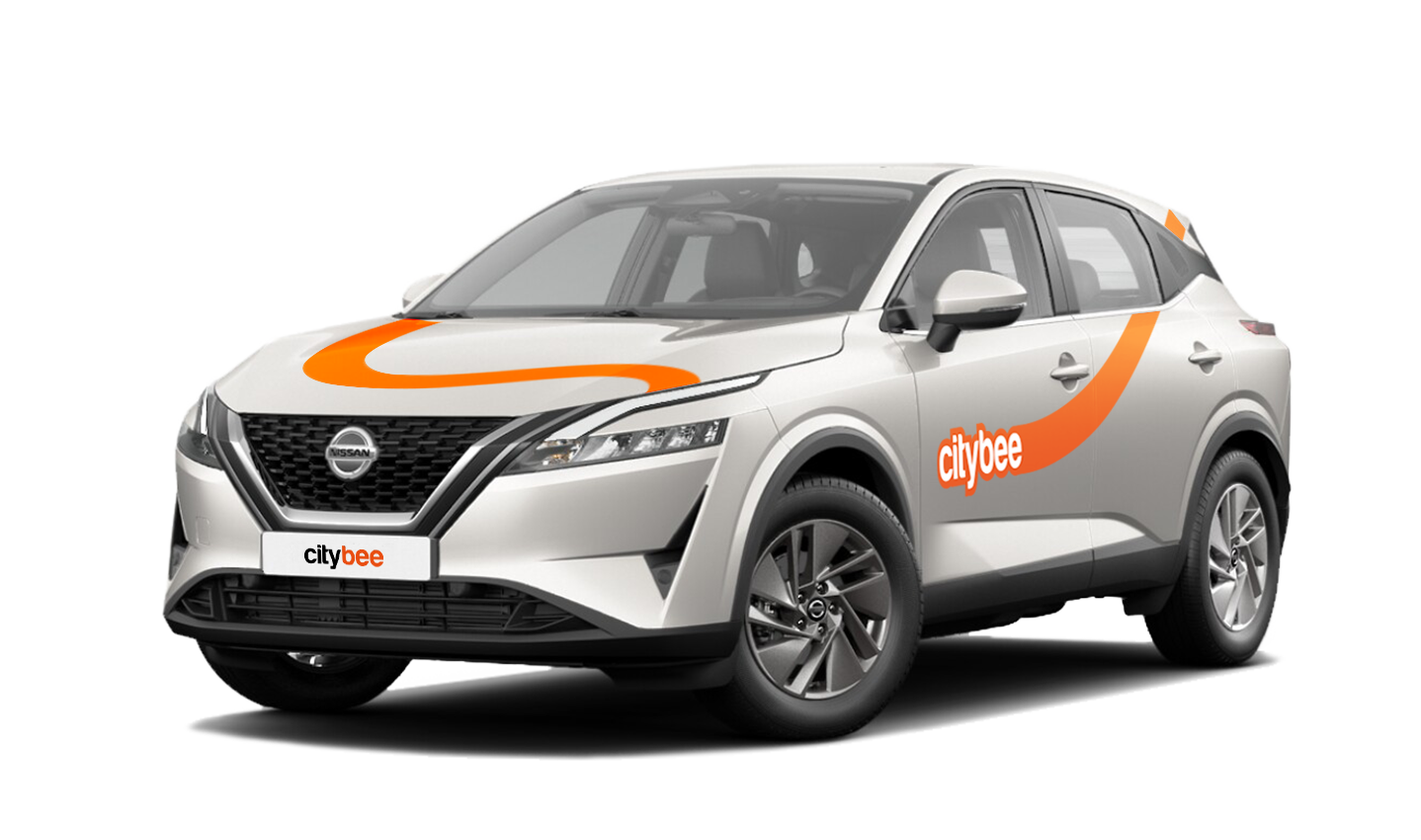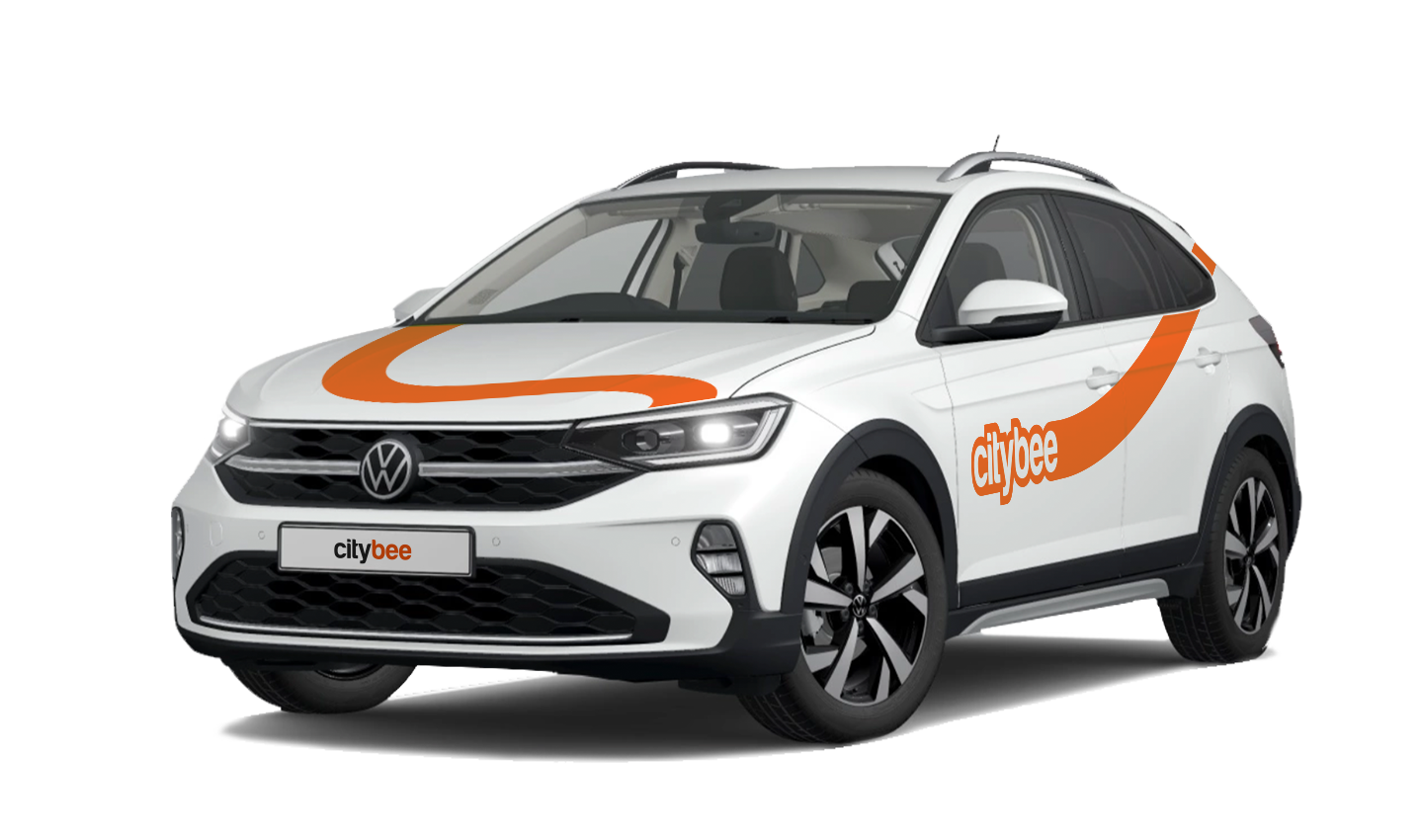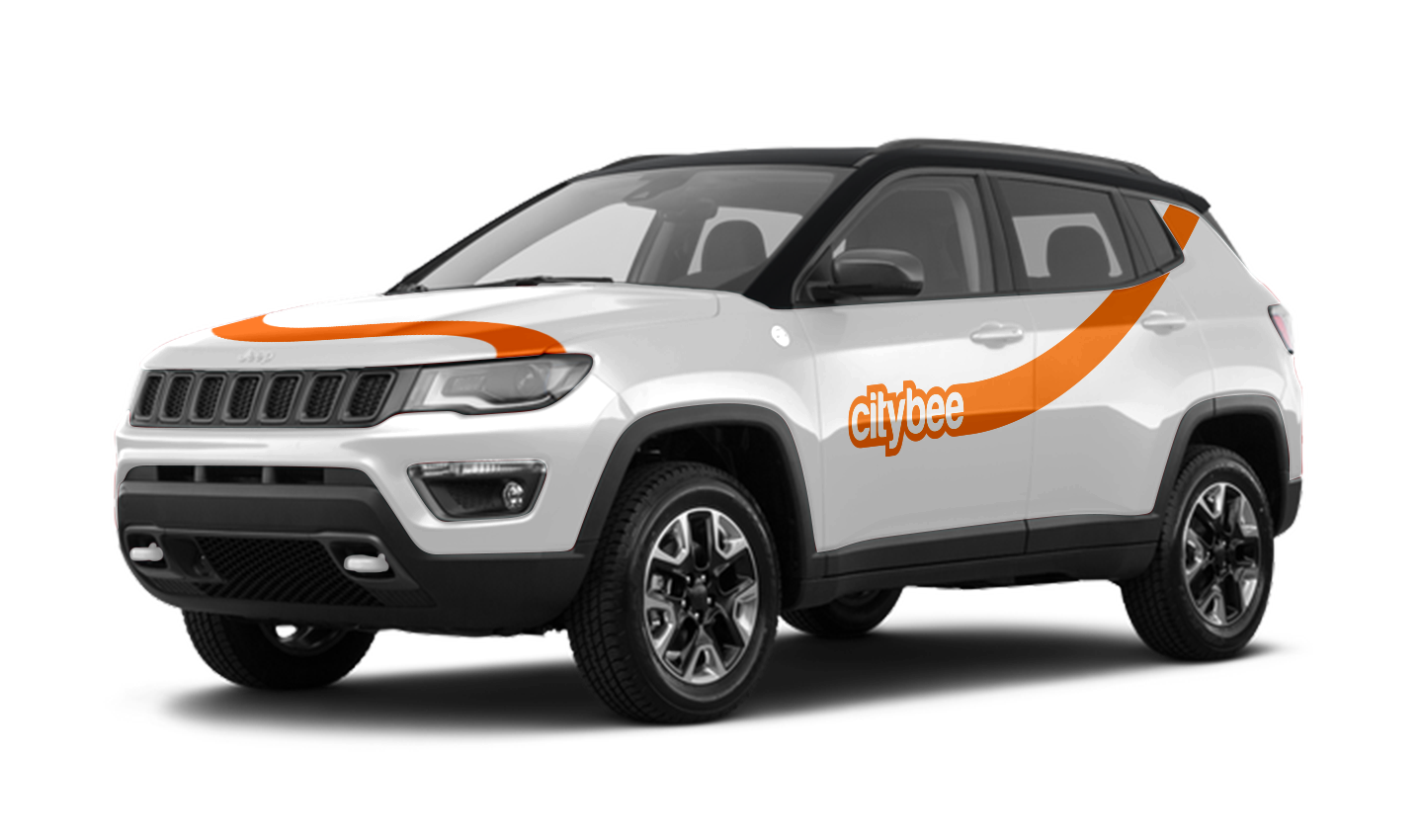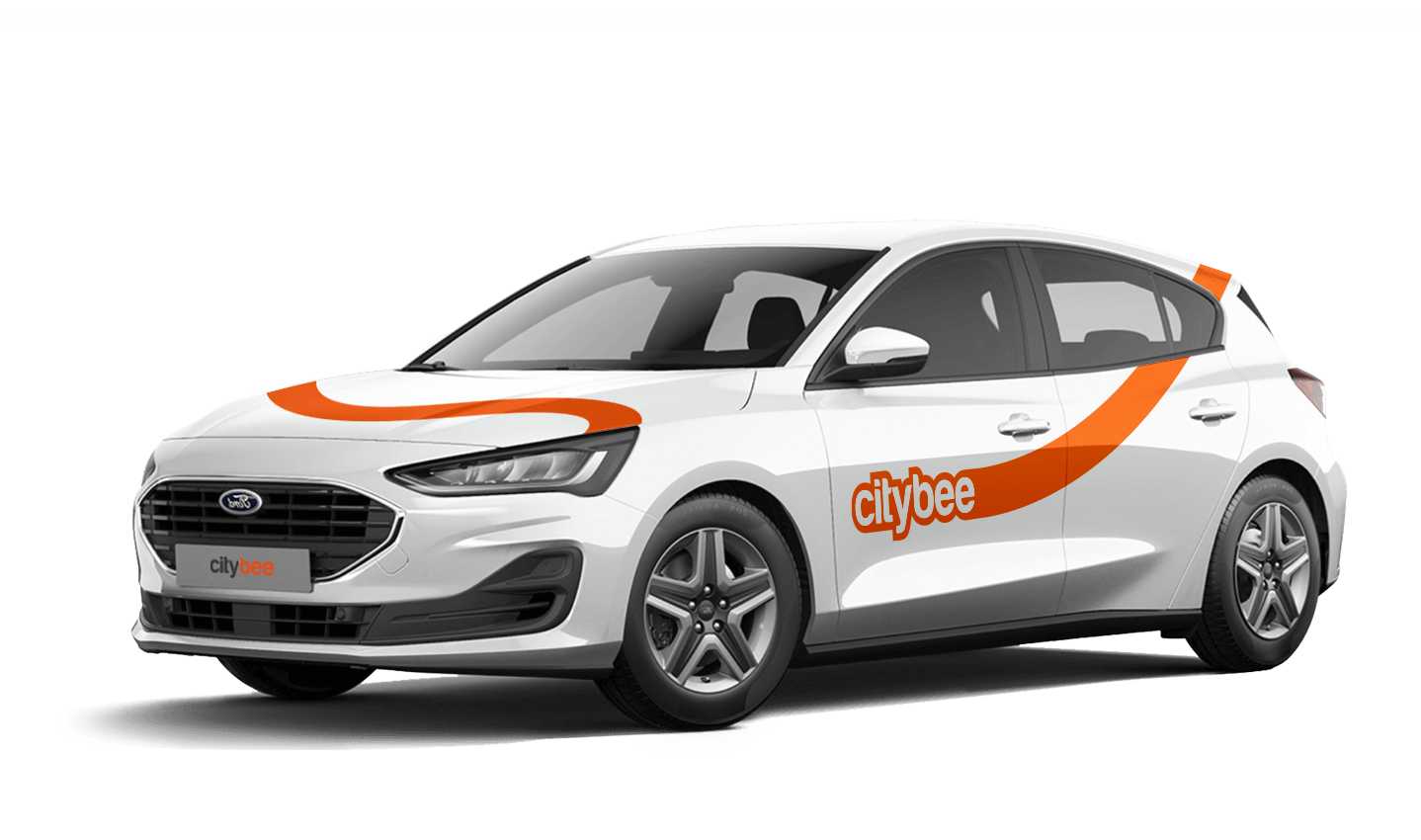
Price Calculator
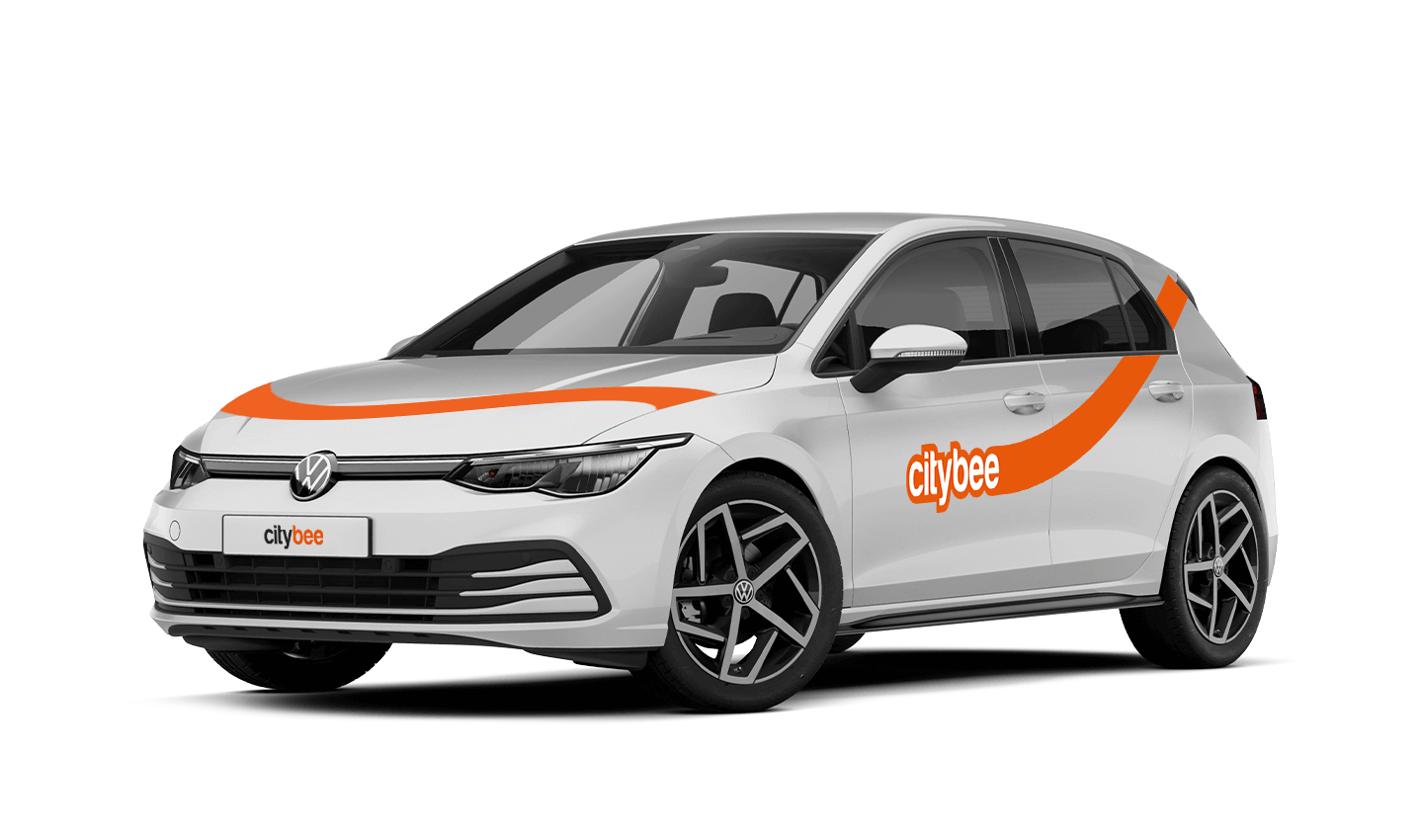
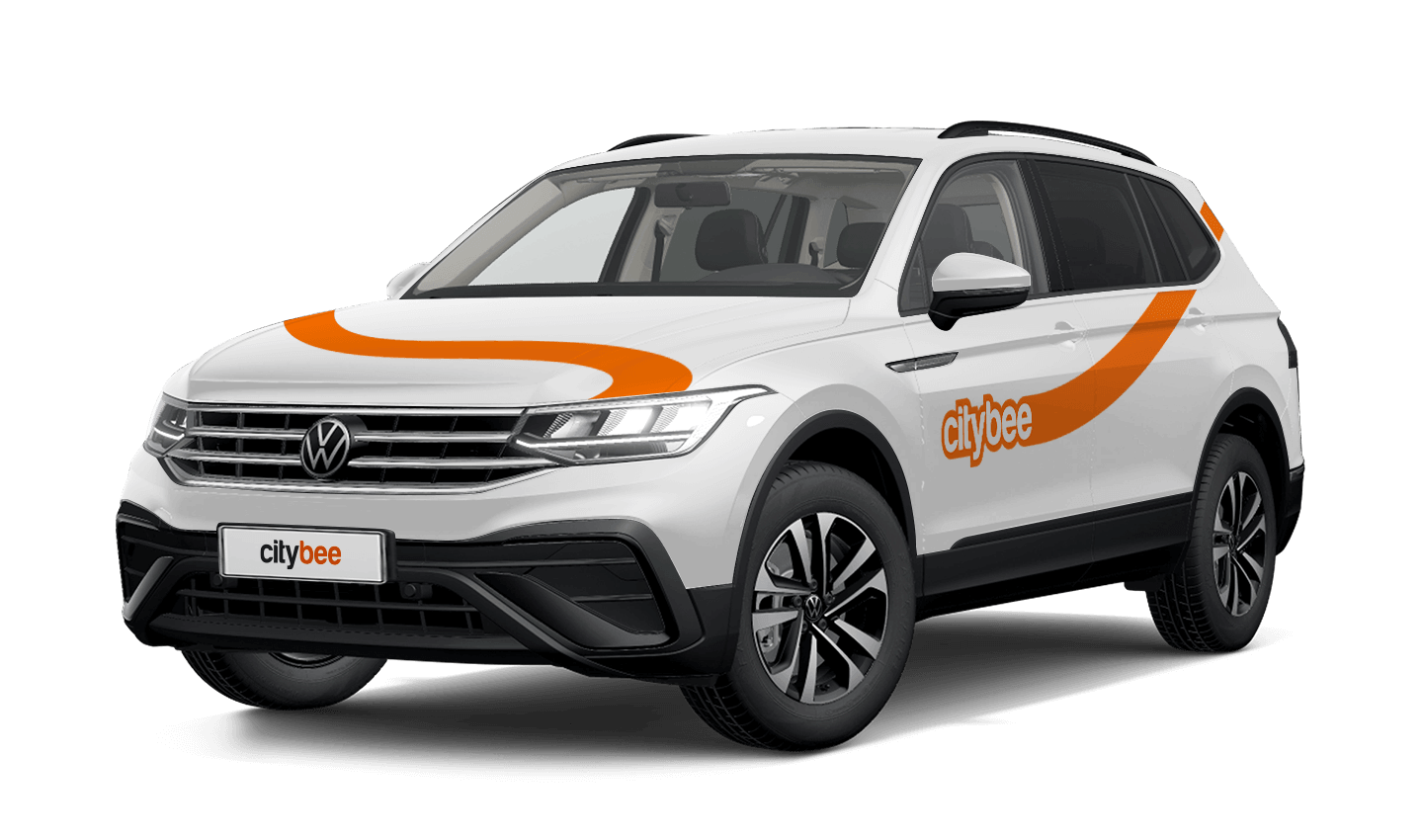
Volkswagen Tiguan
The price of this journey would be
0€
Trip start fee of 0.49€ is included in the price calculation.
If you want to use the car for longer than travelling from point A to point B, lock the car with a key at intermediate stops and take the keys with you. Do not mark the trip as complete in the app. If needed, you can continue your trip using the same car at any time. Only mark the trip as complete in the app when you no longer wish to use the car. Please note that if you lock the car with the key, if it has not been used for some time, but you have not completed the reservation via the app, the price of the travel time will continue to be calculated.
All CityBee subscription plans are valid for 30 days from the date of purchase. If you do not use all the trips included in the plan within this period, the plan will not be automatically renewed, and no refunds will be given for unused trips.
We offer prepaid trip packages that include fixed time with fixed kilometers.
By choosing prepaid packages, you will pay less than the usual fare with the same distance and time in the ‘Flexible’ option.
If you happen to exceed the kilometers and /or time included in the price of the package, you will be able to continue the journey safely.
After the prepaid package ends (mileage and time included are finished), you will be paying for additional minutes and/or kilometers as specified in the chosen package deal.
You can also continue your trip by purchasing one more additional prepaid package without completing the active reservation.
If you decide to end the trip before using the time and /or kilometers indicated on the prepaid package, this balance will not be refunded.
The price of the fixed prepaid package will be charged at the beginning of the trip and the price for the extra kilometers and/or time will be charged during or at the end of the journey, depending on the length of your trip.
A day mentioned in the trip packages is 24 hours.
You can find the packages and prices in the CityBee app, also, the prices of prepaid packages can be viewed here: https://citybee.lv/en/packages/.
Now you are able to customize the pre-paid packages yourself by selecting time and kilometers in the app. Choose the preferred duration of the package, then, select the number of kilometers you anticipate driving during that time. This way, you can tailor the pre-paid package to fit your specific needs and budget. Enjoy the flexibility and convenience of customizing your own package!


At CityBee, we prioritize safety, both for our drivers and everyone on the road. If you happen to exceed the speed limit, we’ll call you or send you a notification to remind you to slow down.
However, if after receiving this notification you continue to exceed the speed limit, a fine specified in our Pricelist will be applied. This fine serves as a reminder to follow the rules of the road and keep your driving safe.
By respecting speed limits, you’re not only avoiding fines but also contributing to a safer experience for everyone. Let’s keep it safe and smooth on the roads!
Before you hit the road, we’d love for you to do a quick check to make sure the car is roadworthy. If you notice anything that might make it unsafe or unsuitable to drive, just let us know through the CityBee app. This simple check helps keep our cars in great shape and ensures a smooth, safe ride for you!
All CityBee cars are covered by compulsory Civil Liability Insurance, so you do not need to worry about the insurance. The car is equipped with an insurer-compliant, satellite-linked security system that will protect CityBee from possible theft.
To learn more about your financial responsibility in case of an accident, check out our article: “What is my financial liability in the event of a car accident?”
Link to the law governing the CMTPLI in Lithuania;
Link to the law governing the CMTPLI in Latvia;
Link to the law governing the CMTPLI in Estonia.
With a CityBee subscription, you can drive any CityBee passenger car in Lithuania, except for cargo vehicles.
You can submit your request for the exercise of your rights (as far as your Account is concerned) to us in the following ways:
submitting a request at e-mail info@citybee.lt; info@citybee.lv; info@citybee.ee, from email that is registered in your CityBee account that you want to delete;
submitting a request by e-mail at info@citybee.lt; info@citybee.lv; info@citybee.ee, signed with qualified e-signature (e.g. by use of Smart-ID or M-signature);
In the CityBee app, by selecting Menu -> My profile -> Delete my account.
The price of this journey would be
0€
Trip start fee of 0.49€ is included in the price calculation.