
3 Baltic States
And more than 10 cities including Vilnius, Riga and Tallinn!
If you want to use the car for a day, a week, or longer, you can choose from our prepaid package deals.
The price of the fixed prepaid package will be charged at the beginning of the trip and the price for the extra kilometers and/or time will be charged during or at the end of the journey, depending on the length of your trip.
You can find all of the prepaid packages in the CityBee app by clicking on the chosen car reserve button.
If you happen to exceed the kilometers and /or time included in the price of the package, you will be able to continue the journey safely.
After the prepaid package ends (mileage and time included are finished), you will be paying for additional minutes and/or kilometers as specified in the chosen package deal.
You can also continue your trip by purchasing one more additional prepaid package without completing the active reservation.
If you decide to end the trip before using the time and /or kilometers indicated on the prepaid package, this balance will not be refunded.
Use is no different from a short-term CityBee rent, and all the benefits offered (insurance, fuel, washing) remain as well.
Choose the car you want from the CityBee fleet, reserve it, and start your journey.
Pets can only be carried in cars in special pet transport boxes. Also, please make sure of the cleanliness and leave the car the way you would like to find it.
Car screenwash can not be purchased with a „Circle-K“ card.
CityBee subscription plan is valid for 30 days from the date of purchase. Unused trips do not carry over to a new plan.
If you experience a flat tire during your trip, don’t worry—we’re here to help! Here’s what you should do:
Pull over safely: First and foremost, make sure you stop the car in a safe location.
Contact us immediately: Let us know about the flat tire as soon as possible by reaching out through the CityBee app or our customer service. We’ll guide you on the next steps and assist with any necessary arrangements.
Don’t attempt repairs on your own: We’ll take care of everything, so there’s no need to replace the tire yourself. Just follow the instructions provided by our team.
The good news is that the BeeChill fee is designed to cover tire repairs, provided that you follow our Terms of Service and adhere to traffic laws. You’ll be covered as long as the flat tire isn’t caused by actions like driving on it while it’s flat, causing more damage, or failing to report the incident.
For more details, please take a moment to review our Terms of Service. We’re here to support you and ensure your experience is as smooth as possible!
We rely on other legal entities in the provision of our services (data centres, document, photo verification, administration, payment, audit, accounting, legal and advisory services, debt collection, mobile app usage analysis and statistics monitoring, direct marketing, email, SMS, payment intermediaries, etc.)
In all cases, we ensure that third parties providing services comply with our obligations of confidentiality and proper protection of personal data.
If necessary, your personal data may be provided to state and municipal authorities in accordance with applicable legislation and / or our legitimate interests.
After an accident involving a CityBee car used on your behalf, your data is transferred to insurance companies and, if necessary, to other parties involved in the accident.
CityBee also has the right and, in certain cases, the obligation to pass on information about road traffic offences committed by customers (e.g., speeding, drunk-driving) to the responsible authorities (e.g., the Police).
The CityBee Privacy Policy provides detailed information on the purpose of processing your personal data and the duration of storage thereof.
When you refill a bee with a fuel level less than 25% volume of the tank capacity, a 2 EUR discount will be added to your account for future trips.
ATTENTION! Discount for refueling the car is applied only when the fuel drops to 1/4 volume of the tank capacity and you need to fill a full tank. The discount is given just once during your trip.
❗The discount will be added to your account within about an hour after the refueling.
How to refuel: https://intercom.help/citybee/en/articles/4890184-do-you-need-to-pay-for-the-fuel.
A minimum fee will still be charged if the trip is less than it. Discounts will be applied after that.
Thank you for taking care of our bee!
If you want to use the car for longer than travelling from point A to point B, lock the car with a key at intermediate stops and take the keys with you. Do not mark the trip as complete in the app. If needed, you can continue your trip using the same car at any time. Only mark the trip as complete in the app when you no longer wish to use the car. Please note that if you lock the car with the key, if it has not been used for some time, but you have not completed the reservation via the app, the price of the travel time will continue to be calculated.
About Us
CityBee aims to create a cleaner and more open city. How? One CityBee car that can be shared can replace up to 12 private cars that most of the time stand still and fill neighborhoods and streets.
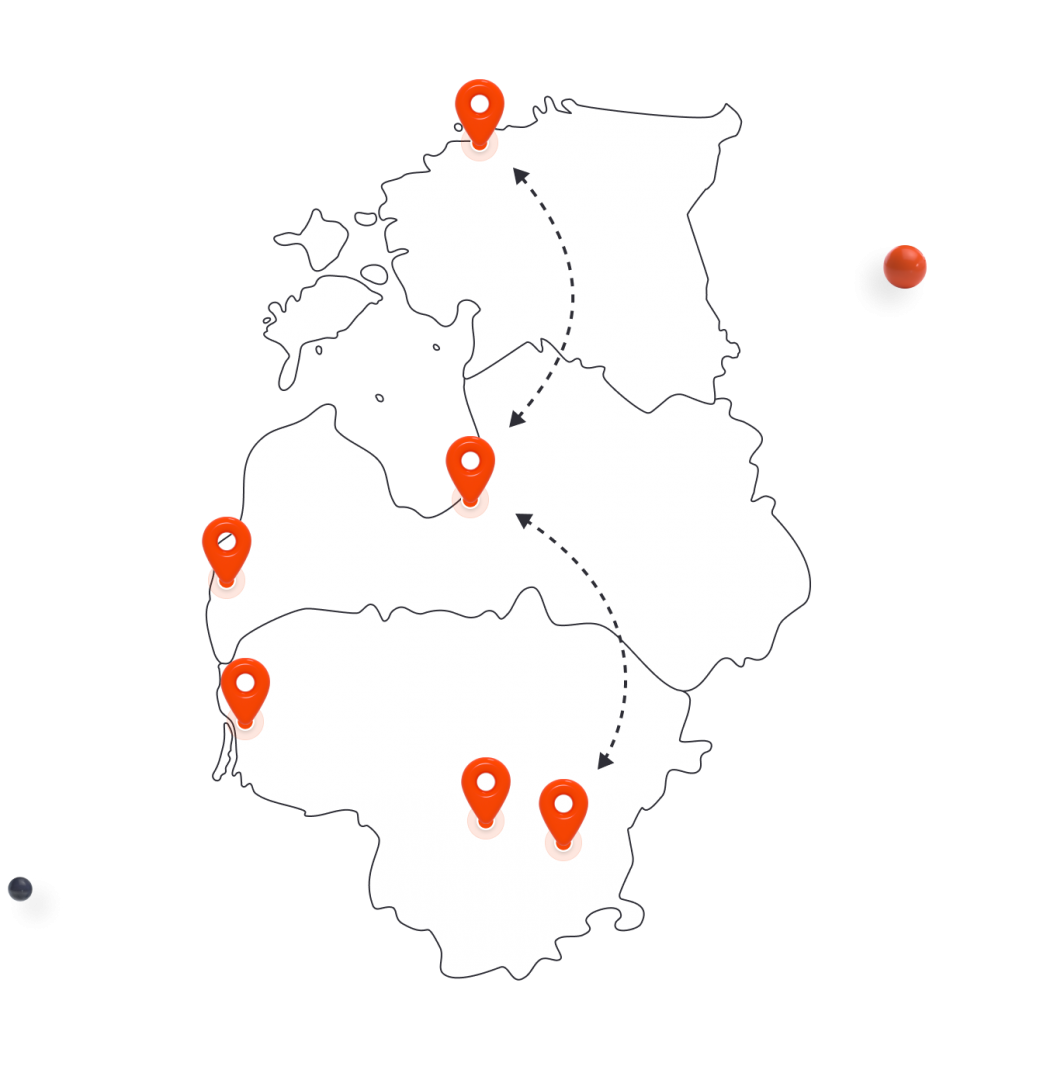
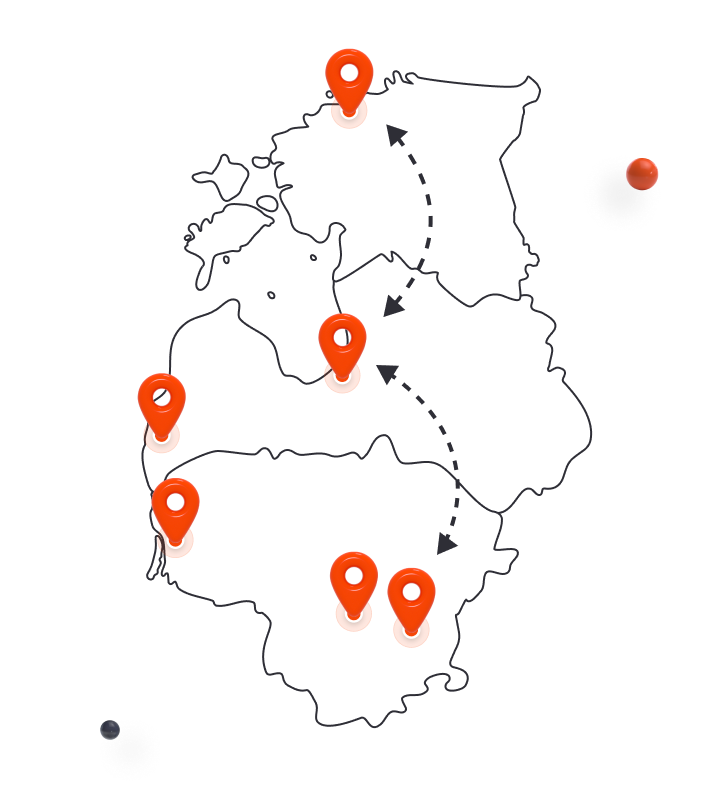

And more than 10 cities including Vilnius, Riga and Tallinn!

And all of them come to fleet brand new of which almost 40% are hybrids!

Over 400,000 users all over Lithuania!
There are 50 Fiat 500 bees in Vilnius for city trips.
The car can be picked up in Vilnius and left in Kaunas or vice versa.
We operate in Klaipeda, Palanga, Neringa, Kretinga and Gargždai!
We operate in Warsaw, Gdansk, Krakow, Wroclaw, Poznan and other cities.
We delight customers in Lithuania, Spain and Poland throughout the season.
We operate in cities such as Riga, Tallinn, Liepaja and Tartu!
We are temporarily suspending operations in Poland.
Electric cars join the hive!
There are 50 Fiat 500 bees in Vilnius for city trips.
The car can be picked up in Vilnius and left in Kaunas or vice versa.
We operate in Klaipeda, Palanga, Neringa, Kretinga and Gargždai!
We operate in Warsaw, Gdansk, Krakow, Wroclaw, Poznan and other cities.
We delight customers in Lithuania, Spain and Poland throughout the season.
We operate in cities such as Riga, Tallinn, Liepaja and Tartu!
We are temporarily suspending operations in Poland.
Electric cars join the hive!
Visit the FAQ page and check the answers to the Frequently Asked Questions.