Price Calculator
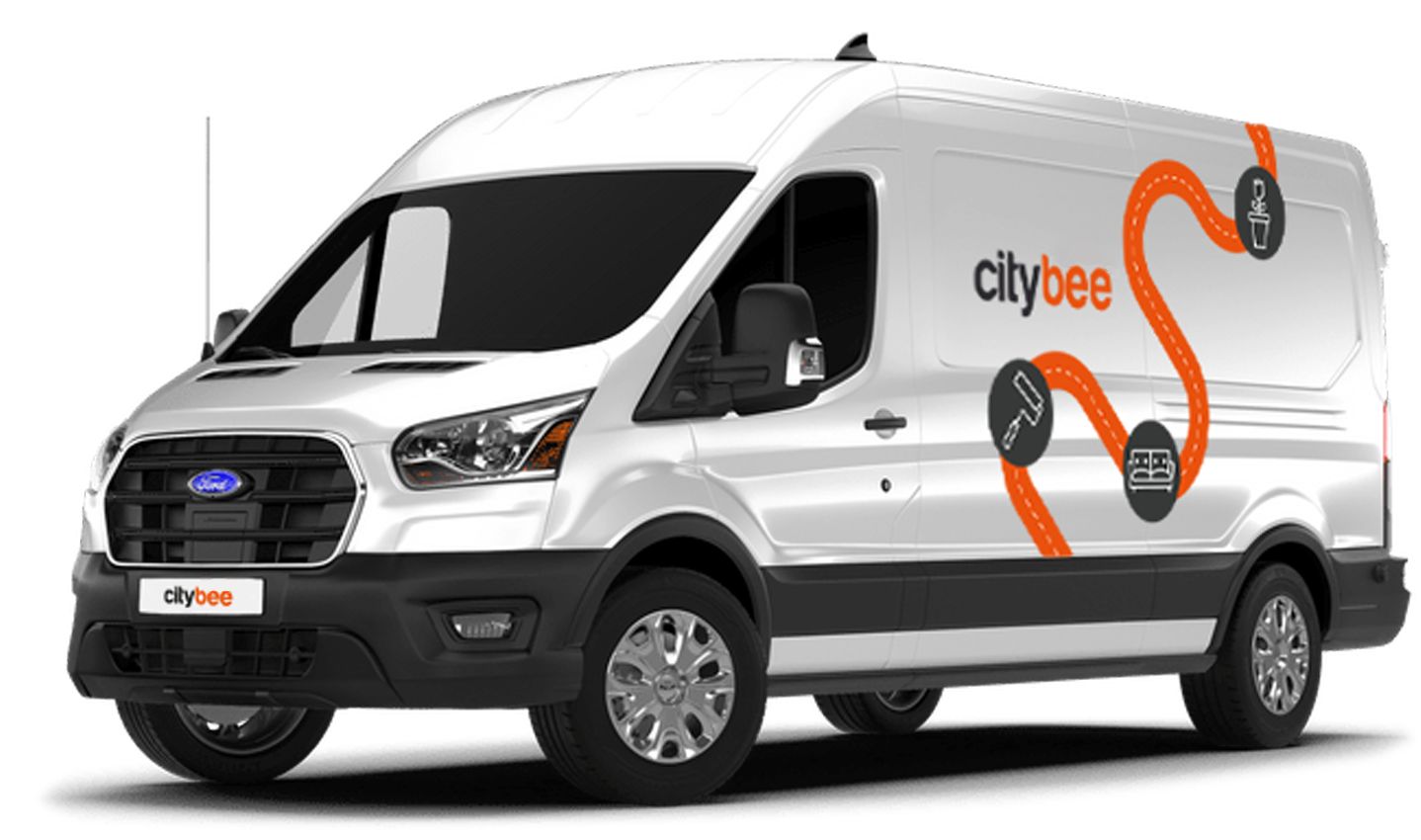
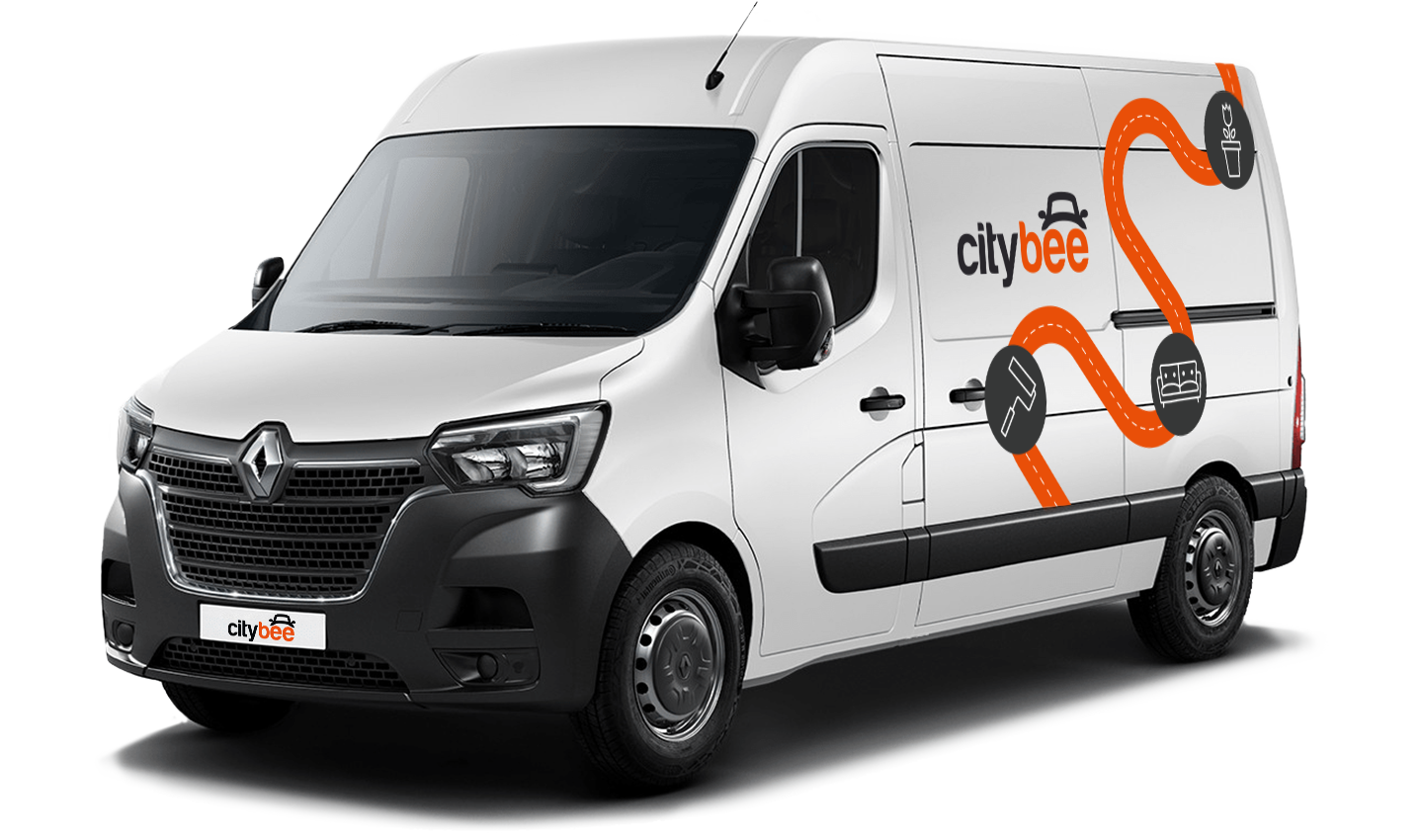
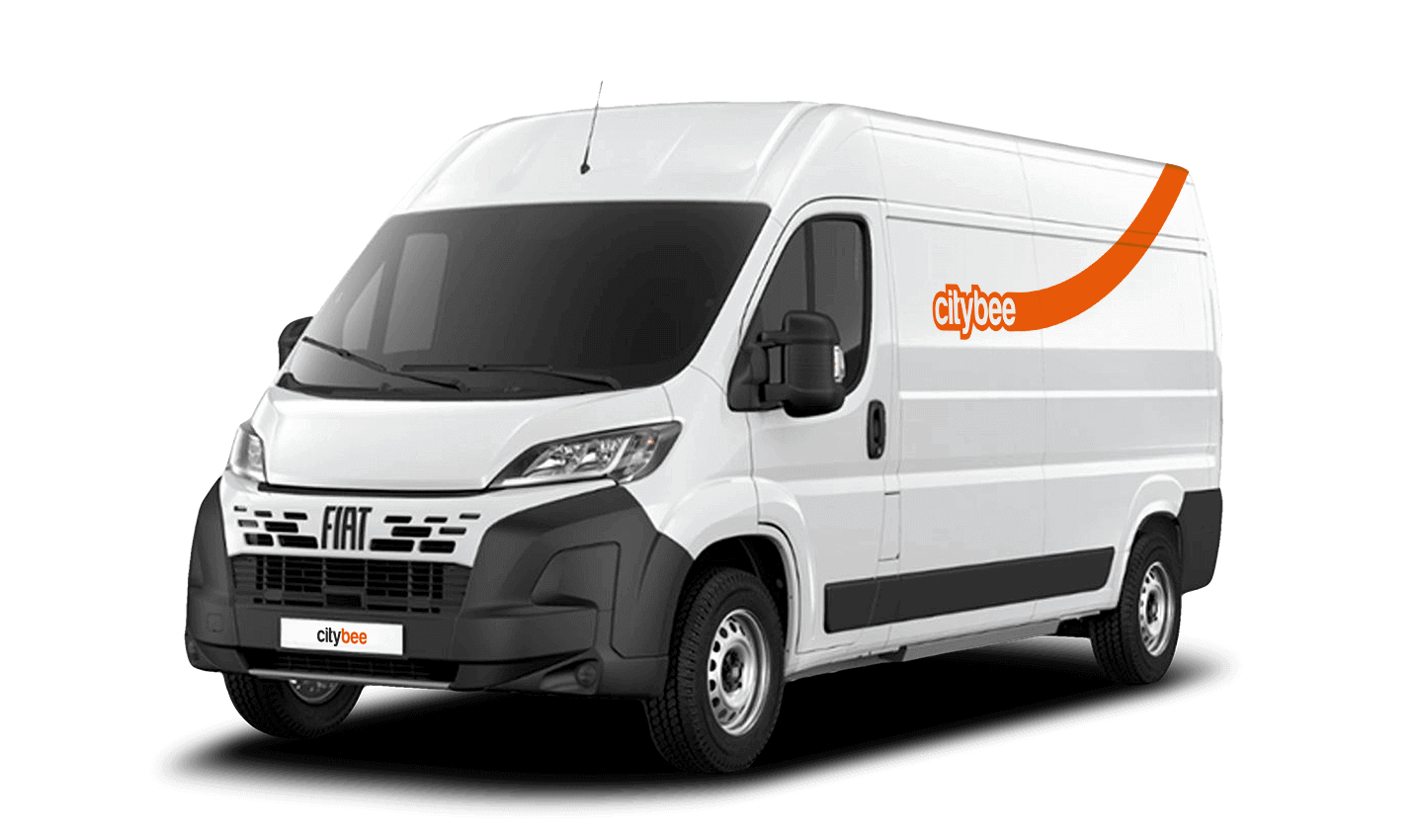
Fiat Ducato
The price of this journey would be
0€
Trip start fee of 0.44€ is included in the price calculation.
If you paid for fuel using your own money, we’ll reimburse the cost. To request a refund, make sure to save the receipt and simply follow this process.
CityBee currently offers long-term car rentals.
It can be any car from the CityBee fleet. Use is no different from a short-term CityBee rental, and all the benefits offered (insurance, fuel, washing) remain as well. When renting a car (s) for a longer period, we can offer having a private fleet (or car) that operates in the exact same manner as a regular CityBee service. Employees who have access to CityBee on behalf of the company would be able to reserve, unlock, and use cars the usual way. In such a case, the said cars would not be visible to our other users but the employees could easily share them. The rental of the car (s) would be invoiced in the same manner as in the second case.
Car rental rates CityBee Lithuania;
Car rental rates CityBee Latvia;
Car rental rates CityBee Estonia.
The radar function in the CityBee app helps the user to be the first to know if any of the CityBee cars are nearby his location at a specific time chosen by the user.
The radar function icon can be found in the “Search” section of the app, to the left of the “Filter” icon. When you click on the icon and activate the radar, it will turn blue.
The minimum radar distance is 150 meters, the maximum – 1250 meters.
When activating the radar, you can choose between two options:
Notification without automatic reservation – when a CityBee car appears at the specified time and distance, the app will send a message to the user to inform them about it.
Automatic reservation – when a CityBee car appears at the specified time and distance, an automatic car reservation will be made by choosing the “Pay as you go” tariff. The tariff can be changed after car reservation. Car reservation remains free until the end of the free reservation period (15 min).
Additional information:
The radar function will be activated at the specified time and will remain active until you reserve your car. If the car is not available within 2 hours, the radar will switch off. The radar function detects only cars that are incoming in the current location of the user and chosen distance when the radar function is activated.
We process your personal data in accordance with the General Data Protection Regulation (BDAR) and other legal requirements.
In order to provide you with services and administer them, we process your name, contact details, other data required for the use and provision of the services. The CityBee Privacy Policy provides detailed information on the purpose of processing your personal data and the duration of storage thereof.
‘CityBee’ zones shown on the app map indicate where you can start, pause, or end your trip. Always follow local traffic and parking rules, and avoid restricted areas such as ‘No Parking’, ‘Reserved’, or private spaces.
Please do not leave ‘CityBee’ cars in underground or multi-story car parks, private driveways, lawns, or areas with time-regulated parking.
Important: parking zones are different for passenger, van, and electric van vehicles.
Zone Types and How They Work
Transparent (light) areas are the main ‘CityBee’ zones. Here, you can freely end your trip or park temporarily free of charges as long as you follow parking rules and don’t use disabled, reserved, or private spots. If you park in a private paid lot such as Citypark, Unipark, Europark (unless stated otherwise), you are responsible for the parking fee.
Yellow zones may include an extra fee or a discount when starting or ending a trip, depending on the zone. Tap the yellow zone or (€) icon in the app to view details.
Grey (dark) zones are areas where trips cannot be ended. You can drive through them or park temporarily, but if you do, you’ll need to pay any parking fees yourself.
If you want to finish your trip, you must move to a transparent or yellow zone.
Private or Paid Parking Lots
Parking in private paid lots is allowed unless stated otherwise, but you will need to cover the parking cost yourself.
Country-Specific Parking Rules
Lithuania: You can park the car in public city parking free of charge if it’s a ‘CityBee’ permitted zone displayed in the app. Be aware of private parking exceptions and traffic rules described above. You can find parking zones in Vilnius, Kaunas, Klaipėda, Palanga, Kretinga, Gargždai, Jonava and Rukla.
Latvia: You can freely park the car in public city spaces in Riga, Jūrmala (no need to buy entry pass), Liepāja, Ventspils and Ādaži. If the car is parked in a private paid parking lot (e.g., Citypark, Europark), except for these exceptions, the driver covers the parking fee themselves. Riga City Parking zones, except for Zone R, are free of charge for ‘CityBee’ users.
Estonia: Parking is free in public city spaces (except Old Town) and in selected Europark private car parks. If you park in a private paid lot, you must pay for parking yourself.
Travelling Between Cities and Countries
❗ You’re welcome to take a CityBee car across the Baltics (Lithuania, Latvia, Estonia) and finish your trip in any CityBee zone you see in the app. Just keep in mind that a €69 cross-border fee applies when a trip starts in Latvia or Estonia and ends in Lithuania.
More information about the reason for this additional fee can be found here.
If you end the trip in Latvia or Estonia, no additional fees will be charged.
Van drivers should note that in some cases, road vignettes or passes may need to be purchased separately, depending on local regulations.
Before You End Your Trip
1. Open the ‘CityBee’ app, click ‘Reservation’ and check your current zone.
2. Ensure you are in a transparent or yellow zone.
3. Review any applicable fee or discount in the app.
4. Confirm you are parked correctly according to traffic and parking rules.
5. Avoid grey zones, restricted areas, or private driveways.
To sign up, you need to download the CityBee app to your smart iOS or Android phone.
To register, enter the requested personal data and a valid telephone number to verify signing up.
The final step is to link a payment card to your CityBee account.
If you want to use a car-sharing service, you must confirm your driving license’s validity. You can do it just in a few minutes by following the instructions in the app!
When you refill a bee with a fuel level less than 25% volume of the tank capacity, a 2 EUR discount will be added to your account for future trips.
ATTENTION! Discount for refueling the car is applied only when the fuel drops to 1/4 volume of the tank capacity and you need to fill a full tank. The discount is given just once during your trip.
❗The discount will be added to your account within about an hour after the refueling.
How to refuel: https://intercom.help/citybee/en/articles/4890184-do-you-need-to-pay-for-the-fuel.
A minimum fee will still be charged if the trip is less than it. Discounts will be applied after that.
Thank you for taking care of our bee!
CityBee bees are new (not older than 2 years), technically sound cars. You can see the models of cars currently in CityBee Park here:
CityBee park in Lithuania https://citybee.lt/lt/transportas;
CityBee park in Latvia https://citybee.lv/en/transport/;
CityBee park in Estonia https://citybee.ee/en/transport/.
The price of this journey would be
0€
Trip start fee of 0.44€ is included in the price calculation.